Claude Cowork: Complete Guide to Features, Pricing and Real Use Cases (2026)
Everything you need to know about Claude Cowork, Anthropic's AI agent for knowledge work, from features and pricing to setup and safety.
On this page
- Key takeaways
- What is Claude Cowork?
- Claude Cowork timeline
- What Claude Cowork can do
- Real examples of Cowork tasks
- How Claude Cowork works under the hood
- Claude Cowork pricing
- How to get started with Claude Cowork
- Safety: what to watch for
- Limitations
- Claude Cowork vs alternatives
- Is Claude Cowork worth it?
- Using Cowork for marketing and AEO work
- Frequently asked questions
Last updated: 17 November 2026
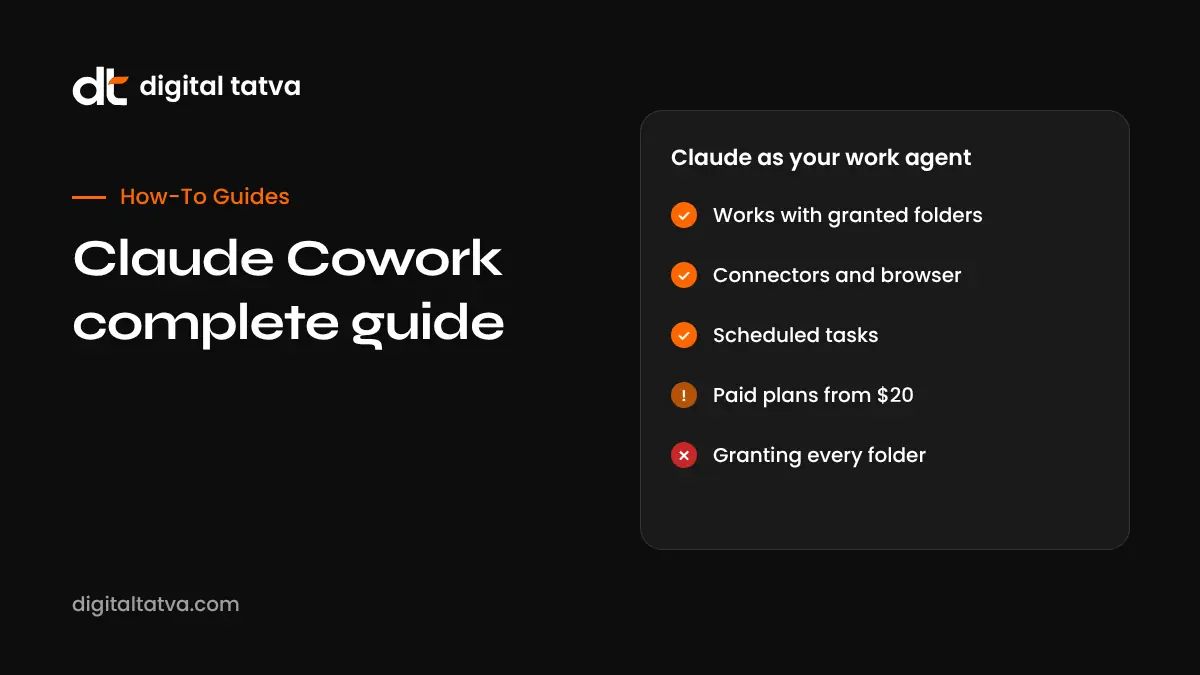
Quick answer: Claude Cowork is Anthropic’s AI agent for everyday knowledge work. Instead of only chatting, it works with files and folders you grant, uses connected apps such as Google Workspace, Microsoft 365 and Slack, browses the web, runs multi-step tasks and can run on a schedule. It started as a desktop research preview in January 2026, became generally available in April, reached web and mobile in July, and from September began merging into the normal Claude conversation. It is included on paid plans (Pro from $20 a month), but heavy agent tasks use far more allowance than chat, so many regular users choose Max or higher.
Key takeaways
- Cowork brings the agent abilities of Claude Code to non-technical work: documents, spreadsheets, research, email and admin.
- Anthropic’s own analysis of 1.2 million anonymised sessions found 91.3% had nothing to do with software development.
- It works with folders you grant, connectors, a browser, plugins and scheduled tasks. New tasks on Pro, Max and Ultra run in the cloud by default since October 2026.
- It is not available on the Free plan. Pro is $20 a month, Max $100 and Ultra $200, with Team and Enterprise options.
- Treat it like a capable assistant with access to your files: grant only the folders it needs, keep backups and review actions that delete or send things.
What is Claude Cowork?
Most people first met Claude as a chatbot: you type, it replies. Cowork changes the model. You describe an outcome, such as “turn these 40 invoices into a summary spreadsheet and flag anything overdue”, and Claude plans the steps, opens the files, does the work, and hands back finished output. Anthropic has described it as bringing the power of Claude Code to knowledge work.
Cowork is one of the main reasons Claude’s usage grew so fast in 2026. Semrush data reported by Exploding Topics shows Claude’s monthly web visits rising from 287.9 million in February 2026 to 967.9 million in June 2026, a 236% increase, and a16z’s October 2026 report credits Cowork, Claude Design and new models for Claude reaching number one among free US mobile apps for the first time.
If you are new to Claude in general, start with how to use Claude. If you are a developer, Claude Code is the terminal-based sibling built for software work.
Claude Cowork timeline
| Date (2026) | Milestone |
|---|---|
| 12 January | Research preview on macOS for Max subscribers; Pro followed on 16 January |
| 10 February | Windows version released |
| 13 February | Microsoft 365 connector (Outlook, OneDrive, SharePoint, Teams) |
| 25 February | In-app task scheduling |
| 23 March | Computer use enabled in Cowork for Pro and Max (beta) |
| 9 April | General availability on macOS and Windows |
| 7 July | Web, iOS and Android support, plus cloud sessions (beta) |
| 16 September | Cowork and chat begin merging into one conversation, starting with Pro and Max |
| 6 October | New Cowork tasks on Pro, Max and Ultra run in the cloud |
| 30 October | Plan names updated: Max 5x becomes Max, Max 20x becomes Ultra |
Timeline compiled from Anthropic announcements as summarised by independent guides in November 2026. Features and rollout vary by plan and account.
What Claude Cowork can do
Work with your files
Cowork can read, create, edit and organise files in folders you grant. Typical jobs include renaming and sorting downloads, building a spreadsheet from a pile of PDFs, drafting a report from meeting notes, or converting documents between formats. Access is limited to the folders you choose.
Use your connected apps
Connectors let Cowork work with tools such as Google Workspace, Microsoft 365, Slack, Jira and DocuSign. It can read a thread, pull figures from a sheet, draft a reply or create a document where your team already works.
Browse and use the web
Cowork can research online, read pages and, where enabled, operate a browser for tasks such as filling in forms or collecting information from several sites.
Run multi-step tasks, sometimes in parallel
Larger jobs are broken into steps, and some can run as parallel sub-tasks. For example, researching ten competitors at once and then combining the findings.
Schedule recurring work
You can schedule tasks, such as a Monday morning summary of last week’s sales emails or a daily check of a shared folder.
Add plugins and skills
Plugins bundle skills, prompts and connector access for specific roles. Anthropic offers plugins for areas such as productivity, sales, legal, finance, HR and engineering, and organisations can create their own.
Real examples of Cowork tasks
| Role | Example request | What Cowork produces |
|---|---|---|
| Founder | “Summarise this month’s bank statements and invoices into a cash flow sheet” | A spreadsheet with categories and a short summary |
| Marketer | “Research five competitors’ pricing pages and compare plans” | A comparison table with links |
| Recruiter | “Shortlist these 60 CVs against the job description” | A ranked list with reasons |
| Consultant | “Turn these interview notes into a client-ready report” | A formatted document |
| Office manager | “Rename and file every receipt in Downloads by month” | Organised folders |
| Sales lead | “Every Monday, list deals with no reply in seven days” | A scheduled weekly report |
These are illustrative examples of the kinds of tasks people use Cowork for. Results depend on the quality of your files and instructions.
How Claude Cowork works under the hood
- Cloud and local. Since October 2026, new tasks on Pro, Max and Ultra run in isolated cloud sandboxes on Anthropic’s servers. They reach your local files and browser through the Claude desktop app, which needs to be open for that.
- Sandboxed. Local work runs inside a sandboxed virtual machine, and file access is limited to granted folders.
- Permission modes. In the merged experience, Auto mode is the default on Pro, Max, Ultra and Team, and Manual is the default on Enterprise.
- Models. Cowork uses Claude models such as Opus 5.5 and Sonnet 5.5, and the model picker remembers your last choice. See Claude Opus 5.5 and Claude Sonnet 5.5.
Claude Cowork pricing
| Plan | Price (US) | Cowork access |
|---|---|---|
| Free | $0 | Not included |
| Pro | $20 a month ($17 billed annually) | Included, baseline usage |
| Max | $100 a month | About 5x Pro usage |
| Ultra | $200 a month | About 10x Pro weekly usage |
| Team Standard | $25 per seat a month ($20 annually) | Included |
| Team Premium | $125 per seat a month ($100 annually) | Included, higher usage |
| Enterprise | Custom | Included; admins control settings |
Prices are US prices reported in November 2026 and may differ by country and tax. Agent tasks consume much more of your allowance than ordinary chat, because they read files, browse and take many steps. Light users can manage on Pro. People who rely on Cowork daily often find Max more practical. See Claude pricing, Claude Pro vs Max and Claude usage limits.
How to get started with Claude Cowork
- Choose a paid plan. Cowork is not on the Free plan.
- Install the Claude desktop app on macOS or Windows if you want Cowork to work with local files. Web and mobile work for cloud tasks.
- Grant a single test folder. Start with a folder of copies, not your only originals.
- Connect one app, such as Google Drive or Outlook, if the task needs it.
- Describe the outcome clearly. Say what you want, the format, where to save it and anything to avoid.
- Review the plan and results. Check the output before using it.
- Save repeatable work as a scheduled task once it works well.
Prompt tips for better results
- Be specific about the output: “a spreadsheet with columns for date, client, amount and status”.
- Say where files are and where results should go.
- Give rules: “do not delete anything”, “ask before sending any email”.
- Provide an example of a good result if you have one.
- Break very large jobs into stages.
Safety: what to watch for
An agent that can change files and send messages is powerful, and mistakes are real. Independent guides report a case where a user lost thousands of family photos after a command deleted a non-empty directory; most were recovered from cloud backup. Security researchers have also demonstrated prompt injection attacks, where hidden instructions in a document or web page try to make the agent leak files.
- Grant only the folders a task needs, and work on copies when testing.
- Keep backups of anything important.
- Use Manual permission mode for sensitive work, so actions need your approval.
- Be careful with untrusted documents and websites.
- Review emails and messages before they are sent.
Anthropic says sandboxing reduced permission prompts by 84% in internal testing while keeping work contained. Our guide to AI agent security covers more precautions.
Limitations
- Tasks are single-user; you cannot hand an in-progress run to a colleague.
- Scanned PDFs and complex layouts can be handled unreliably.
- Local tasks depend on your computer being on and the desktop app open.
- Heavy use can hit plan limits quickly.
- Some project management tools rely on third-party connectors.
- Once Cowork is merged into the main Claude conversation on your account, you cannot switch back to the old separate mode.
Claude Cowork vs alternatives
| Tool | Best for | Key difference |
|---|---|---|
| Claude Cowork | Documents, spreadsheets, research and admin on your files | Works with granted folders, connectors and scheduled tasks |
| Claude Code | Software development | Terminal and IDE focused |
| Microsoft Copilot Cowork | Microsoft 365-centred organisations | Deep Microsoft 365 integration. See Copilot Cowork |
| ChatGPT dots | Always-on personal tasks | Runs on its own cloud computer; Pro plan. See ChatGPT dots |
| Manus | Autonomous web research and tasks | Cloud agent. See how to use Manus |
| Perplexity Computer | Research-led tasks | See Perplexity Computer |
For a wider view, read our list of the best personal AI agents and best AI agents.
Is Claude Cowork worth it?
If you spend hours each week moving information between documents, spreadsheets, email and the web, Cowork can save real time. The value comes from repeatable tasks: monthly reports, research summaries, file organisation and inbox triage. If you only need occasional answers, ordinary Claude chat on Pro is enough. If you are a developer, Claude Code is the better fit. Start small, measure the time saved on one recurring task, then expand.
Using Cowork for marketing and AEO work
At Digital Tatva, we see agents like Cowork reshaping marketing workflows: compiling competitor research, drafting reports and organising content audits. They also change how your customers research you. As buyers ask AI assistants to research and shortlist vendors, being clearly described and recommended by AI matters more. See our AEO services.
Want to know how Claude, ChatGPT and Gemini describe your business? Try the free AI visibility checker or request an AEO audit.
Frequently asked questions
What is Claude Cowork?
Claude Cowork is Anthropic’s AI agent for knowledge work. It can work with files you grant, use connected apps, browse the web, run multi-step tasks and schedule recurring work.
Is Claude Cowork free?
No. Cowork is not included on the Free plan. It is available on paid plans starting with Pro at $20 a month in the US.
When did Claude Cowork launch?
It launched as a research preview on 12 January 2026 and became generally available on macOS and Windows on 9 April 2026.
Does Claude Cowork work on Windows?
Yes. A Windows version was released on 10 February 2026. Web, iOS and Android support followed in July 2026.
What is the difference between Claude Cowork and Claude Code?
Claude Code is built for software development in the terminal and code editors. Cowork is built for knowledge work such as documents, spreadsheets, research and email.
Can Claude Cowork access all my files?
No. Local access is limited to folders you grant. Grant only what each task needs.
Can Cowork run tasks on a schedule?
Yes. Task scheduling was added in February 2026, so you can run recurring jobs such as weekly reports.
Which Claude plan is best for Cowork?
Pro works for light use. Agent tasks use much more allowance than chat, so daily users often choose Max or Ultra.
Is Claude Cowork safe?
It runs in sandboxes and asks for permissions, but it can still make mistakes. Use backups, grant limited folders, use Manual mode for sensitive work and review messages before sending.
Is Cowork available in India?
Claude paid plans are available in India, and Cowork is included on eligible paid plans. Prices in rupees and taxes may differ from US prices.
Has Cowork merged into normal Claude chat?
From September 2026, Cowork and chat began merging into one conversation for Pro and Max users, with Team and Enterprise controlled by admins.
Product details, prices and features are checked at the time of writing and can change. Sources are linked in the text so you can check them yourself.
How does your brand appear in AI answers?
We test the questions your buyers ask across the major AI assistants and search engines, then show you what to fix first.
Get an AI Visibility Audit