Hugging Face Explained for Beginners (2026 Guide)
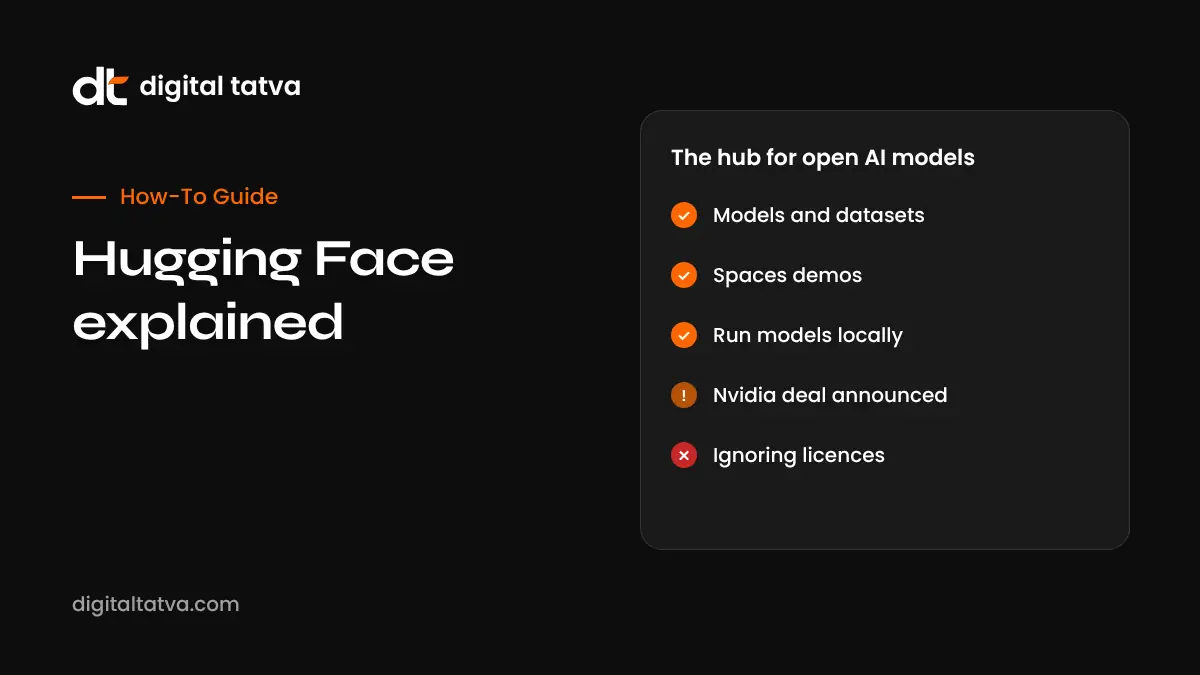
A beginner-friendly guide to Hugging Face, the hub for open AI models.
On this page
- Key takeaways
- What is Hugging Face?
- The main parts of Hugging Face
- Nvidia’s acquisition of Hugging Face
- How to use Hugging Face without coding
- How developers use Hugging Face
- Key terms explained simply
- Is Hugging Face free?
- Licences: the most important thing beginners miss
- Safety tips
- Hugging Face for Indian languages
- Illustrative example: a startup prototyping with Hugging Face
- Beginner checklist
- Why Hugging Face matters for AI visibility
- How Digital Tatva can help
- Frequently asked questions
Last updated: 17 November 2026
Quick answer: Hugging Face is the largest online hub for open AI models, datasets and demo apps, often called the “GitHub of AI”. You can browse millions of models, try them in free Spaces demos, download them to run on your own computer, or use them through hosted inference. It also makes popular open source libraries such as Transformers. In September 2026 Nvidia confirmed an agreement to acquire Hugging Face for about $12.9 billion, and said the platform would keep supporting work across different chips and clouds. For beginners, the best starting points are Spaces (no code), HuggingChat and the model pages with “Use this model” buttons.
Key takeaways
- Hugging Face hosts open models, datasets and Spaces demo apps.
- You can use it without coding through Spaces and HuggingChat.
- Developers use the Transformers library and inference providers to build apps.
- Always check a model’s licence before commercial use.
- Nvidia’s announced acquisition does not change free access today, according to the companies.
What is Hugging Face?
Hugging Face started in 2016 as a chatbot app and became the central place where AI researchers and companies share open models. Today, Meta, Google, Mistral, Alibaba’s Qwen team, DeepSeek, Microsoft, Nvidia, Indian projects and thousands of individuals publish models there. If you hear about a new open model, it is usually downloadable from Hugging Face. Learn more about the models themselves in our guide to open source AI models.
The main parts of Hugging Face
| Part | What it is | Who uses it |
|---|---|---|
| Models | Pages for AI models with files, documentation and licence | Developers, researchers |
| Datasets | Training and evaluation data shared publicly or privately | Researchers, data teams |
| Spaces | Hosted demo apps you can try in the browser | Everyone, including beginners |
| HuggingChat | A free chat app using open models | Beginners |
| Libraries | Transformers, Diffusers, Datasets, smolagents and more | Developers |
| Inference | Run models through hosted endpoints and partner providers | Businesses, developers |
| Enterprise Hub | Private hubs, security and team features | Companies |
Nvidia’s acquisition of Hugging Face
In early September 2026 Nvidia confirmed it had agreed to buy Hugging Face for just over $12.9 billion, according to SiliconANGLE and other outlets. Nvidia’s CEO Jensen Huang said Hugging Face would continue to support projects that run across multiple chip makers and clouds, and that users would not be required to run workloads on Nvidia hardware. Deals of this size usually need regulatory approval, so check the latest news for its status. Many in the open source community will watch closely whether the hub stays neutral.
How to use Hugging Face without coding
- Create a free account at huggingface.co. Browsing works without one, but an account lets you like, follow and use more features.
- Explore Spaces. Search for “background remover”, “text to speech”, “image to 3D” or “Hindi OCR” and try a demo in your browser.
- Try HuggingChat to chat with open models and compare them with ChatGPT.
- Read model cards. They explain what a model does, how it was trained, its limits and its licence.
- Check trending models on the homepage to see what is popular.
How developers use Hugging Face
- Find a model using filters for task (such as text generation, translation, speech recognition), language, size and licence.
- Click “Use this model” to see code snippets for Transformers, local apps like LM Studio and Ollama, or inference providers.
- Run it locally with the Transformers library or quantised versions in GGUF format. See how to run an LLM locally.
- Use hosted inference through Inference Providers or dedicated Inference Endpoints for production.
- Fine-tune with your own data using libraries and tools such as AutoTrain or TRL.
- Share your own models, datasets or Spaces publicly or privately.
Key terms explained simply
| Term | Meaning |
|---|---|
| Model card | The README for a model: purpose, training, limits, licence |
| Weights | The trained numbers that make up a model |
| Parameters | Size of a model; for example 8B means 8 billion |
| Quantised | A compressed version that runs on smaller hardware |
| GGUF | A popular file format for running models locally |
| Fine-tuning | Training a model further on your own data |
| LoRA | A lightweight way to fine-tune or add a style |
| Space | A hosted demo app |
| Gated model | A model you must request access to or accept terms for |
Is Hugging Face free?
Browsing, downloading public models and using many Spaces is free. Paid options include a PRO account for individuals with higher limits and extra features, Team and Enterprise plans for organisations, and pay-as-you-go compute for inference endpoints and upgraded Space hardware. Check the pricing page for current rates.
Licences: the most important thing beginners miss
“Open” does not always mean free for any use. Some models use permissive licences like Apache 2.0 or MIT. Others, such as some Llama versions, have custom licences with conditions, and some are for research or non-commercial use only. Image models such as some FLUX checkpoints allow commercial use of outputs but require a licence to serve the model commercially. Read the licence on each model page before you build a product. See our Flux AI review for an example.
Safety tips
- Prefer models from verified organisations or well-known authors.
- Use the safetensors format when possible, which is safer than older pickle files.
- Be careful running code from unknown Spaces or repositories.
- Never upload confidential data to a public Space.
- Test outputs for bias and accuracy before production use.
Hugging Face for Indian languages
Hugging Face hosts many models and datasets for Indian languages, including work from AI4Bharat, Sarvam and other Indian researchers. Search by language, such as Hindi, Gujarati, Tamil or Marathi, to find translation, speech and text models.
Illustrative example: a startup prototyping with Hugging Face
This is an illustrative scenario, not a client story.
A two-person edtech startup in Indore wants a Hindi voice feature for its learning app. The founders search Hugging Face for Hindi text-to-speech, try three Spaces in the browser, and shortlist a model with a permissive licence. A developer runs it locally to test quality on lesson scripts, then deploys it on a paid inference endpoint for the pilot. They keep student data out of public Spaces, document the model and licence in their product notes, and plan to re-evaluate when better models appear.
Beginner checklist
- Create an account and follow organisations you trust.
- Try five Spaces related to your work.
- Read at least one full model card.
- Check licences before commercial use.
- Learn to filter models by task, language and size.
- Try HuggingChat for open model chat.
Why Hugging Face matters for AI visibility
Open models trained on public web data shape how many AI tools understand brands. Clear, accurate public information about your business helps across both closed and open models. Read how AI search engines work.
How Digital Tatva can help
Digital Tatva helps businesses understand the AI landscape and improve how AI assistants describe them. See our AEO services.
Curious how AI models describe your brand? Request an AEO audit or try the free AI visibility checker.
Frequently asked questions
What is Hugging Face used for?
It is used to find, share, test and run open AI models and datasets, and to host demo apps called Spaces.
Is Hugging Face free?
Core features are free. Paid plans and compute are available for higher limits, private teams and hosted inference.
Do I need to code to use Hugging Face?
No. Spaces and HuggingChat work in the browser. Coding helps for running and building with models.
Did Nvidia buy Hugging Face?
Nvidia confirmed an agreement to acquire Hugging Face for about $12.9 billion in September 2026. Check current news for completion status.
Is Hugging Face safe?
The platform is widely used and scans files, but you should prefer trusted authors, use safetensors files and avoid running unknown code.
Can I use Hugging Face models commercially?
It depends on each model’s licence. Some allow commercial use, others restrict it.
What is a Hugging Face Space?
A Space is a hosted web app that demonstrates a model, such as an image generator or speech tool.
What is the Transformers library?
It is Hugging Face’s open source Python library for loading and using thousands of AI models.
Can I run Hugging Face models on my laptop?
Yes, smaller or quantised models can run on laptops using tools like LM Studio, Ollama or Transformers.
Are there Indian language models on Hugging Face?
Yes, many models and datasets support Hindi, Gujarati, Tamil, Marathi and other Indian languages.
Product details, prices and features are checked at the time of writing and can change. Sources are linked in the text so you can check them yourself.
How does your brand appear in AI answers?
We test the questions your buyers ask across the major AI assistants and search engines, then show you what to fix first.
Get an AI Visibility Audit