FLUX AI Image Generator Review 2026: FLUX.2 Models, Pricing and Licences
A detailed review of Black Forest Labs FLUX image models and how to use them.
On this page
- Key takeaways
- What is Black Forest Labs?
- FLUX models and pricing
- What FLUX does well
- Where FLUX falls short
- Licensing explained
- Where to use FLUX
- FLUX vs other image generators
- Prompt tips for FLUX
- Illustrative example: product imagery for a spice brand
- Checklist before using FLUX for business
- Verdict
- How Digital Tatva can help
- Frequently asked questions
Last updated: 17 November 2026
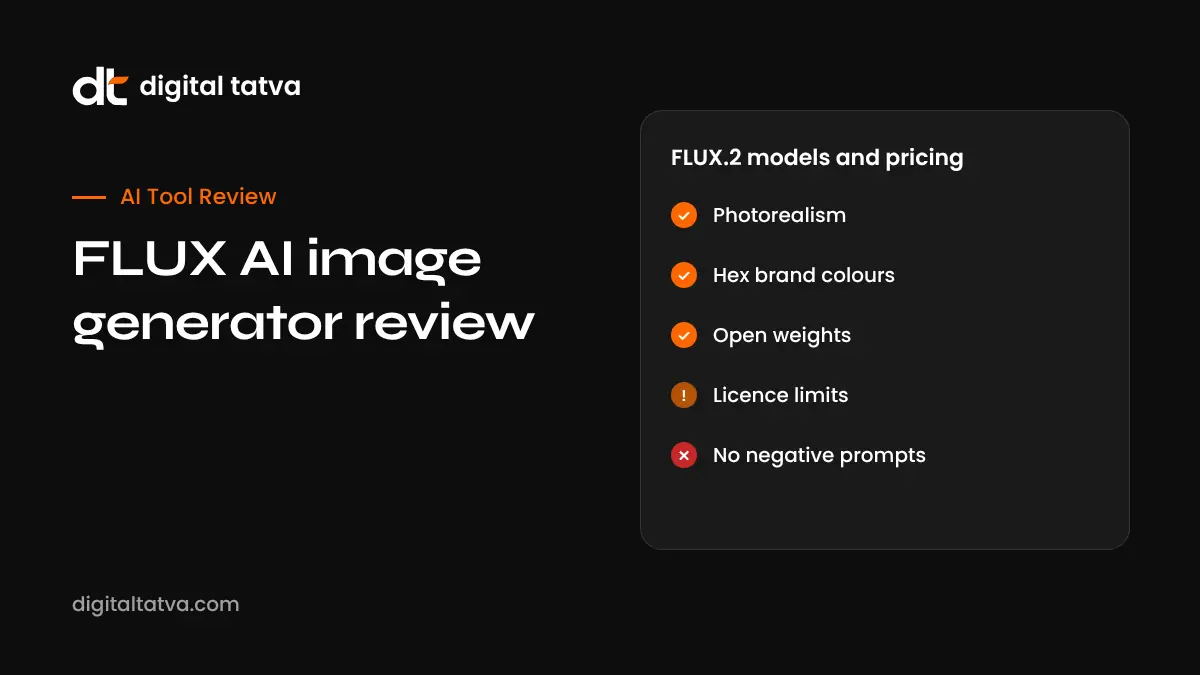
Quick answer: FLUX is a family of AI image models from Black Forest Labs, a German lab founded by researchers behind Stable Diffusion. The current FLUX.2 family includes Pro, Flex, Max, an open-weights Dev model and small, fast Klein models. FLUX is excellent for photorealism, accurate prompt following, readable text in images, brand colours by hex code and editing with up to 10 reference images on Max. Through the official API, prices start around $0.03 per megapixel for FLUX.2 Pro, and outputs from the API can be used commercially. You can also use FLUX inside tools such as Adobe Photoshop and Firefly, Krea, Freepik and others. Its main weaknesses: no negative prompt field, and some open models need a paid licence to deploy commercially.
Key takeaways
- FLUX.2 Pro is the best default; Max is the flagship for highest quality and grounded generation.
- Klein models are tiny and fast, and Klein 4B is Apache 2.0 licensed.
- FLUX is one of the strongest open-weights image model families available.
- Closed leaders such as OpenAI’s latest image model and Google’s Nano Banana still score higher on some leaderboards.
- Check licences before self-hosting for commercial use.
What is Black Forest Labs?
Black Forest Labs (BFL) launched in 2024 with FLUX.1, which quickly became one of the most popular image models, especially among people who run models locally. In 2025 it released FLUX.1 Kontext for editing images with instructions, then the FLUX.2 family. FLUX models also power image features in other products, including partner models inside Adobe Photoshop’s Generative Fill.
FLUX models and pricing
| Model | What it is for | Official API price (reported) |
|---|---|---|
| FLUX.2 Pro | Default high-quality generation and editing | About $0.03 per megapixel to create, $0.045 to edit |
| FLUX.2 Flex | Adjustable steps and guidance, strongest text rendering | About $0.05 to $0.06 per megapixel |
| FLUX.2 Max | Flagship quality, grounded web search, up to 10 reference images | About $0.07 per megapixel |
| FLUX.2 Dev (32B) | Open-weights flagship for research and self-hosting | Free weights, non-commercial licence for deployment |
| FLUX.2 Klein (4B, 9B) | Very fast generation, iteration and LoRA training | About $0.014 to $0.015 per image hosted |
| FLUX.1 Kontext Pro and Max | Earlier instruction-based editing line | About $0.04 and $0.08 per image |
Prices are from InVideo’s August 2026 summary of official BFL rates. Third-party platforms charge their own prices, which often differ. Check BFL’s website for current rates.
What FLUX does well
Photorealism
FLUX produces natural skin, lighting and textures, which makes it popular for product shots, lifestyle scenes and editorial images.
Prompt following
Long, detailed prompts with several subjects and positions are handled well. FLUX.2 also supports structured JSON prompting for precise control.
Text in images
Signs, labels and short headlines are often spelled correctly, especially with Flex. Long paragraphs are still unreliable.
Brand colours
You can specify hex colour codes, which helps keep brand palettes consistent.
Multi-reference editing
Max can combine up to 10 reference images, useful for keeping a product, character or style consistent across a campaign.
High resolution
Outputs up to about 4 megapixels.
Where FLUX falls short
- No negative prompt field; you steer only by describing what you want.
- Leaderboard scores trail the very top closed models on some tests.
- Open Dev and Klein 9B models need a paid BFL licence for commercial deployment.
- Hands, crowds and complex interactions can still fail.
- Pricing differs widely between resellers.
Licensing explained
| How you use FLUX | Commercial use of images |
|---|---|
| Official API (Pro, Flex, Max, hosted Klein, Kontext) | Allowed under BFL’s terms |
| Klein 4B self-hosted | Apache 2.0, broad commercial use |
| Dev 32B or Klein 9B self-hosted | Outputs can be used commercially, but serving the model commercially needs a paid licence |
| Through a third-party app | Follow that app’s terms |
This is a summary, not legal advice. Read the current licence on BFL’s site or the Hugging Face model page. See Hugging Face explained for how model licences work.
Where to use FLUX
- BFL API for developers.
- Adobe Photoshop and Firefly as partner models. See Photoshop AI features.
- Creative platforms such as Krea, Freepik, Leonardo and InVideo.
- Cloud platforms such as Cloudflare Workers AI and Azure AI Foundry.
- Local tools such as ComfyUI for open models on your own GPU.
FLUX vs other image generators
| Tool | Strength | Best for |
|---|---|---|
| FLUX.2 | Photorealism, open weights, hex colours | Product images, developers, self-hosting |
| ChatGPT image generation | Conversational editing, text accuracy | Quick graphics and edits |
| Google Nano Banana | Fast editing and consistency | Edits inside Gemini and Photoshop |
| Midjourney | Artistic style | Concept art and mood boards |
| Adobe Firefly | Commercially safe training approach, Adobe apps | Designers in Creative Cloud |
See the full list of the best AI image generators.
Prompt tips for FLUX
- Describe subject, setting, lighting, camera angle and style in natural sentences.
- Put text you want in the image inside quotation marks.
- Add hex codes for brand colours, such as “background in #FD6702”.
- For editing, describe only the change: “replace the blue mug with a white ceramic mug”.
- Use reference images for products or characters that must stay consistent.
Illustrative example: product imagery for a spice brand
This is an illustrative scenario, not a client story.
A small spice brand in Kerala needs lifestyle images for 12 products. The designer photographs each pack on a plain background, then uses FLUX.2 Max through a creative platform with the pack photo as a reference to place it on a rustic kitchen counter with morning light. Brand orange is set with a hex code. She checks that labels remain accurate, avoids generated text on the pack itself, and keeps the original product photos for listings where marketplaces require real images. AI images are used for social posts and the blog, not as a substitute for honest product photos.
Checklist before using FLUX for business
- Choose the right model: Pro for most work, Max for top quality, Klein for speed.
- Confirm commercial terms for your access route.
- Keep product details accurate; do not mislead customers.
- Avoid generating real people or trademarks without permission.
- Label AI images where platform rules or law require it.
- Store prompts and settings for consistent results.
Verdict
FLUX is one of the best image model families in 2026, especially if you want photorealism, brand colour control or open weights. For most businesses, using FLUX.2 Pro through a trusted platform is the simplest path. Developers and studios get extra value from the open models, provided they respect the licences.
How Digital Tatva can help
Digital Tatva helps brands use AI images responsibly in content that ranks in Google and gets cited by AI assistants. See our AEO services.
Want content that AI assistants trust? Request an AEO audit or try the free AI visibility checker.
Frequently asked questions
What is FLUX AI?
FLUX is a family of AI image generation and editing models made by Black Forest Labs.
Is FLUX free?
Some open models can be downloaded for free, with licence limits. The hosted API and most apps charge per image or by subscription.
How much does FLUX.2 Pro cost?
Official API pricing was reported at about $0.03 per megapixel to create and $0.045 to edit in 2026.
Can I use FLUX images commercially?
Images generated through BFL’s API can be used commercially under its terms. Self-hosted models have their own licences.
What is the difference between FLUX Pro and Max?
Pro is the default high-quality model. Max is the flagship with higher quality, grounded web search and up to 10 reference images.
What is FLUX Kontext?
Kontext is BFL’s earlier model line for editing images with plain instructions. FLUX.2 now includes editing too.
Is FLUX better than Midjourney?
FLUX is often better for photorealism and prompt accuracy. Midjourney is often preferred for artistic styles.
Can I run FLUX on my computer?
Yes, open models like Klein and Dev can run locally with a capable GPU using tools like ComfyUI.
Is FLUX in Photoshop?
Yes. Adobe added FLUX models as partner options in Photoshop’s Generative Fill and in Firefly.
Does FLUX support negative prompts?
No. FLUX relies on positive descriptions, so describe what you want rather than what to avoid.
Product details, prices and features are checked at the time of writing and can change. Sources are linked in the text so you can check them yourself.
How does your brand appear in AI answers?
We test the questions your buyers ask across the major AI assistants and search engines, then show you what to fix first.
Get an AI Visibility Audit