Luma vs Pika: AI Video Generator Reviews and Comparison (2026)
Reviews of Luma and Pika AI video tools with pricing and a side-by-side comparison.
On this page
- Key takeaways
- Luma at a glance
- Pika at a glance
- Luma vs Pika comparison
- How they compare with Runway, Kling, Veo and Sora
- Which should you choose?
- Tips for better AI video results
- Illustrative example: a café launching a new menu
- Checklist before you subscribe
- Verdict
- How Digital Tatva can help
- Frequently asked questions
Last updated: 17 November 2026
Quick answer: Luma and Pika are both AI video generators, but they now serve different users. Luma, with its Ray3 and Ray3.14 models, Dream Machine app and newer Luma Agents plans, targets creators and professional teams who want cinematic quality, HDR and editing tools, with plans from about $9.99 for Dream Machine Lite to $300 per month for Luma Agents Ultra. Pika focuses on quick, playful social videos with effects like Pikaffects, Pikaframes and Pikaswaps, and has a free plan with paid tiers from about $10 per month. Choose Luma for quality and control; choose Pika for fast, fun, low-cost clips. Credits are charged on submission, so failed generations still cost you on both.
Key takeaways
- Luma Ray3 brought HDR video and reasoning-style planning; Ray3.14 and Ray3 Modify added speed and editing.
- Luma Agents bundles several video models, including third-party ones, under one credit pool.
- Pika’s strength is effects and social-ready clips, not long cinematic shots.
- Both free tiers are watermarked and non-commercial.
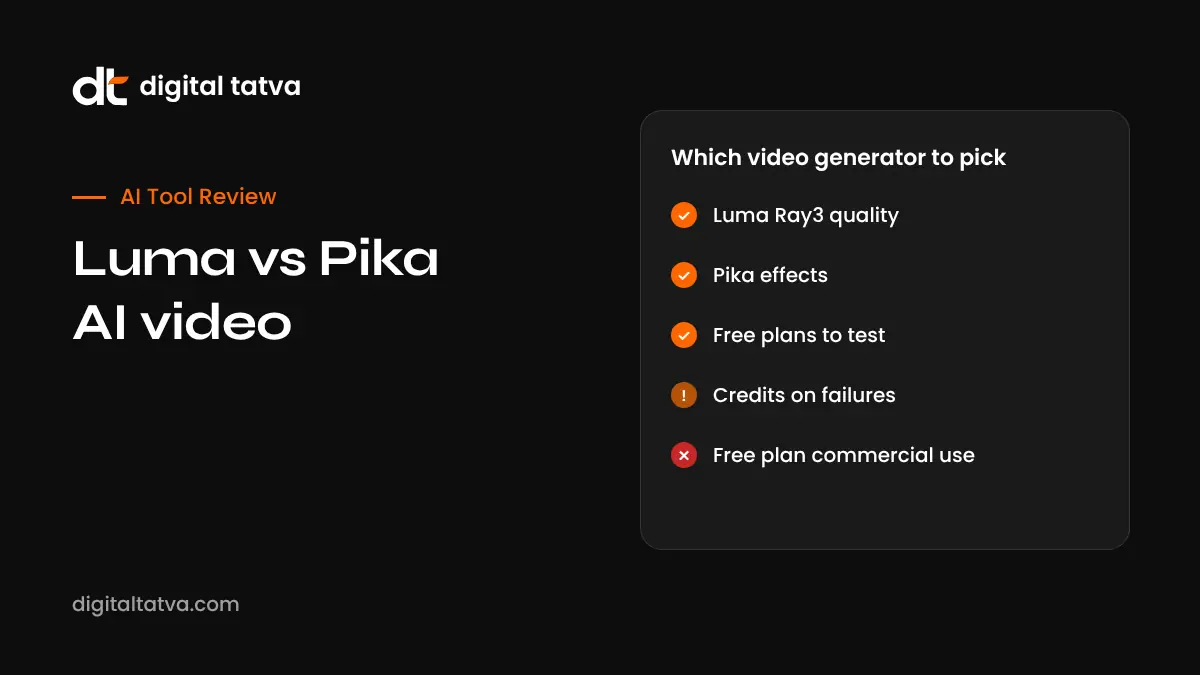
- Read cancellation and credit rules carefully; user reviews complain about failed generations costing credits.
Luma at a glance
Luma AI, based in San Francisco, launched Dream Machine in 2024. Its Ray3 model, released in 2025, introduced native HDR output and a reasoning approach where the model plans shots and checks its own drafts. Ray3.14 and Ray3 Modify followed, adding faster generation and video-to-video editing such as changing characters, wardrobe or settings while keeping performance. In 2026 Luma introduced Luma Agents, which plan and produce multi-shot content and give access to several models in one place.
Luma pricing
| Plan | Price per month | Notes |
|---|---|---|
| Dream Machine Free | $0 | Daily credits, watermarked, non-commercial |
| Dream Machine Lite | About $9.99 | 3,200 credits, watermarked, non-commercial |
| Dream Machine Plus | About $29.99 | 10,000 credits, no watermark, commercial use |
| Dream Machine Unlimited | About $94.99 | Fast credits plus unlimited relaxed mode |
| Luma Agents Plus | About $30 | 10,000 credits across bundled models |
| Luma Agents Pro | About $90 | 40,000 credits |
| Luma Agents Ultra | About $300 | 150,000 credits |
Figures are from eesel AI’s 2026 pricing summary and may change. Monthly credits do not roll over; top-up credits last longer. Annual billing is cheaper.
Luma strengths and weaknesses
- Strengths: cinematic motion and lighting, HDR output, strong image-to-video, video editing with Ray3 Modify, multi-model access in Agents.
- Weaknesses: credits spent on failed generations, confusing plan structure, higher cost for heavy use than some rivals such as Kling.
Pika at a glance
Pika Labs, founded by Stanford researchers, built a following with fast, playful tools. Its features include Pikaffects (melt, inflate, explode and other effects on objects), Pikaframes (keyframe transitions between images), Pikascenes (combining several images into one scene), Pikaswaps and Pikadditions (swapping or adding objects and people in video). Pika has also invested in a consumer social app experience, which shows its focus on everyday creators.
Pika pricing
Pika offers a free plan with limited monthly credits and watermarks, and paid plans starting around $10 per month, with higher tiers for more credits, faster generation and commercial use. Exact plan names and credits change often, so check Pika’s pricing page. Third-party trackers report frequent prompts to switch to annual plans, so read the checkout screen carefully.
Pika strengths and weaknesses
- Strengths: fun effects, quick social clips, low entry price, easy interface.
- Weaknesses: less cinematic realism, short clips, mixed user reviews on billing and support.
Luma vs Pika comparison
| Feature | Luma | Pika |
|---|---|---|
| Best for | Cinematic shots, ads, pre-visualisation | Social media effects and memes |
| Main models | Ray3, Ray3.14, Ray3 Modify, plus bundled third-party models in Agents | Pika’s own models and effects tools |
| Video editing | Strong video-to-video editing | Swaps and additions |
| HDR | Yes, with Ray3 | No |
| Free plan | Yes, watermarked | Yes, watermarked |
| Entry paid price | About $9.99 per month | About $10 per month |
| Commercial use | Plus and above | Paid tiers |
| Learning curve | Moderate | Easy |
How they compare with Runway, Kling, Veo and Sora
The AI video market moves fast. Google Veo, OpenAI Sora, Kling and Runway all compete on realism, audio and length. Luma’s Agents plans even include models like Veo and Kling in their bundle. For a broader view, see our lists of the best AI video generators, Runway vs Kling and our Kling AI review.
Which should you choose?
| If you need | Choose |
|---|---|
| Realistic product or brand film shots | Luma |
| Fun Reels and Shorts with effects | Pika |
| Editing existing footage with AI | Luma Ray3 Modify |
| Access to several models with one subscription | Luma Agents |
| The cheapest way to experiment | Pika or Luma free plans |
Tips for better AI video results
- Start with a strong image for image-to-video; it controls the look better than text alone.
- Describe camera movement: “slow dolly in”, “aerial pan”, “handheld”.
- Keep each clip to one clear action.
- Use drafts or low-resolution modes before spending credits on final renders.
- Edit clips together in a video editor and add real voiceover or music. See best AI video editors.
Illustrative example: a café launching a new menu
This is an illustrative scenario, not a client story.
A café chain in Bengaluru wants a 20-second teaser for its monsoon menu. The marketing lead photographs three dishes, uses Luma’s image-to-video to create slow, steamy close-ups, and edits them with real footage of the café. For Instagram Stories, she uses Pika to make a playful clip where a chai cup “inflates” into a balloon. She keeps both tools on monthly plans during the campaign, cancels Pika afterwards, and labels AI-generated content where platforms require it.
Checklist before you subscribe
- Test the free plan with your real use case.
- Confirm commercial use rights on your chosen plan.
- Understand how credits expire and whether failed jobs are refunded.
- Check cancellation steps before paying.
- Plan to combine AI clips with real footage and sound.
- Label AI content when required.
Verdict
Luma is the stronger choice for quality, editing and professional workflows. Pika is the easier, cheaper choice for playful social clips. Many creators use one premium tool and one quick effects tool together.
How Digital Tatva can help
Digital Tatva helps brands create video and written content that supports search and AI visibility, including YouTube optimisation. See our AEO services.
Is your content working in AI search? Request an AEO audit or try the free AI visibility checker.
Frequently asked questions
Is Luma better than Pika?
Luma is better for cinematic quality and editing. Pika is better for quick, playful effects. The right choice depends on your content.
Is Luma Dream Machine free?
Yes, there is a free plan with daily credits, watermarks and non-commercial use only.
How much does Luma cost?
Dream Machine plans range from about $9.99 to $94.99 per month, and Luma Agents plans from about $30 to $300 per month, based on 2026 reports.
Is Pika free?
Pika has a free plan with limited credits and watermarks. Paid plans start around $10 per month.
What is Luma Ray3?
Ray3 is Luma’s video model with native HDR and a reasoning approach that plans and refines shots. Ray3.14 and Ray3 Modify followed.
What are Pikaffects?
Pikaffects are Pika’s effects that transform objects in videos, such as melting, inflating or exploding them.
Can I use Luma or Pika videos commercially?
Yes, on qualifying paid plans. Free plans are non-commercial.
Do failed generations use credits?
Generally yes on subscriptions, according to 2026 reviews, so test with drafts first.
Which is better for Instagram Reels?
Pika is quick for fun effects; Luma is better for polished, realistic shots. Many creators use both.
Are there better alternatives?
Kling, Runway, Google Veo and OpenAI Sora are strong alternatives, each with different strengths and pricing.
Product details, prices and features are checked at the time of writing and can change. Sources are linked in the text so you can check them yourself.
How does your brand appear in AI answers?
We test the questions your buyers ask across the major AI assistants and search engines, then show you what to fix first.
Get an AI Visibility Audit