Free AI Image Generators With No Watermark
Which free AI image generators add no visible watermark in 2026: ChatGPT, Copilot, Firefly, Ideogram, Leonardo and Canva compared, plus the invisible marks and licensing catches.

On this page
- Key takeaways
- Free AI image generator comparison: quick answer table
- Visible vs invisible watermarks: what “no watermark” really means
- The best free AI image generators with no visible watermark
- Gemini and Nano Banana: free, but with a visible sparkle
- Free plan catches that matter more than watermarks
- Which free AI image generator should you use?
- Frequently asked questions
- Verdict: the best free AI image generator with no watermark
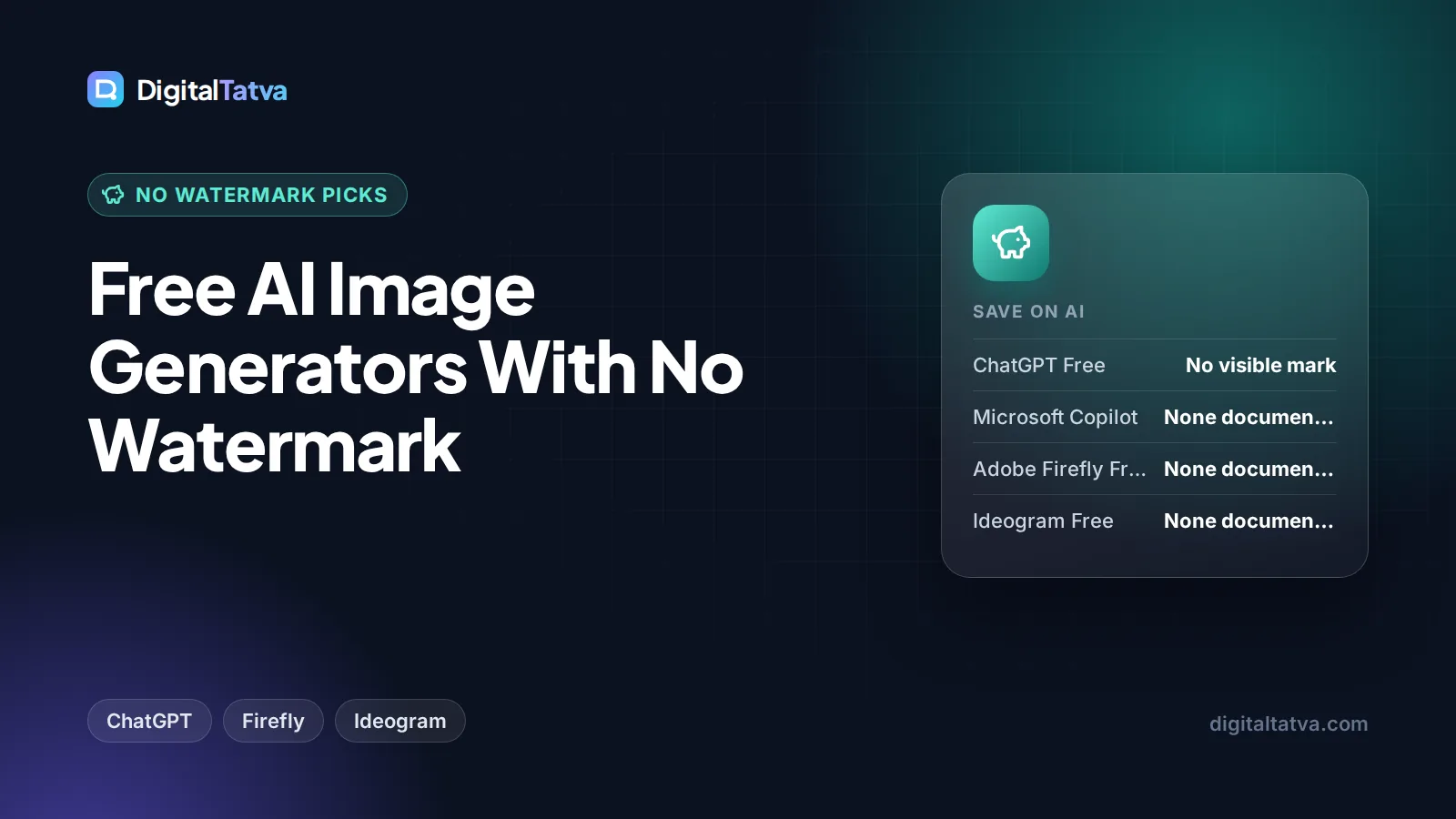
The best free AI image generator with no visible watermark is ChatGPT’s free plan, followed by Microsoft Copilot, Adobe Firefly’s free daily generations, Ideogram and Leonardo, none of which stamp a logo on your downloads. Gemini is the main exception: Google keeps a small Gemini sparkle on images from free users. Almost every tool still embeds invisible provenance data, such as C2PA Content Credentials or Google’s SynthID, which you should leave in place.
Below we compare the free AI image generators worth using as of October 2026, explain the difference between visible watermarks and invisible ones, and cover the licensing and privacy catches that matter more than the watermark for business use.
Key takeaways
- ChatGPT Free adds no visible watermark unless you ask for one, but its images carry C2PA metadata and a SynthID watermark.
- Adobe Firefly’s free daily generations and Microsoft Copilot attach Content Credentials (C2PA) rather than a visible logo.
- Ideogram and Leonardo free plans make your images public, and Leonardo keeps rights to reuse free-tier images.
- Gemini’s free plan keeps a visible sparkle watermark and 1K downloads; Google said it removes the sparkle only for AI Ultra subscribers.
- Do not try to strip watermarks or provenance data. Platforms, clients and some laws increasingly expect AI images to be labeled.
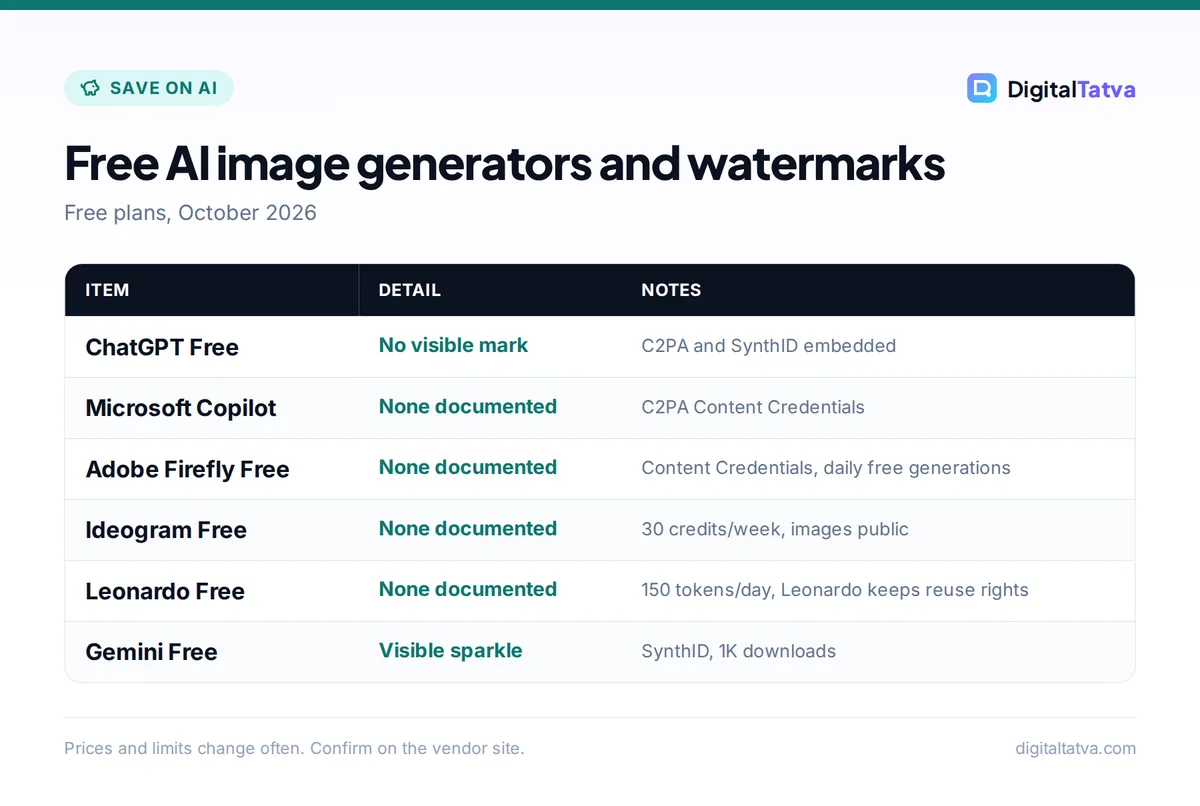
Free AI image generator comparison: quick answer table
This table shows what each free plan gives you and what it marks on your images, based on each vendor’s own pages in October 2026.
| Tool | Free allowance | Visible watermark | Invisible provenance | Main catch |
|---|---|---|---|---|
| ChatGPT Free | Limited image creation | No (only if you request one) | C2PA and SynthID | Tight limits on Free |
| Microsoft Copilot | Free with usage limits | None documented | C2PA Content Credentials | Limits vary by demand |
| Adobe Firefly Free | Limited free daily generations | None documented | Content Credentials | Small daily allowance |
| Ideogram Free | 30 credits a week (Google, Apple or Microsoft sign-in) | None documented | Not stated | All free images are public |
| Leonardo Free | 150 fast tokens a day | None documented | Not stated | Public images; Leonardo keeps reuse rights |
| Canva Free | Up to 20 AI uses | Only on Pro elements in designs | Not stated; terms ban removing provenance tags | Very small AI allowance |
| Gemini Free | Standard limits, 1K downloads | Yes, Gemini sparkle | SynthID | Visible mark on Free and AI Pro |
| Open models on your own PC | Unlimited, limited by hardware | No | Depends on the tool you use | Needs a capable GPU and setup time |
“None documented” means the vendor’s plan and help pages we read did not mention a visible watermark. Download a test image before you plan a campaign around any tool.
Visible vs invisible watermarks: what “no watermark” really means
When people search for a free AI image generator with no watermark, they usually mean no logo or text stamped on the picture. That is a visible watermark, and most good tools no longer add one. There are two other kinds of marks you cannot see:
- C2PA Content Credentials: signed metadata stored in the file that records which tool made or edited the image. OpenAI, Adobe and Microsoft all use it. OpenAI notes that C2PA “can sometimes be removed by platforms, editing tools, or file conversions.”
- Pixel watermarks such as SynthID: Google’s SynthID is embedded in the image pixels themselves and survives common edits. Google says all images from its tools carry it, and OpenAI says supported ChatGPT images include SynthID too.
Invisible provenance does not change how your image looks, so for social posts, blogs and slides it is not a problem. It simply lets platforms and fact-checkers identify AI images. OpenAI’s help article on C2PA in ChatGPT images explains both signals.
Watch out: Avoid “watermark remover” tools. Removing a visible mark can breach a tool’s terms, Canva’s AI terms explicitly prohibit removing provenance tags such as C2PA, and stripping AI labels can mislead your audience. If you need a clean image for commercial use, use a tool that does not add a visible mark or pay for a plan that removes it.
The best free AI image generators with no visible watermark
1. ChatGPT Free: Best overall free image generator
- Free allowance: limited image creation on the Free plan
- Visible watermark: No, unless you ask for a visible disclosure
- Upgrade: Go $8/month, Plus $20/month for higher limits
ChatGPT is the easiest free image generator because you just describe what you want and refine it in conversation: “make the background navy”, “add the headline at the top”. It handles text inside images far better than older models, which makes it great for quick social graphics and thumbnails. OpenAI adds C2PA metadata and SynthID to images, and you can request a visible AI disclosure if you want one. Free limits are tight, so heavy users move to Go or Plus; see our ChatGPT pricing guide.
Skip it if: you need dozens of images a day for free.
2. Microsoft Copilot: Best for free images in Windows and Edge
- Free allowance: free Copilot with usage limits
- Visible watermark: none documented
- Upgrade: Microsoft 365 Personal $9.99/month or Premium $19.99/month
Microsoft’s Copilot app and the Microsoft 365 Copilot app’s Create feature generate images from text prompts. Microsoft says it applies “content credentials provenance, based on the C2PA standard”, which you can view on the Content Credentials site. It is a convenient pick if you already work in Windows, Edge or Microsoft 365.
Skip it if: you need fine creative controls or style presets.
3. Adobe Firefly Free: Best for commercially safer images
- Free allowance: limited free daily generations, no plan needed
- Visible watermark: none documented; Content Credentials attached
- Upgrade: Firefly Standard $9.99/month (2,000 credits)
Adobe says its Firefly models are “commercially safe” because they are trained on licensed Adobe Stock and public domain content, and outputs carry Content Credentials. The free plan gives limited daily generations across standard and premium features, including some partner models such as Gemini’s Nano Banana, GPT Image and FLUX. Partner model outputs may carry different terms, so stick to Adobe’s own models for client work. See the official Firefly page and our Canva vs Adobe Firefly comparison.
Skip it if: you want more than a handful of images a day without paying.
4. Ideogram Free: Best for text in images
- Free allowance: 30 credits a week if you sign in with Google, Apple or Microsoft
- Visible watermark: none documented
- Upgrade: Plus $20/month or $15/month yearly (2,400 credits)
Ideogram is the go-to free tool for posters, quote cards and thumbnails with readable text. Its plan documentation notes that accounts created with an email and password get no free credits, so use a Google, Apple or Microsoft sign-in. The big catch: “On the free plan, everything you generate is public.” Ideogram has said free images can be used for any purpose, including commercial use, but never put confidential product launches into a public generator.
Skip it if: your images must stay private.
5. Leonardo Free: Best for style control and game art
- Free allowance: 150 fast tokens per day
- Visible watermark: none documented
- Upgrade: Essential $12/month or $9.60/month annually
Leonardo gives you more controls than most free tools, including model choice and style presets, and its daily token refresh is generous. Read the terms, though: free creations are public, and Leonardo’s FAQ says “Leonardo.Ai holds rights to use, reproduce, modify, and distribute any images you create.” Free users get a non-exclusive, royalty-free license for commercial use, but paid plans give “full ownership”. For logos and brand assets, our best AI logo generators are a safer choice.
Skip it if: you need exclusive rights to your images.
6. Canva Free: Best for turning images into finished designs
- Free allowance: up to 20 uses of Standard or Premium AI
- Visible watermark: only when a free design uses Pro elements
- Upgrade: Canva Pro $144/year (Rs 4,000/year in India)
Canva’s free plan includes a small AI allowance shared across its AI tools, including image generation. The value is that you can drop the image straight into an Instagram post, presentation or ad. Watermarks in Canva usually come from premium stock elements in a free account, not from AI generation, so stick to free elements. Canva’s AI terms say you own your output (except where it modifies licensed content) and prohibit removing provenance tags. Our Canva pricing guide explains Pro.
Skip it if: you need more than 20 AI generations.
7. Open image models on your own computer: Best for unlimited free images
- Free allowance: unlimited, limited only by your hardware
- Visible watermark: No
- Cost: free software, but a capable GPU helps a lot
Open-weight image models can run on your own PC through free community tools, with no credits, no public gallery and no logo on the output. The trade-off is setup time, hardware and the responsibility to check each model’s license for commercial use. This route suits technical users and designers who generate a lot. For the wider open model landscape, see our guide to open source AI models you can use for free.
Skip it if: you want results in two minutes on a phone or an older laptop.
Gemini and Nano Banana: free, but with a visible sparkle
Google’s Gemini app is one of the most generous free image tools, with image generation and editing powered by Nano Banana 2. But when Google launched Nano Banana Pro in November 2025, it said it would keep “a visible watermark (the Gemini sparkle) on images generated by free and Google AI Pro tier users”, removing it only for Google AI Ultra subscribers and in Google AI Studio. Free downloads are also capped at 1K resolution.
A July 2026 app teardown hinted at a possible watermark setting, but Google has not confirmed one. If you love Gemini’s editing, see our guide on how to use Nano Banana in Gemini, and check our Gemini pricing guide for the Ultra plan.
Free plan catches that matter more than watermarks
Public galleries
Ideogram and Leonardo make free images public. That is fine for general art but a real risk for unreleased products, client mockups or anything with a real person’s face.
Usage rights
Rights vary by plan. Leonardo keeps rights to reuse free images, while Adobe positions its own Firefly models as safe for commercial use. Midjourney, by contrast, has no free plan at all, and companies earning more than $1M a year must use its Pro or Mega plans; our Midjourney pricing guide has the details.
Daily limits
Free allowances are small and can tighten at busy times. For regular social content, a cheap paid plan often costs less than the time spent waiting for free credits to refresh.
Save money: Jio users can get Google AI Pro free for 18 months and Indian university students can get Google AI Plus free for a year, both of which raise Gemini image limits. See our guide to free AI Pro plans in India.
Which free AI image generator should you use?
| You need… | Best free pick | Why |
|---|---|---|
| Quick social graphics with text | ChatGPT Free or Ideogram | Strong text rendering, no visible watermark |
| Images for client or ad work | Adobe Firefly Free | Commercially safe Adobe models, Content Credentials |
| Finished designs fast | Canva Free | Generate and design in one place |
| Lots of experiments | Leonardo Free | 150 tokens refresh daily |
| Private, unlimited images | Open models on your PC | No gallery, no credits, no logo |
| Photo editing by chat | Gemini Free | Best free editing, but visible sparkle |
For the full paid and free ranking, read our 10 best AI image generators, and if Midjourney is your benchmark, see cheaper alternatives to Midjourney.
Frequently asked questions
Which free AI image generator has no watermark?
ChatGPT’s free plan adds no visible watermark unless you ask for one, and Microsoft Copilot, Adobe Firefly’s free tier, Ideogram and Leonardo do not document visible watermarks either. Most still embed invisible provenance data such as C2PA Content Credentials or SynthID. Gemini is the main exception, keeping a visible sparkle on free images.
Does ChatGPT put a watermark on images?
Not a visible one by default. OpenAI says supported images from ChatGPT, Codex and the API include C2PA metadata and a SynthID watermark, both invisible. You can ask ChatGPT for a visible AI disclosure if you want one. C2PA metadata can sometimes be stripped by platforms or file conversions, but SynthID is embedded in the pixels.
Can I use free AI images commercially?
It depends on the tool. Ideogram says free images can be used for any purpose, Leonardo gives free users a non-exclusive commercial license while keeping its own reuse rights, and Adobe calls its Firefly models commercially safe. Partner models and free tiers can have different terms, so read each tool’s license before using images in ads or products.
Is it legal to remove an AI watermark?
Removing a visible watermark or provenance data can break a tool’s terms of service. Canva’s AI terms, for example, prohibit removing provenance tags such as C2PA. Some platforms and regulators also expect AI images to be labeled. The safer route is to use a generator that does not add a visible mark, or pay for a plan without one.
What is the best free AI image generator in India?
ChatGPT Free is the best all-rounder in India, Gemini is the best free photo editor (with a visible sparkle), and Canva Free is handy for ready-made social designs. Jio users can unlock Gemini’s paid image limits through the free Google AI Pro offer, and students can claim Google AI Plus free until 31 December 2026.
Verdict: the best free AI image generator with no watermark
Start with ChatGPT Free for easy, watermark-free images with good text, use Adobe Firefly’s free generations for anything commercial, and keep Ideogram or Leonardo for extra free volume as long as public images are acceptable. Gemini is excellent for free photo editing, but expect the sparkle. Whatever you use, leave invisible provenance data intact and label AI images where platforms require it. Free limits and terms change often, so confirm the details on each vendor’s site before you build a workflow around them.
Related reading: 10 best free AI tools you can use today and best AI tools for social media marketing.
Pricing and features are checked at the time of writing and can change. Some links may be affiliate links, which never affect our verdicts.