Claude Meetings, Sheets and Whiteboards: Anthropic’s New Office Tools Explained
What Anthropic's new Claude office tools do, who gets them and how to use them safely.
On this page
- Key takeaways
- What Anthropic launched
- Claude Meetings in detail
- Claude Sheets in detail
- Claude Whiteboards in detail
- How Claude’s office tools compare
- Admin settings to know
- Privacy and consent: get this right
- Practical prompts to try
- Illustrative example: a marketing agency’s weekly sync
- Checklist before rolling out Claude’s office tools
- How Digital Tatva can help
- Frequently asked questions
Last updated: 18 November 2026
Quick answer: On 10 November 2026 Anthropic launched three new Claude workplace tools in beta. Claude Meetings joins Google Meet calls as a visible participant, takes notes, answers questions and builds plans, timelines and documents during the call; it is for Team and Enterprise plans. Claude Sheets creates and edits spreadsheets with tabs, formulas, formatting and drop-downs. Claude Whiteboards turns spoken plans and sticky notes into shared boards with timelines, owners and dates. Sheets and Whiteboards are available on paid plans on web, desktop and mobile. Anthropic also made Claude Data (formerly Dashboards) generally available and added interactive connectors for apps like Adobe, Atlassian and HubSpot.
Key takeaways
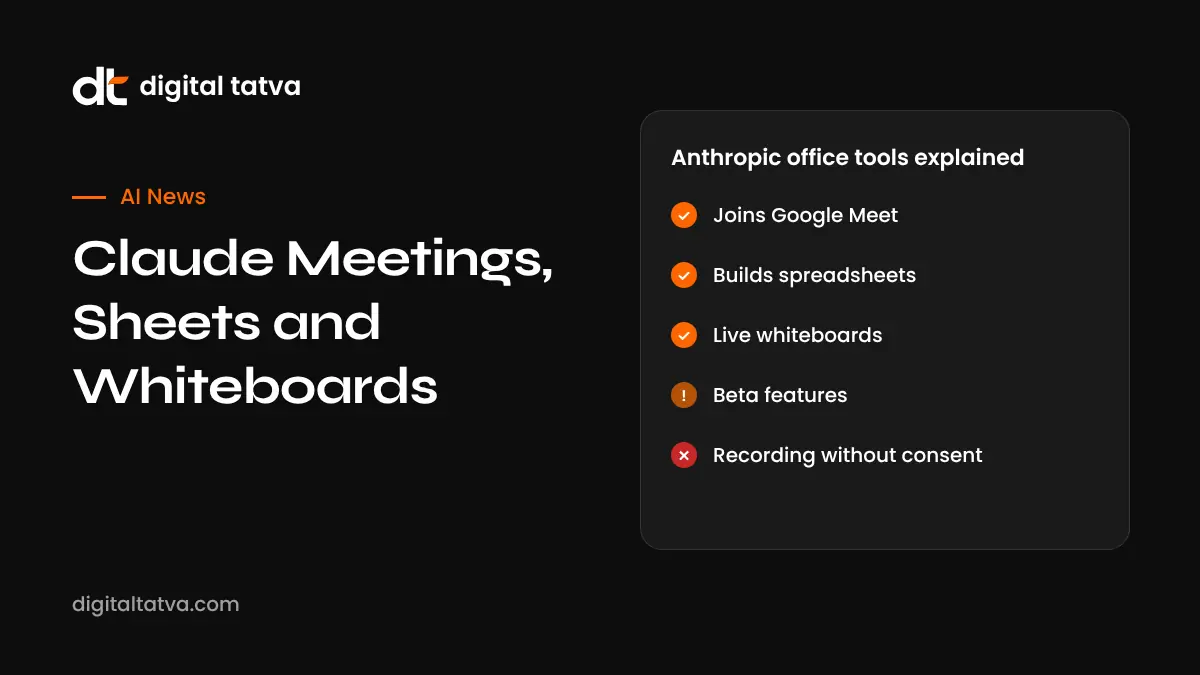
- Claude Meetings works only with Google Meet at launch and leaves automatically if an external guest joins, unless an admin allows it.
- Claude Sheets is described by Anthropic as having simple spreadsheet functionality for now, with export to .xlsx and CSV.
- Whiteboards can become a doc or slide deck and connect with Lucid, Miro and Vani by Zoho.
- These tools move Claude into territory long held by Microsoft 365 and Google Workspace.
- Tell participants when AI joins a meeting and set clear company policies.
What Anthropic launched
| Tool | What it does | Who gets it |
|---|---|---|
| Claude Meetings | Joins Google Meet, takes notes, answers chat questions, drafts plans and whiteboards live, pulls figures from connected apps | Team and Enterprise, beta |
| Claude Sheets | Builds and edits spreadsheets with tabs, formulas, formatting and drop-downs; explains each change | Paid plans, beta |
| Claude Whiteboards | Turns plans and notes into visual boards with timelines, owners and dates; converts to docs or decks | Paid plans, beta |
| Claude Data | Connects to warehouses and CRMs such as Snowflake, BigQuery and Salesforce to create dashboards and data stories | Generally available |
| Interactive connectors | Opens apps like Adobe, Atlassian, Box, Notion and HubSpot inside Claude so it can work within them | Rolling out |
Details from TechCrunch and other launch coverage. Features in beta can change.
Claude Meetings in detail
When invited to a Google Meet call, Claude appears as a named participant and posts a notice in the chat so everyone knows it is there. During the call it can:
- Take notes and capture decisions and action items.
- Draft the plan being discussed and update it as people talk.
- Map a timeline on a whiteboard in real time.
- Answer questions posted in the meeting chat.
- Pull numbers from connected work apps, such as last quarter’s sales.
After the call, notes and materials are saved in claude.ai. For privacy, Claude will not join calls with external guests unless an admin authorises it, and it leaves if an external guest joins. Zoom and Microsoft Teams support was not part of the launch.
Claude Sheets in detail
Ask Claude for “a hiring budget for five roles across two quarters with salary bands and totals” or “a campaign tracker with channels, budgets, owners and status drop-downs”, and it builds the sheet. You and your team can edit alongside Claude, and it summarises every change it makes. Sheets export to .xlsx and CSV, open in Claude for Excel, and move to tools like Airtable, Asana, monday.com and Smartsheet. Anthropic says sheets have simple functionality for now, so complex financial models still belong in Excel or Google Sheets. Compare with Copilot in Excel and Gemini in Google Sheets.
Claude Whiteboards in detail
Whiteboards suit planning sessions and retrospectives. Talk through a messy project plan and Claude lays out phases, owners and dates. In a retro, it groups sticky notes by theme and drafts action items for each person. Boards can be turned into a document or slide deck, and work with Lucid, Miro and Vani by Zoho.
How Claude’s office tools compare
| Need | Claude | Microsoft 365 Copilot | Google Workspace with Gemini |
|---|---|---|---|
| Meeting assistant | Claude Meetings (Google Meet) | Copilot in Teams | Gemini in Meet |
| Spreadsheets | Claude Sheets (beta) | Excel with Agent Mode | Sheets with Gemini |
| Whiteboards | Claude Whiteboards (beta) | Whiteboard and Loop | Third-party tools |
| Strength | Reasoning quality, connectors, agent features | Deep Office integration | Collaboration and Search grounding |
See our Microsoft Copilot review and Claude Cowork guide.
Admin settings to know
- On Team plans, Sheets, Whiteboards and Data are on by default.
- On Enterprise, Sheets and Whiteboards start off, and admins choose when to enable them.
- Admins control these features under Organization settings.
- Meetings is limited to Team and Enterprise plans.
Privacy and consent: get this right
An AI that listens to meetings raises real questions. Before using Claude Meetings:
- Tell participants that Claude will join and what it will record.
- Follow your company policy and local law on recording and consent. In India, the DPDP framework applies to personal data in recordings and notes.
- Avoid sensitive conversations, such as HR or legal matters, unless approved.
- Review and correct notes before sharing; AI summaries can misattribute statements.
- Check your plan’s data retention and training settings.
Read AI data privacy for business and AI rules in India.
Practical prompts to try
| Tool | Prompt |
|---|---|
| Meetings | Capture decisions and action items with owners and due dates, then draft a follow-up email |
| Sheets | Build a content calendar for December with date, topic, channel, owner and status drop-down |
| Sheets | Create a quarterly marketing budget with categories, monthly columns and variance to actual |
| Whiteboards | Turn this launch plan into a timeline with phases, owners and dates |
| Whiteboards | Group these retro notes by theme and suggest one action per person |
Illustrative example: a marketing agency’s weekly sync
This is an illustrative scenario, not a client story.
A 10-person agency in Ahmedabad uses Google Workspace and Claude Team. For its internal Monday sync, the team invites Claude Meetings, which captures decisions and builds a whiteboard of this week’s deliverables with owners. After the call, Claude Sheets turns the board into a tracker with status drop-downs. For client calls with external guests, the agency keeps Claude out by default and uses manual notes, in line with its consent policy.
Checklist before rolling out Claude’s office tools
- Confirm your plan and admin settings.
- Write a short AI meeting policy covering consent and sensitive topics.
- Pilot with internal meetings first.
- Check exports and integrations with your existing tools.
- Review notes for accuracy before sharing.
- Train staff on prompts and limits.
How Digital Tatva can help
Digital Tatva helps teams adopt AI tools sensibly and makes sure Claude and other assistants describe their business accurately. See our AEO services.
How does Claude describe your business? Request an AEO audit or try the free AI visibility checker.
Related reading: Grok Bot 1.0 and Microsoft Ignite 2026 announcements.
Related reading: Miro AI review and Zoom AI Companion and ZoomMate.
Related reading: How to Use AI in Meetings and AI Note Taker Privacy and Consent
Frequently asked questions
What is Claude Meetings?
A beta feature that lets Claude join Google Meet calls as a visible participant to take notes, answer questions and build plans and whiteboards in real time.
Does Claude Meetings work with Zoom or Teams?
Not at launch. Google Meet is the only supported platform so far.
Which plans include Claude Meetings?
Team and Enterprise plans, in beta.
What is Claude Sheets?
A beta spreadsheet tool in Claude that builds and edits sheets with tabs, formulas, formatting and drop-downs, explaining each change.
Can I export Claude Sheets to Excel?
Yes, to .xlsx or CSV, and you can open it in Claude for Excel.
What is Claude Whiteboards?
A beta tool that turns plans and notes into shared visual boards with timelines, owners and dates.
Are Claude Sheets and Whiteboards free?
They are available on paid Claude plans, not the free plan.
Is Claude Meetings private?
Claude announces itself in calls, avoids external guests by default and saves notes to claude.ai. Review your plan’s data settings and get participant consent.
What is Claude Data?
Formerly Claude Dashboards, it connects to data sources like Snowflake and Salesforce to create dashboards and data stories.
Will Claude replace Microsoft 365 or Google Workspace?
Not yet. The tools are in beta and simpler, but they show Anthropic’s push into everyday office work.
Product details, prices and features are checked at the time of writing and can change. Sources are linked in the text so you can check them yourself.
How does your brand appear in AI answers?
We test the questions your buyers ask across the major AI assistants and search engines, then show you what to fix first.
Get an AI Visibility Audit