Grok Bot 1.0: xAI’s Shared AI Teammate for Slack, Teams and Meetings
What Grok Bot 1.0 does for teams and how to roll it out safely.
On this page
- Key takeaways
- What is new in Grok Bot 1.0
- Plans and pricing
- How to set up Grok Bot for a team
- Grok Bot vs Claude Meetings vs Copilot
- Privacy and governance
- Cost and usage concerns
- Illustrative example: a startup’s project bot
- Checklist
- Good and bad jobs for a team AI bot
- Writing an AI teammate policy
- How Digital Tatva can help
- Frequently asked questions
Last updated: 19 November 2026
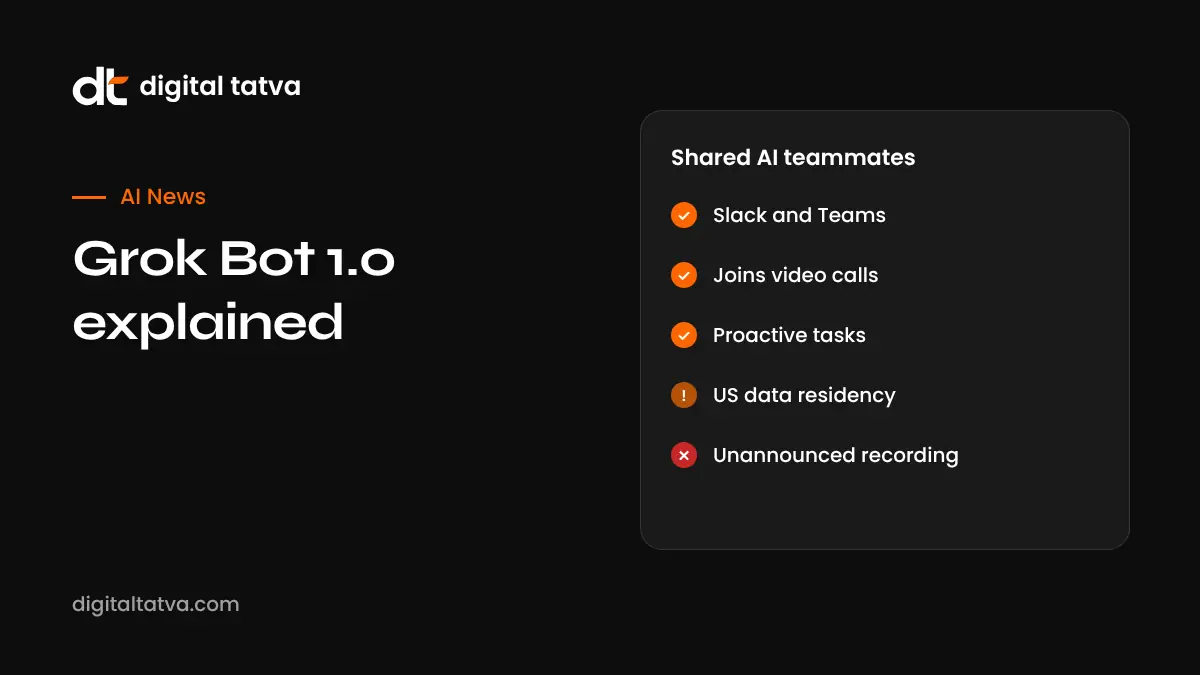
Quick answer: Grok Bot 1.0, released by xAI on 11 November 2026, turns Grok’s personal agent into a shared AI teammate. Teams can share one bot like a document, use it in Slack and Microsoft Teams, and bring it into Google Meet, Zoom and Teams calls, where it takes notes, answers questions in chat and sends summaries with action items. It works proactively, following projects, flagging deadlines and chasing unfinished tasks, while asking before sensitive actions. Team Bots are for Team and Enterprise plans, and meetings are available on Team, Enterprise and Ultra. Earlier in November, Grok Bot also gained the ability to make phone calls for tasks like cancellations. Review privacy settings carefully: bots run on US-based cloud computers and data residency options are limited.
Key takeaways
- Grok Bot left beta, which began on 11 August 2026.
- Bots can now act on their own initiative, not just when asked.
- Knowledge a bot learns from one teammate needs owner or manager approval before it is shared.
- Consumer plans listed include Premium ($30), Super ($100) and Ultra ($200) per month, with extra usage billed at token cost.
- Customer data is not used for training when Privacy Mode is on, according to xAI.
What is new in Grok Bot 1.0
| Feature | Details |
|---|---|
| Shared Team Bots | Share a bot with the whole organisation or specific people; managers can edit and reshare |
| Proactive work | Follows projects, flags deadlines, prepares material and chases tasks |
| Slack | Admin approves the app; members mention org-wide bots |
| Microsoft Teams | Admin approves in Teams admin center; bot reads threads and channels it joins |
| Meetings | Joins Google Meet, Zoom and Teams calls via link; shows “transcribing”; sends summaries and action items |
| Learning with approval | New knowledge is held for owner or manager approval |
| Phone calls | Grok Bot can place calls for tasks like cancellations (added 4 November) |
Details from DataNorth’s report on the launch and HeadsUpAI’s November tracker.
Plans and pricing
- Team Bots: Team and Enterprise plans.
- Meetings: Team, Enterprise and Ultra plans.
- Listed consumer prices: Premium $30, Super $100, Ultra $200 per month; Enterprise via sales.
- Extra usage: billed at token cost.
- Team plan note: every member gets Grok Bot by default, with no switch to turn it off; Enterprise admins can disable it.
Check xAI’s site for current pricing in your region. See how to use Grok.
How to set up Grok Bot for a team
- Choose a Team or Enterprise plan.
- Create a bot and define its purpose, such as project tracking.
- Share it with the right people or groups.
- Ask your Slack or Teams admin to approve the app.
- Connect only the tools and data the bot needs.
- Turn on Privacy Mode and review retention settings.
- Paste meeting links to invite it into calls, with participants informed.
- Review and approve knowledge it learns before sharing.
Grok Bot vs Claude Meetings vs Copilot
| Assistant | Meetings | Chat platforms | Strength |
|---|---|---|---|
| Grok Bot 1.0 | Google Meet, Zoom, Teams | Slack, Teams | Shared proactive teammates, phone calls |
| Claude Meetings | Google Meet (beta) | Claude app, connectors | Live plans, whiteboards and sheets |
| Microsoft Copilot | Teams | Teams, Microsoft 365 | Deep Office integration, Autopilot |
See Claude Meetings, Sheets and Whiteboards and Microsoft Ignite 2026.
Privacy and governance
- Each bot runs on its own cloud computer in the United States.
- US-only data residency programme; no EU option was listed at launch.
- Retention settings, audit logs and network controls are Enterprise features.
- It was not stated whether meeting audio is retained.
- Tell meeting participants when a bot is transcribing and follow recording laws.
- For Indian companies, assess DPDP obligations for personal data; see AI rules in India.
Cost and usage concerns
According to DataNorth, Elon Musk wrote on X on 1 November that the bot cost too much to serve relative to revenue and that paying users were running out of weekly usage early. Expect pricing and limits to change. Track usage and set expectations with your team.
Illustrative example: a startup’s project bot
This is an illustrative scenario, not a client story.
A 25-person fintech startup in Gurugram uses Slack. The operations lead creates a “Launch Tracker” Grok Bot, shares it with product and marketing, and connects it to the project board. The bot posts a daily summary of overdue tasks and joins weekly calls to capture decisions. Knowledge it learns, such as new launch dates, waits for the lead’s approval before being shared. Customer data stays out of the bot’s connected sources.
Checklist
- Pick a clear, limited job for each bot.
- Connect minimum data and tools.
- Enable Privacy Mode and review retention.
- Inform meeting participants.
- Approve learned knowledge before sharing.
- Monitor usage and costs.
Good and bad jobs for a team AI bot
| Good fit | Poor fit |
|---|---|
| Tracking deadlines and nudging owners | Making hiring or firing decisions |
| Summarising meetings and decisions | Handling confidential HR or legal discussions |
| Preparing first drafts of updates | Sending external emails without review |
| Answering questions from team documents | Accessing customer personal data without controls |
| Researching competitors and markets | Approving payments or contracts |
Writing an AI teammate policy
- List which bots exist, who owns them and what each can access.
- Define meetings where bots are allowed and how participants are informed.
- Require human approval for external communication and sensitive actions.
- Set retention periods for transcripts and summaries.
- Review bot knowledge regularly and remove outdated information.
- Name a contact for questions or complaints about bot behaviour.
The same policy works for Grok Bot, Claude Meetings and Microsoft Copilot agents, which helps if your team uses more than one.
How Digital Tatva can help
Digital Tatva helps brands stay visible in Grok, ChatGPT, Gemini and other assistants. See Grok and DeepSeek SEO and our AEO services.
Does Grok mention your brand? Request an AEO audit or try the free AI visibility checker.
Frequently asked questions
What is Grok Bot 1.0?
xAI’s shared AI teammate, released on 11 November 2026, working in Slack, Microsoft Teams and video calls.
Does Grok Bot work in Slack?
Yes. A workspace admin approves the app, then members can mention org-wide bots.
Can Grok Bot join Zoom calls?
Yes. It can join Google Meet, Zoom and Teams calls when you paste the meeting link and the host admits it.
How much does Grok Bot cost?
Team Bots need Team or Enterprise plans. Listed consumer plans include Premium $30, Super $100 and Ultra $200 per month.
Can Grok Bot make phone calls?
Yes, Grok Bot gained voice calling for tasks such as cancellations in early November 2026.
Is Grok Bot proactive?
Yes. It can follow projects, flag deadlines and chase tasks, asking before sensitive actions.
Is my data used to train Grok?
xAI says customer data is not used for training when Privacy Mode is on.
Where is Grok Bot data stored?
Bots run on cloud computers in the United States.
Can I turn off Grok Bot for my team?
On Enterprise plans admins can switch it off; on Team plans it is on for all members by default.
How is Grok Bot different from Claude Meetings?
Grok Bot supports more meeting platforms and Slack; Claude Meetings focuses on Google Meet with live documents and whiteboards.
Product details, prices and features are checked at the time of writing and can change. Sources are linked in the text so you can check them yourself.
How does your brand appear in AI answers?
We test the questions your buyers ask across the major AI assistants and search engines, then show you what to fix first.
Get an AI Visibility Audit