monday.com AI Review 2026: Agents, Sidekick and AI Credits Explained
A guide to monday.com's AI features and credit-based pricing.
On this page
- Key takeaways
- monday AI features
- Included AI credits by plan
- Estimating your credit needs
- Best uses for monday AI
- monday AI vs ClickUp Brain vs Asana AI
- How to set up monday AI
- Pros and cons
- Common mistakes with monday AI
- monday AI for Indian businesses
- Illustrative example: a logistics company’s ops team
- Checklist
- Verdict
- How Digital Tatva can help
- Frequently asked questions
Last updated: 19 November 2026
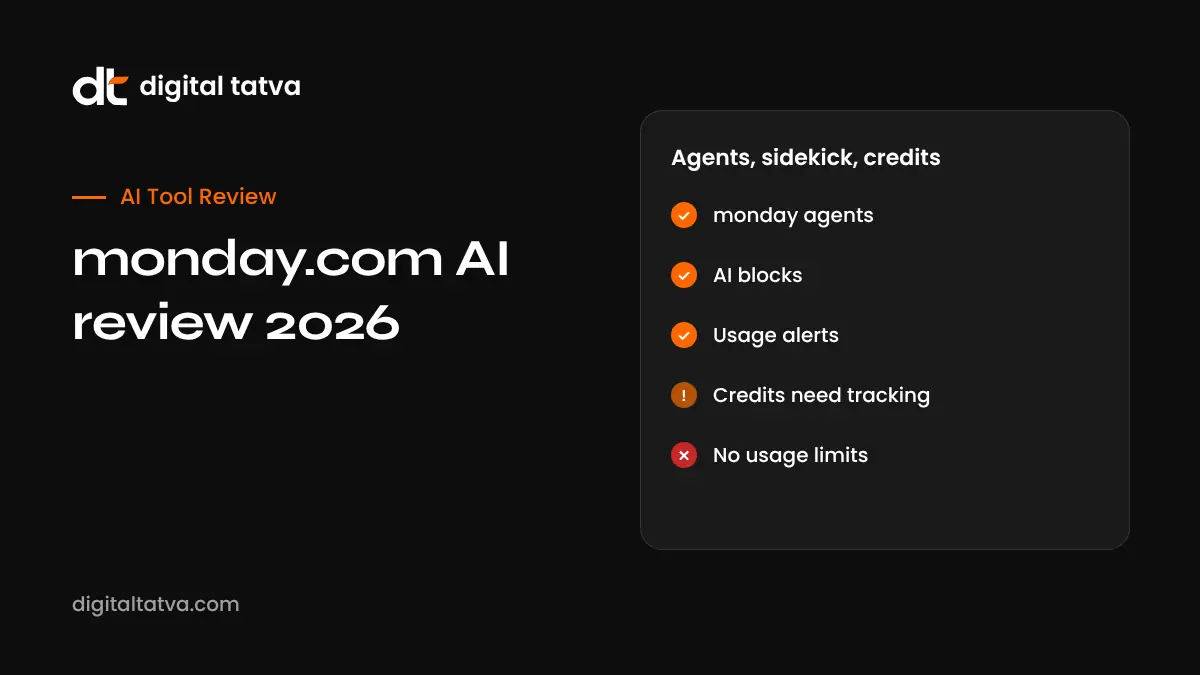
Quick answer: monday.com’s AI, called monday AI, includes autonomous monday agents, a conversational assistant called monday sidekick, monday vibe for building small apps from prompts, an AI Notetaker, AI blocks inside boards and AI workflows. Since 6 May 2026, new monday Work Platform customers pay for AI with credits bought alongside seats: plans include monthly minimums such as 1,000 credits on Basic, 2,000 on Standard and 3,000 on Pro, with higher buckets available. Credits are consumed per task, for example about 120 credits per meeting hour for the Notetaker and 8 per AI block action. It is powerful for operations-heavy teams, but credit use needs monitoring.
Key takeaways
- monday.com moved to a seat plus AI credit model for new Work Platform customers in May 2026.
- Agents and sidekick cost different amounts depending on task complexity.
- Admins get AI governance tools with alerts at 80% and 100% of limits.
- monday was founded in Israel and is widely used by Indian teams.
- Credit pricing may change, so check monday’s support pages.
monday AI features
| Feature | What it does | Approximate credits |
|---|---|---|
| monday agents | Autonomous agents that complete tasks such as triaging requests, updating items and researching | About 10 to 250 plus per run, by complexity |
| monday sidekick | Conversational assistant that reads your boards and answers or acts | About 10 to 150 plus per message |
| monday vibe | Build small apps from prompts | Varies; publishing needs a paid app bucket |
| AI Notetaker | Records and summarises meetings | About 120 per meeting hour |
| AI blocks | Summarise, categorise, extract or translate in columns | 8 per action |
| AI workflows | Multi-step automations using AI | Varies per run |
Credit estimates from monday.com’s support article on its AI pricing model.
Included AI credits by plan
| Plan | Minimum monthly AI credits | Higher options |
|---|---|---|
| Basic | 1,000 | Not listed |
| Standard | 2,000 | 4,000 or 8,000 |
| Pro | 3,000 | 4,000, 8,000 or 20,000 |
| Enterprise | Contact sales | Custom |
Credits are bought together with seats and do not come free. Active AI workflow limits are 3 on Standard, 20 on Pro and 250 on Enterprise. Seat prices vary by plan and region; check monday.com’s pricing page, which shows local pricing for India.
Estimating your credit needs
Example for a 10-person team on Pro:
- Weekly team meeting of one hour with the Notetaker: about 480 credits per month.
- AI blocks categorising 500 new requests: about 4,000 credits per month.
- Sidekick questions, 100 simple messages: about 1,000 to 3,000 credits.
- A few agent runs per day: 3,000 or more credits.
This team could need well above the 3,000 minimum. Start small, watch the usage dashboard and move to a higher bucket if needed.
Best uses for monday AI
- Request intake: AI blocks categorise and route incoming requests.
- Project summaries: sidekick summarises board status for leadership.
- Meeting follow-up: Notetaker creates action items on boards.
- Content operations: agents draft briefs and update items.
- Internal tools: vibe builds simple trackers and forms.
monday AI vs ClickUp Brain vs Asana AI
| Platform | AI pricing model | Strength |
|---|---|---|
| monday.com | Seats plus AI credits | Visual workflows, operations, agents |
| ClickUp Brain | Per-member add-on | All-in-one workspace, multi-model; see ClickUp Brain review |
| Asana AI | Included features plus AI Studio | Structured portfolios and goals |
| Notion AI | Included in Business plans | Docs and knowledge; see Notion AI review |
How to set up monday AI
- Review your plan’s included credits.
- Open Administration, then AI governance, and set limits.
- Choose one use case, such as AI blocks for categorising requests.
- Test on a sample board.
- Add sidekick for managers and agents for repetitive tasks.
- Monitor usage weekly in the first month.
- Set role-based access on Enterprise.
Pros and cons
| Pros | Cons |
|---|---|
| Broad AI across boards, meetings and apps | Credit costs are hard to predict |
| Strong governance and alerts | Credits must be bought with seats |
| Agents for real operational work | Complex tasks use many credits |
| Visual, easy-to-learn platform | Workflow limits on lower plans |
Common mistakes with monday AI
- Running AI blocks on every item: applying categorisation to old or irrelevant items burns credits. Limit to new items.
- Using agents for one-off tasks: agents shine on repeatable work; use sidekick for quick questions.
- Not setting limits: without AI governance limits, a busy month can exhaust credits early.
- Skipping review: agent outputs that go to customers should be checked by a person.
- Messy boards: unclear column names and inconsistent data reduce AI accuracy.
monday AI for Indian businesses
Indian teams often use monday.com for sales pipelines, recruitment, project delivery and customer onboarding. AI blocks can translate or summarise entries, which helps teams working across languages, and agents can follow up on stalled items. Local pricing on monday’s website shows rupee options for some plans. For broader context on affordable AI tools, see AI tools for MSMEs in India.
Illustrative example: a logistics company’s ops team
This is an illustrative scenario, not a client story.
A logistics company in Mumbai uses monday.com to manage customer requests. It adds an AI block to categorise incoming emails by urgency and type, and an agent that drafts responses for common queries, which staff review. The operations head sets a monthly credit limit and checks the dashboard every Friday. After two months, the team moves to a higher credit bucket because categorisation saves enough time to justify it.
Checklist
- Understand credits included with your plan.
- Estimate usage per feature.
- Set limits and alerts.
- Start with one high-volume use case.
- Review AI outputs before customer use.
Verdict
monday AI is one of the most complete AI offerings in work management, especially for operations teams. The credit model aligns cost with use but requires active monitoring. Start with a clear use case and scale based on measured time savings.
How Digital Tatva can help
Digital Tatva helps SaaS brands appear accurately when buyers compare tools in ChatGPT, Gemini and other AI assistants. See our AEO services.
Do AI assistants recommend your software? Request an AEO audit or try the free AI visibility checker.
Frequently asked questions
What is monday AI?
monday.com’s AI features, including agents, sidekick, vibe, AI Notetaker, AI blocks and AI workflows.
How does monday.com charge for AI?
New Work Platform customers since 6 May 2026 buy AI credits with seats; features consume credits per use.
How many AI credits do monday plans include?
Minimums of 1,000 on Basic, 2,000 on Standard and 3,000 on Pro per month, with higher options.
What is monday sidekick?
A conversational AI assistant that reads your boards and helps answer questions or take actions.
What are monday agents?
Autonomous AI agents that complete tasks in monday.com, priced by task complexity.
What is monday vibe?
A feature to build small apps from prompts inside monday.com.
How many credits does the AI Notetaker use?
About 120 credits per meeting hour.
Can I set limits on AI usage?
Yes, through AI governance, with alerts at 80% and 100% of limits.
Is monday.com better than ClickUp?
monday is more visual and operations-focused; ClickUp is more all-in-one. Choose based on workflow.
Does the credit model apply to existing customers?
It applies to Work Platform customers who joined on or after 6 May 2026; check your account for details.
Product details, prices and features are checked at the time of writing and can change. Sources are linked in the text so you can check them yourself.
How does your brand appear in AI answers?
We test the questions your buyers ask across the major AI assistants and search engines, then show you what to fix first.
Get an AI Visibility Audit