ClickUp Brain Review 2026: Features, Pricing and Is It Worth It?
A detailed review of ClickUp Brain, ClickUp's AI add-on.
On this page
- Key takeaways
- What ClickUp Brain does
- ClickUp and ClickUp Brain pricing
- Best uses for ClickUp Brain
- Useful ClickUp Brain prompts
- ClickUp Brain vs alternatives
- Pros and cons
- How to roll out ClickUp Brain
- ClickUp Brain use cases by team
- Common mistakes with ClickUp Brain
- Is ClickUp Brain worth it?
- Illustrative example: a marketing agency’s operations
- Checklist
- Verdict
- How Digital Tatva can help
- Frequently asked questions
Last updated: 19 November 2026
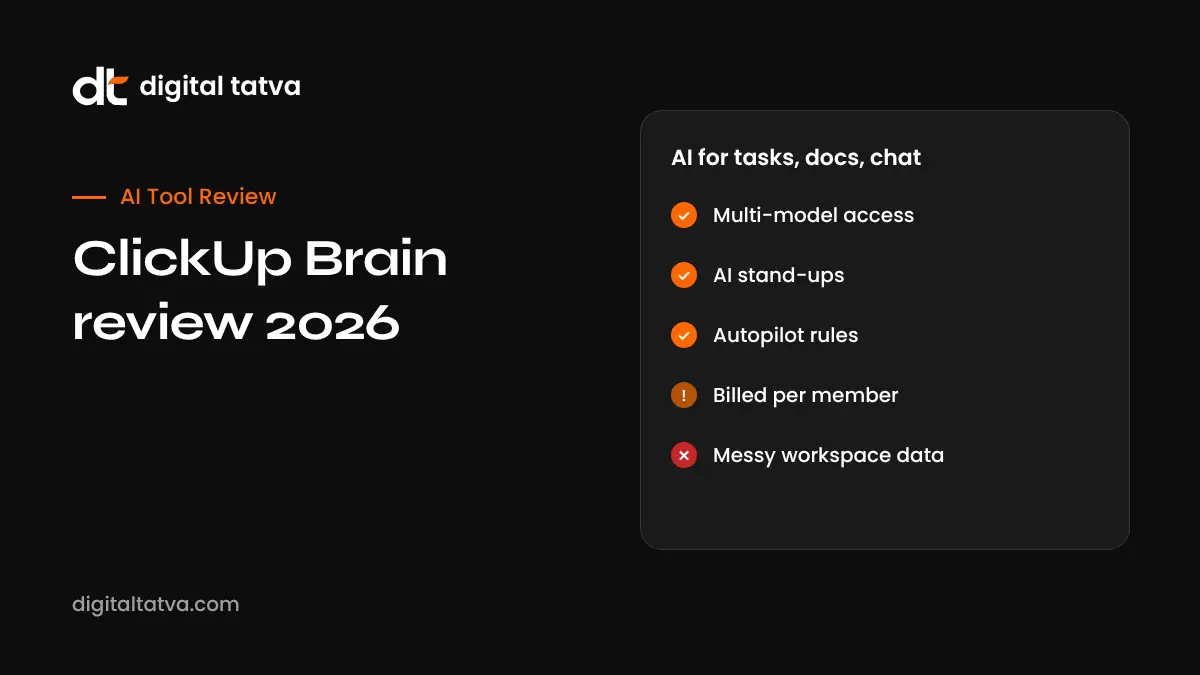
Quick answer: ClickUp Brain is the AI layer in ClickUp, the project management and productivity platform. It answers questions across your tasks, docs and chats, writes content, summarises updates, creates daily stand-ups, automates task assignment with Autopilot rules and can use models from OpenAI, Anthropic and Google under one subscription. It is a paid add-on, not part of standard plans: reported at about $9 per user per month annually ($14 monthly) for Brain AI with 1,500 AI credits, or about $28 per user per month annually for the Everything AI tier with 5,000 credits, an AI Notetaker and more agents. It is billed for every workspace member, so costs rise quickly for larger teams.
Key takeaways
- ClickUp base plans: Free Forever, Unlimited ($7 annually, $10 monthly), Business ($12 annually, $19 monthly) and Enterprise.
- Brain is charged per workspace member, which can cost more than the base plan.
- Multi-model access avoids separate AI subscriptions for many users.
- Strong for project admin and content; weaker for customer support knowledge bases.
- Some users report lag and a cluttered interface.
What ClickUp Brain does
| Feature | What it does |
|---|---|
| AI search and ask | Answers questions using tasks, docs, chats and connected apps such as Google Drive and Slack |
| Writing assistant | Drafts docs, emails, briefs, social posts and code snippets |
| Summaries and stand-ups | Summarises task threads and compiles daily team updates |
| Autopilot and agents | Assigns tasks, updates priorities and posts progress summaries based on rules |
| AI Notetaker | Records and summarises meetings (Everything AI tier) |
| Image generation | Creates images inside ClickUp |
| Model choice | Uses OpenAI, Anthropic and Google models |
Based on eesel AI’s 2026 review. eesel sells a competing product, so its comparisons should be read with that in mind.
ClickUp and ClickUp Brain pricing
| Plan | Annual billing | Monthly billing |
|---|---|---|
| Free Forever | $0 | $0 |
| Unlimited | $7 per user | $10 per user |
| Business | $12 per user | $19 per user |
| Enterprise | Custom | Custom |
| Brain AI add-on | About $9 per user | About $14 per user |
| Everything AI add-on | About $28 per user | About $33 per user |
Example: a 10-person team on Business annual pays about $120 per month for ClickUp plus about $90 for Brain AI, roughly $210 per month. Prices may differ in India; check ClickUp’s pricing page.
Best uses for ClickUp Brain
- Project status: “What is blocking the website launch?”
- Daily stand-ups: automatic summaries of what each person did and plans next.
- Content drafts: blog outlines, campaign briefs and client emails linked to tasks.
- Meeting notes to tasks: turn decisions into assigned tasks.
- Finding information: search across docs and tasks without hunting through folders.
Useful ClickUp Brain prompts
| Goal | Prompt |
|---|---|
| Status update | Summarise progress on the Q4 campaign list and highlight overdue tasks with owners |
| Planning | Create a task list for launching a new product page with subtasks and due dates |
| Writing | Draft a client update email based on this week’s completed tasks |
| Knowledge | What did we decide about the pricing page in last month’s docs? |
| Automation | When a task moves to Review, assign it to the editor and post a summary |
ClickUp Brain vs alternatives
| Tool | AI approach | Best for |
|---|---|---|
| ClickUp Brain | Per-user add-on with multi-model access | Teams running everything in ClickUp |
| monday.com AI | Credit-based AI with agents and Sidekick | Visual workflows and operations; see monday.com AI review |
| Notion AI | AI across docs and databases | Docs-first teams; see Notion AI review |
| Asana AI | AI studio and agents | Structured project portfolios |
Pros and cons
| Pros | Cons |
|---|---|
| Deep integration with tasks, docs and chat | Charged for every workspace member |
| Multiple AI models in one subscription | Not a support or helpdesk AI |
| Useful stand-ups and summaries | Reported lag and interface clutter |
| Automation reduces admin | Credit limits on heavy use |
How to roll out ClickUp Brain
- Clean up spaces, folders and docs so AI has good information.
- Start a trial with a small team.
- Define three to five use cases, such as stand-ups and status summaries.
- Measure time saved over a month.
- Decide whether every member needs Brain, since billing covers all members.
- Write guidance on what data can be used with AI.
ClickUp Brain use cases by team
| Team | How they use Brain |
|---|---|
| Marketing | Draft campaign briefs, summarise content calendars, write social copy linked to tasks |
| Product and engineering | Summarise bug threads, draft specs, generate release notes from completed tasks |
| Operations | Daily stand-ups, overdue task reports, automated assignment rules |
| Agencies | Client status updates, meeting notes to tasks, workload overviews |
| Leadership | Portfolio summaries and risk highlights across spaces |
Common mistakes with ClickUp Brain
- Messy workspaces: duplicate tasks and outdated docs lead to confusing AI answers. Archive old content first.
- Turning it on for everyone without a plan: since billing covers all members, define who will actually use it.
- Trusting summaries blindly: AI can miss context in long comment threads, so check before sending to clients.
- Over-automating: too many Autopilot rules can create noise; start with two or three.
- Ignoring data policies: decide whether client confidential information should be processed by AI.
Is ClickUp Brain worth it?
A useful test: if Brain saves each member at least 30 minutes a week, the add-on usually pays for itself at typical Indian salary levels for knowledge workers. If only a few people use it, the per-member billing makes it expensive, and a general assistant like ChatGPT or Claude used alongside ClickUp may be cheaper.
Illustrative example: a marketing agency’s operations
This is an illustrative scenario, not a client story.
A 15-person marketing agency in Ahmedabad runs client work in ClickUp. After adding Brain AI, account managers ask for weekly client status summaries generated from tasks, and Autopilot assigns new content tasks to the right writer. Daily stand-ups replace a 20-minute morning call. The agency tracks AI credit use and finds designers rarely use Brain, but because billing covers every member, it weighs the total cost against time saved before renewing.
Checklist
- Organise your workspace before enabling AI.
- Calculate total cost for all members.
- Pick specific use cases.
- Review AI outputs before sharing with clients.
- Monitor credit usage.
Verdict
ClickUp Brain is a strong AI layer for teams that already run their work in ClickUp. Its multi-model access and project awareness are real advantages. The per-member billing is the main drawback, so measure value carefully for larger teams.
How Digital Tatva can help
Digital Tatva helps SaaS and service businesses become visible when buyers ask AI assistants for tool recommendations. See our AEO services.
Do AI assistants recommend your SaaS product? Request an AEO audit or try the free AI visibility checker.
Frequently asked questions
What is ClickUp Brain?
ClickUp’s AI features for search, writing, summaries, stand-ups and automation across tasks, docs and chat.
Is ClickUp Brain free?
No. It is a paid add-on on top of ClickUp plans, with limited trials.
How much does ClickUp Brain cost?
About $9 per user per month annually for Brain AI or $28 for Everything AI, based on 2026 reports.
Do I have to pay for every user?
Reports say Brain is billed per workspace, covering every member.
Which AI models does ClickUp Brain use?
It draws on models from OpenAI, Anthropic and Google.
Can ClickUp Brain take meeting notes?
The AI Notetaker is included in the Everything AI tier.
Is ClickUp Brain good for customer support?
It is designed for project work, not dedicated helpdesk knowledge bases.
What is ClickUp Autopilot?
AI-driven rules that assign tasks, update priorities and post summaries automatically.
Is ClickUp Brain better than Notion AI?
ClickUp Brain suits task-heavy teams; Notion AI suits docs-first teams.
Can I use ClickUp Brain in India?
Yes. Check ClickUp’s site for local pricing and billing options.
Product details, prices and features are checked at the time of writing and can change. Sources are linked in the text so you can check them yourself.
How does your brand appear in AI answers?
We test the questions your buyers ask across the major AI assistants and search engines, then show you what to fix first.
Get an AI Visibility Audit