Figma AI Review 2026: Figma Make, Agent, Weave and AI Credits Explained
What Figma AI can do in 2026, what it costs and how to use credits wisely.
On this page
- Key takeaways
- Figma AI tools explained
- Figma pricing and AI credits
- Figma Make: hands-on use
- Figma and AI coding agents
- Figma AI vs alternatives
- Tips to save AI credits
- Privacy and data
- Pros and cons
- Illustrative example: a startup testing a new feature
- Checklist
- Verdict
- How Digital Tatva can help
- Frequently asked questions
Last updated: 19 November 2026
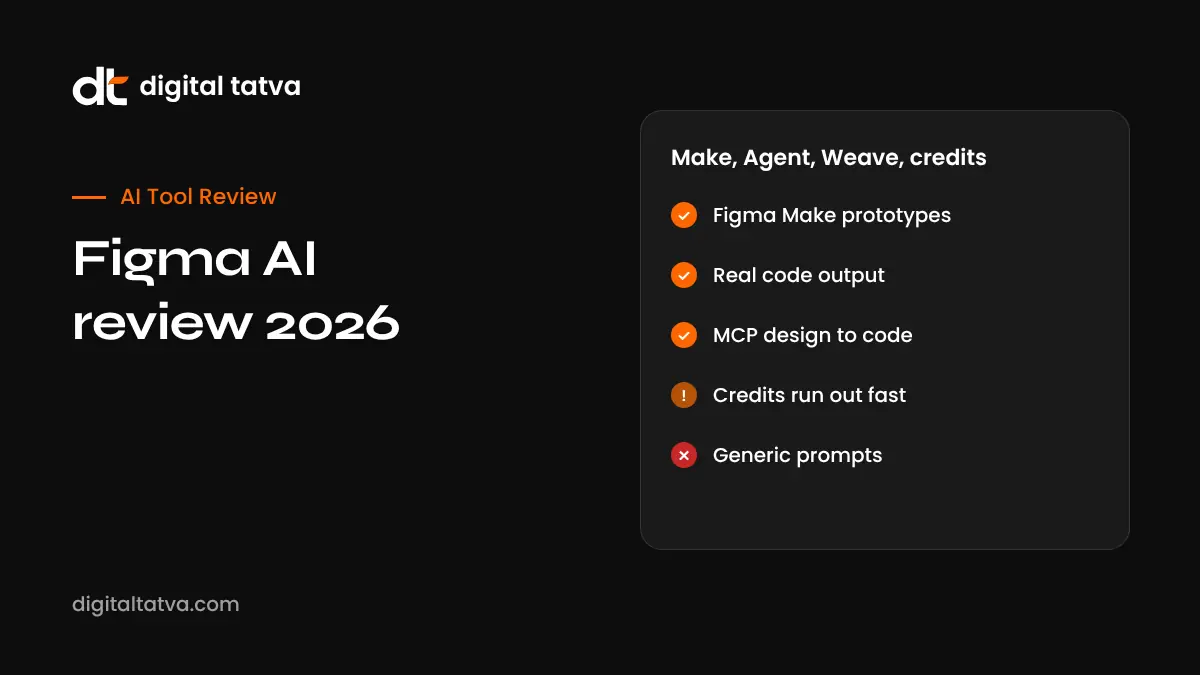
Quick answer: Figma AI is a set of AI tools inside Figma rather than one product. Figma Make turns prompts into interactive prototypes and working app code (React, TypeScript and Tailwind). Figma Agent, still in limited beta in 2026, generates and bulk-edits designs as editable layers. Figma Weave creates images and video using models such as FLUX and Imagen. Dev Mode connects designs to coding agents like Claude Code, Codex and Cursor through MCP. AI usage runs on monthly credits: about 3,000 per Full seat on the Professional plan ($16 per editor per month annually, $20 monthly), 500 per day-capped month on the free Starter plan, and more on Organization and Enterprise. Credits run out quickly for heavy users, so plan top-ups.
Key takeaways
- Figma Make is the most mature and widely available AI feature.
- AI outputs are native Figma layers or real code, not just images.
- Credits are shared across the AI suite and do not roll over; top-ups are reported at $150 per month for 5,000 credits.
- Generic prompts give generic designs; your design system and detailed briefs matter.
- Check data and training settings, especially for enterprise teams.
Figma AI tools explained
| Tool | What it does | Status in 2026 |
|---|---|---|
| Figma Make | Prompt to interactive prototype and app code; connects to GitHub, Supabase and MCP | Available, including free plan with limited credits |
| Figma Agent | Generates layouts and variations, bulk-edits components and copy, summarises feedback | Closed beta for most users |
| Figma Weave | Node-based canvas for AI images and video with multiple models | Available, priced separately |
| Dev Mode with MCP | Specs and code export; connects designs to AI coding agents | Available on Dev seats |
| Other AI features | Layer renaming, search, image edits, Figma Motion, Code Layers | Mix of available, beta and early access |
Based on Banani’s 2026 Figma AI review. Note that Banani sells a competing tool. Check Figma’s release notes for current status.
Figma pricing and AI credits
| Plan | Full seat | Dev seat | Collab seat | AI credits per Full seat |
|---|---|---|---|---|
| Starter | Free | Not applicable | Not applicable | 150 per day, up to 500 per month |
| Professional | $16 per month annual ($20 monthly) | $12 | $3 | 3,000 per month |
| Organization | $55 per month, annual | $25 | $5 | 3,500 per month |
| Enterprise | $90 per month, annual | $35 | $5 | 4,250 per month |
Dev and Collab seats get about 500 credits. Figures from Banani’s pricing analysis; verify on Figma’s pricing page, especially for India.
Figma Make: hands-on use
Figma Make is where most people start. You describe an app or screen, attach a design or screenshot, and Make generates a working prototype with real code. You can refine with prompts or edit manually. Manual point-and-click edits do not use credits, which helps conserve your allowance.
Good uses for Figma Make
- Clickable prototypes for user testing and stakeholder demos.
- Landing page and dashboard concepts.
- Internal tools and simple apps connected to Supabase.
- Turning static designs into interactive flows.
Limitations
- Outputs can look generic without detailed prompts and a design system.
- Complex apps still need developers for security, data and scale.
- Credits can run out quickly when iterating.
For more on prompt-to-app building, see what is vibe coding and best AI website builders.
Figma and AI coding agents
Figma’s MCP server lets coding agents read design files, so a developer can ask Claude Code, Codex or Cursor to build a component that matches the design. This closes the gap between design and code. See what is MCP and best AI coding assistants.
Figma AI vs alternatives
| Tool | Best for |
|---|---|
| Figma AI | Product and UI teams already in Figma |
| Canva AI | Marketing graphics and quick designs; see Canva Magic Studio review |
| Adobe Firefly | Images and video in Adobe workflows |
| Lovable, Bolt, v0 | Prompt-to-app builders focused on code |
Tips to save AI credits
- Write detailed prompts with layout, components and content.
- Reference your design system and existing screens.
- Make small manual edits by hand instead of re-prompting.
- Generate drafts at low fidelity first.
- Monitor credit usage per team member.
Privacy and data
Figma has faced criticism over AI features and training settings in the past, including a 2025 controversy over data training opt-ins. Admins should review AI and content training settings in the admin panel and set policies for client work. See AI data privacy for business.
Pros and cons
| Pros | Cons |
|---|---|
| AI works with your real design system | Features spread across several surfaces |
| Make produces real code | Best features in beta or waitlists |
| Strong design-to-code links via MCP | Credits run out quickly |
| Free plan includes some AI | Outputs can be generic |
Illustrative example: a startup testing a new feature
This is an illustrative scenario, not a client story.
A fintech startup in Bengaluru wants to test a new savings goal feature. The designer uses Figma Make with the company’s design system to create a clickable prototype in an afternoon, then runs five user interviews. After feedback, she refines key screens by hand. Developers use Figma’s MCP connection with their coding agent to build the final components, with a code review before release.
Checklist
- Confirm seat types and AI credits for your team.
- Set up your design system before using AI.
- Start with Figma Make for prototypes.
- Track credit usage and plan top-ups.
- Review AI and training settings.
- Keep developers involved for production code.
Verdict
Figma AI is genuinely useful for teams already working in Figma, especially Figma Make for fast prototypes and MCP for design-to-code. Expect some features to remain in beta and budget for credits. For marketing graphics, Canva may be simpler; for production apps, developers remain essential.
How Digital Tatva can help
Digital Tatva helps product and SaaS companies make their websites and documentation clear for search and AI assistants. See our AEO services.
Do AI assistants recommend your product? Request an AEO audit or try the free AI visibility checker.
Frequently asked questions
What is Figma AI?
A suite of AI features in Figma, including Figma Make, Figma Agent, Figma Weave and AI-connected Dev Mode.
Is Figma AI free?
The free Starter plan includes limited AI credits. Paid plans include more credits per seat.
What is Figma Make?
A prompt-to-prototype tool that creates interactive designs and working app code.
How many AI credits does Figma Professional include?
About 3,000 per Full seat per month, according to 2026 pricing analyses.
How much does Figma cost?
Professional Full seats are about $16 per month annually or $20 monthly; Organization and Enterprise cost more.
Can Figma AI write code?
Figma Make generates React, TypeScript and Tailwind code, and Dev Mode connects to coding agents through MCP.
What is Figma Agent?
An AI assistant that generates and edits designs as native layers, in limited beta for most users in 2026.
Do Figma AI credits roll over?
No. Credits reset monthly and can be topped up.
Is Figma AI better than Canva AI?
Figma AI suits product and UI design; Canva AI suits marketing content.
Does Figma train AI on my designs?
Check your admin and account settings for AI training options, which have changed over time.
Product details, prices and features are checked at the time of writing and can change. Sources are linked in the text so you can check them yourself.
How does your brand appear in AI answers?
We test the questions your buyers ask across the major AI assistants and search engines, then show you what to fix first.
Get an AI Visibility Audit