Lovable vs Bolt.new: Which AI App Builder Should You Use?
Lovable vs Bolt.new compared on credits vs tokens, free plans, built-in backends, editing experience, code ownership and team features, so you pick the right AI app builder.

On this page
- Key takeaways
- Quick verdict: Lovable or Bolt.new?
- Lovable vs Bolt.new comparison table
- Pricing compared: credits vs tokens
- Backend, database and hosting
- The building experience
- Code ownership, integrations and mobile
- Teams, security and privacy
- Choose Lovable if, choose Bolt.new if
- Frequently asked questions
- Our verdict
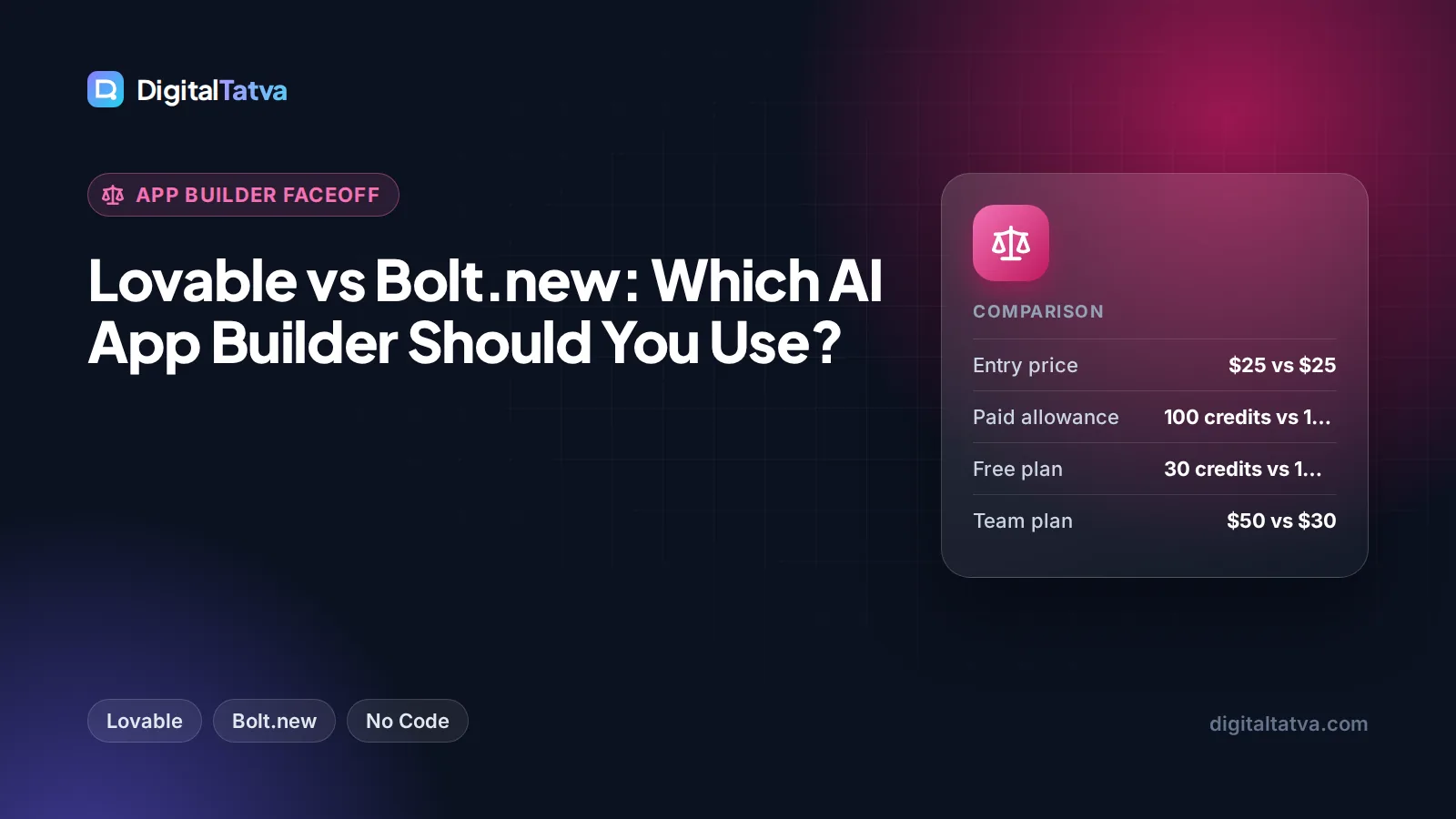
Lovable is the better pick for non-coders who want a polished web app with login, a database and payments, built mostly by chatting. Bolt.new is the better pick for people who want to see and edit the code as they go, prototype quickly across many small projects, or target mobile through Expo. Both paid plans start at $25 a month, but Lovable bills in credits per message while Bolt bills in tokens, and that difference shapes what you actually pay.
Below we compare Lovable and Bolt.new on pricing, free plans, backend and hosting, the building experience, code ownership and team features, using official plan details checked in October 2026.
Key takeaways
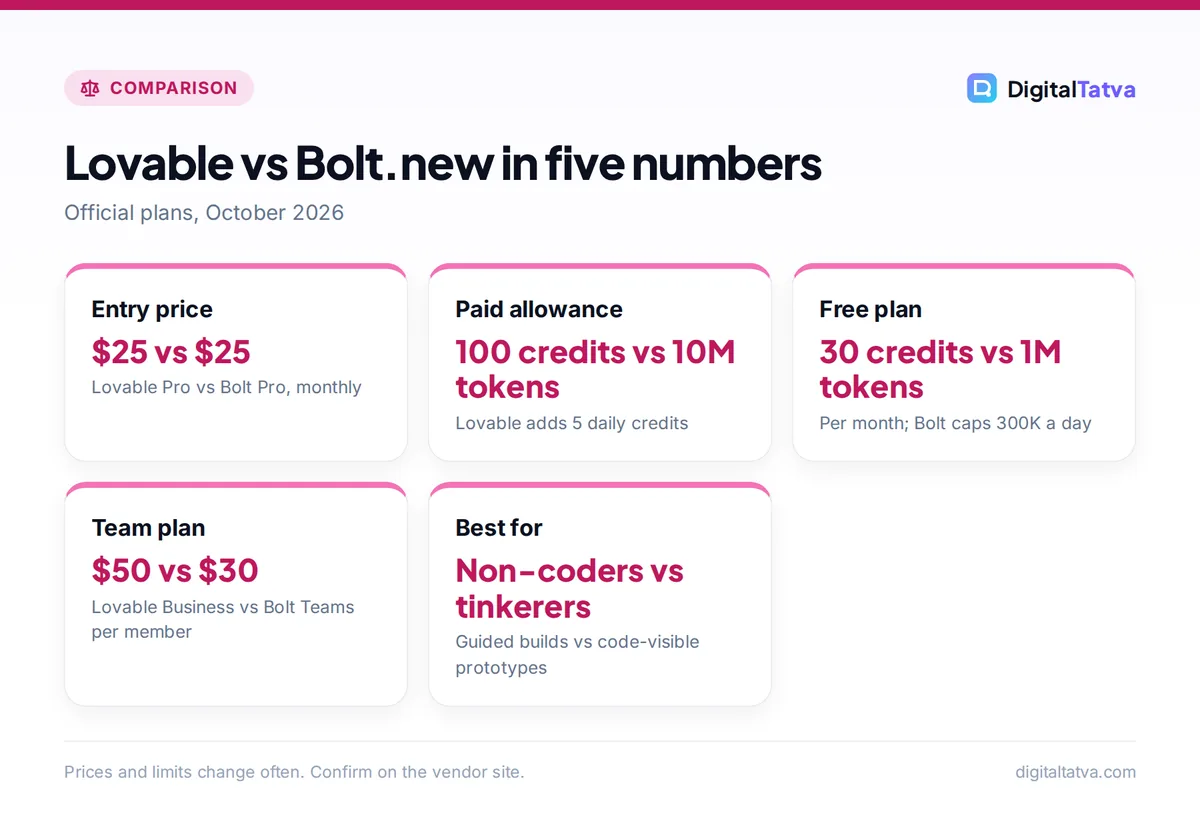
- Lovable Pro starts at $25 a month for 100 credits plus 5 daily credits; Bolt Pro starts at $25 a month for 10 million tokens with no daily cap.
- Bolt’s free plan (1M tokens a month, 300K a day) is more generous for tinkering than Lovable’s (5 credits a day, up to 30 a month).
- Both now include a built-in backend: Lovable Cloud (built on Supabase’s open-source foundation) and Bolt Cloud (hosting, databases, auth, storage, edge functions).
- Bolt token use grows with project size because it reads and syncs your files each message; direct edits in Bolt’s Code view are free.
- Lovable Business ($50 a month) adds SSO and excludes workspace data from AI training by default; Bolt Teams costs $30 per member.
Quick verdict: Lovable or Bolt.new?
Choose Lovable if you are a founder, marketer or small business owner who wants a working product (a booking tool, client portal or internal dashboard) and does not want to think about code. Its Chat, Plan and Build modes, visual preview toolbar and built-in Cloud backend make it the more guided experience. Our full Lovable review covers it in depth.
Choose Bolt.new if you are comfortable glancing at code, want to fix small things by hand without spending tokens, or build lots of quick prototypes. Its free plan stretches further, and its Max agent handles larger codebases on paid plans.
If you want neither a hosted builder nor a code editor, consider an agent that works on your own files instead; our beginner guide to Claude Code explains that route.
Lovable vs Bolt.new comparison table
| Criterion | Lovable | Bolt.new |
|---|---|---|
| Billing unit | Credits (per message, usage-priced) | Tokens (text the AI reads and writes) |
| Free plan | 5 credits/day, up to 30/month | 1M tokens/month, 300K/day |
| Entry paid plan | Pro $25/mo (100 credits) or $21/mo annual | Pro $25/mo (from 10M tokens) |
| Team plan | Business from $50/mo ($42 annual) | Teams $30/member/mo |
| Rollover | Monthly credits roll over while subscribed | Paid tokens valid 2 months from the billing cycle start |
| Top-ups | Pro $0.30/credit, Business $0.60/credit | Reloads on the top monthly Pro tier or any annual Pro plan |
| Backend | Lovable Cloud (Supabase-based) or your own Supabase | Bolt Cloud, or Supabase |
| Code access | Git sync to GitHub, GitLab or Bitbucket; code editing on Pro | Code view editing (free), GitHub integration |
| Mobile | Web apps | Web apps; Expo integration for mobile |
| Best for | Non-coders shipping full web apps | Fast prototypes and hands-on builders |
Lovable figures come from its official plans documentation; Bolt figures from the Bolt.new pricing page and its support docs.
Pricing compared: credits vs tokens
Lovable pricing
Lovable’s Free plan gives 5 build credits a day, capped at 30 a month. Pro starts at $25 a month (or $250 a year, about $21 a month) for 100 monthly credits, and you keep the 5 daily credits with no monthly cap. Bigger Pro tiers scale up: 200 credits for $50, 400 for $100, 800 for $200, all the way to 10,000 credits for $2,250. Business starts at $50 a month for 100 credits ($500 a year) and scales to $4,300 for 10,000.
Not every message costs the same. Chat mode messages, where you discuss ideas without changing code, typically cost a fraction of a credit and use a daily chat allowance first. Build mode is usage-priced, so complex changes cost more than simple ones. Lovable also grants 20 Cloud credits and 4 AI credits a month on every plan for hosting and AI features inside your app.
Bolt.new pricing
Bolt’s Free plan gives 1 million tokens a month with a 300,000 daily cap, and Free tokens do not roll over. Pro costs $25 a month from 10 million tokens, removes the daily cap, and higher tiers add more tokens. Teams costs $30 per member per month. Annual billing saves up to 28%, according to the pricing page.
Tokens are chunks of text the AI reads and writes (our guide to AI tokens explains them simply), and Bolt is upfront that “most of your token usage comes from Bolt reading, understanding, and syncing your project files”. A message in a large project can cost many times more than the same message in a small one. Unused paid tokens stay valid for two months from the start of the billing cycle, used oldest first.
What $25 really buys
On Lovable Pro, if you build every day you get 100 monthly credits plus up to about 150 daily credits (5 a day over a 30-day month), so roughly 250 build credits for $25, or about $0.10 each. A top-up costs $0.30 a credit, three times more, so daily building is the cheapest way to use Lovable.
On Bolt Pro, 10 million tokens go a long way on small apps and much less far on big ones. Bolt does not publish a per-message token cost, so watch your token meter for the first week. Keeping projects lean and making small fixes in Code view, which uses no tokens, are the main ways to stretch it.
Save money: Both tools discount annual billing (Lovable gives two months free, Bolt says up to 28% off). Commit only after a month on monthly billing proves you will keep building. Our guide to annual vs monthly AI plans explains when to switch.
Backend, database and hosting
Both tools have moved beyond front-end mockups.
Lovable Cloud is the default backend, built on Supabase’s open-source foundation. It covers the database, authentication, file storage, edge functions, real-time updates, email, scheduled jobs and secrets. You can still connect an external Supabase project, but Lovable says there is currently no migration path between Cloud and Supabase, so choose at the start. Apps publish to a live URL, and Pro adds custom domains and removes the “Edit with Lovable” badge.
Bolt Cloud automatically hosts every new project, with Share for restricted access and Publish for public sites. It includes “unlimited databases” per project, built-in sign-up and login with roles, file storage and edge functions. You can buy a domain through Bolt, which connects it without editing DNS records, or connect one you own. Bolt also supports Supabase and Netlify if you prefer those.
For a simple business site rather than an app, a dedicated builder may be cheaper; see our list of the best AI website builders.
The building experience
Lovable: guided and visual
Lovable separates thinking from building. Chat mode lets you discuss features cheaply, Plan mode drafts an approach, and Build mode (the agent) implements it. The preview toolbar lets you click an element, draw annotations, edit text inline (100 free inline text edits per account per 24 hours) and replace images without spending build credits. For non-coders this is the biggest advantage: you can fix a typo or a button label without asking the AI and paying for it.
Bolt: fast and code-visible
Bolt shows the code alongside the preview. Its Standard agent is “balanced for everyday building” and is available on the free plan; the Max agent offers “maximum reasoning for complex tasks” and needs a paid plan. Bolt picks the underlying models for you. Edits you make yourself in Code view cost no tokens, which rewards users who can read a little HTML, CSS or JavaScript.
Tip: In either tool, plan before you prompt. Write a short spec (pages, user types, data you store, payments) and paste it in one message. Vague back-and-forth is what burns credits and tokens. Our prompt engineering guide has techniques that apply directly.
Code ownership, integrations and mobile
Lovable syncs your project with GitHub, GitLab or Bitbucket and says you “keep full ownership of your code”; Pro adds code editing and download. Integrations include Stripe, Slack and Supabase, plus a Lovable MCP server. Bolt integrates with GitHub for version control, Stripe for payments, Supabase, Netlify, Figma and Google sign-in, and its docs include Expo for building mobile apps.
If you outgrow either builder, exporting the code to GitHub and continuing in an AI code editor is a common path. Our comparison of Claude Code vs Cursor helps you pick the next tool.
Teams, security and privacy
Lovable Business adds SSO, personal projects inside a workspace, internal publishing, the Lovable API, password-protected preview links, a security center and priority support, and it excludes workspace data from AI training by default. All plans include built-in security checks and sensitive data scanning. Enterprise adds SCIM, audit logs and EU inference.
Bolt Teams adds centralized billing, team access management and organization sharing, with SSO and audit logs on Enterprise. If you handle customer data, check each vendor’s data policies and read our business guide to AI data privacy before you build.
Lovable pros
- Most guided experience for non-coders
- Free visual edits through the preview toolbar
- Full backend in Lovable Cloud
- Credits roll over while subscribed
Lovable cons
- Tight free plan
- Build credits vary with task complexity
- No Cloud to Supabase migration yet
Bolt.new pros
- Generous free token allowance
- Free hand edits in Code view
- Bolt Cloud hosting and unlimited databases
- Expo integration for mobile
Bolt.new cons
- Token use grows with project size
- Per-message cost hard to predict
- Max agent needs a paid plan
Choose Lovable if, choose Bolt.new if
Choose Lovable if you
- Cannot code and want a full web app with login, database and payments.
- Prefer clicking to edit text and images over touching code.
- Need business controls such as SSO and training opt-out.
- Build a little every day and can use the daily credits.
Choose Bolt.new if you
- Want the most free usage while you experiment.
- Can read basic code and want to make free manual fixes.
- Build many small prototypes rather than one large app.
- Want a route to mobile apps through Expo.
Still undecided? Our roundup of the 10 best AI app builders compares Replit, v0, Base44 and others too.
Frequently asked questions
Is Lovable better than Bolt.new?
For non-coders building one full web app, Lovable is usually the easier choice thanks to its guided modes, visual editing and built-in Cloud backend. Bolt.new is better for fast prototyping, hands-on users who like editing code directly, and anyone who wants a generous free tier. Both start at $25 a month, so try each free plan on the same small project.
Which is cheaper, Lovable or Bolt?
Entry prices match at $25 a month. Lovable Pro gives 100 credits plus 5 daily credits, so daily builders get about 250 build credits. Bolt Pro gives 10 million tokens, which stretch further on small projects than large ones. For a small app built steadily, costs are similar; for large projects, watch Bolt’s token meter closely.
Is there a free version of Lovable and Bolt?
Yes. Lovable Free gives 5 build credits a day, up to 30 a month, plus a daily chat allowance. Bolt Free gives 1 million tokens a month with a 300,000 daily cap, and you can keep editing in Code view for free after hitting the limit. Bolt’s free plan is better for longer experiments.
Can I export my code from Lovable or Bolt?
Yes. Lovable syncs with GitHub, GitLab or Bitbucket and says you keep full ownership of your code, with code editing and download on Pro. Bolt integrates with GitHub for version control. Exporting lets you continue development in an AI code editor or hand the project to a developer.
Can Lovable or Bolt build mobile apps?
Both build responsive web apps that work in mobile browsers. Bolt’s documentation includes an Expo integration for building mobile apps. Lovable focuses on web apps. If a native app store listing is essential, also look at FlutterFlow in our app builders roundup.
Our verdict
Lovable and Bolt.new are both capable AI app builders at the same $25 starting price, so choose by working style. Lovable wins for non-coders: guided Chat, Plan and Build modes, free visual edits, and a complete backend in Lovable Cloud make it the shortest path from idea to working web app. Bolt.new wins for tinkerers and prototypers: the bigger free allowance, free edits in Code view and Bolt Cloud hosting suit people who like seeing the code and iterating fast. Start on both free plans with the same small spec and keep the one that fits. Plans and credit rules change often, so confirm current pricing on the Lovable and Bolt websites before you pay.
Related reading: how small businesses can use AI on a budget and 12 ways to save on AI subscriptions.
Pricing and features are checked at the time of writing and can change. Some links may be affiliate links, which never affect our verdicts.