How to Use Perplexity for Research Like a Pro
Use Perplexity like a professional researcher: write sharper queries, pick sources, run deep research, fact-check citations and choose the right plan.

On this page
- Key takeaways
- What is Perplexity and how is it different from Google or ChatGPT?
- What you need to get started
- How to use Perplexity step by step
- How to write research queries that get pro-level answers
- How to fact-check Perplexity answers
- Perplexity plans: Free vs Pro vs Max
- Advanced Perplexity workflows by use case
- Frequently asked questions
- Next steps: turn Perplexity into your research habit
To use Perplexity for research, ask a specific question at perplexity.ai or in the app, read the cited answer, then open the numbered sources to verify key claims and ask follow-up questions to go deeper. For bigger topics, switch to deep research, which reads many sources and produces a longer cited report. The free plan handles quick lookups well, while Pro at $20/month adds deep research, a model picker and premium data sources.
This guide shows you how to set up Perplexity, write research-grade queries, pick the right mode and sources, organize projects, and check answers like a professional researcher, plus which plan makes sense for students, marketers and founders.
Key takeaways
- Perplexity is an answer engine: it searches the web and writes an answer with numbered citations you can check.
- Specific questions with context, time frames and preferred source types get far better answers than keyword searches.
- Always open the cited sources for any number, quote or claim you plan to publish or act on.
- Pro costs $20/month and lists deep research, a model picker, 4,000 bonus credits a month and premium data sources such as PitchBook and Statista.
- Max at $200/month is for heavy professional research. Most people should start on Free and upgrade only when limits bite.
What is Perplexity and how is it different from Google or ChatGPT?
Perplexity is an AI-powered search and research tool. Instead of returning ten blue links like Google, it reads relevant pages and writes a direct answer, with footnote-style citations pointing to each source. You can then ask follow-up questions in the same thread, and it remembers the context.
Compared with a general chatbot, Perplexity is built around sources first. That makes it better for fact-finding, current events, market research and literature scans, and weaker for long creative writing. Our comparison of Perplexity vs ChatGPT for research goes into detail, and our Perplexity AI review covers overall strengths and limits.
| Task | Best tool | Why |
|---|---|---|
| Quick fact with sources | Perplexity | Cited answer in seconds |
| Market or competitor scan | Perplexity deep research | Reads many sources, structured report |
| Long-form drafting | ChatGPT or Claude | Stronger writing workflows |
| Studying your own notes | NotebookLM | Answers only from your uploaded sources |
| Navigational search | Fastest way to reach a known site |
What you need to get started
- A browser or the Perplexity app. You can ask questions without an account, but signing in saves your history and settings.
- An email, Google or Apple account to sign up.
- Optional: Comet, Perplexity’s AI browser, which has been free for everyone since October 2025 and is available on Mac, Windows, iOS and Android.
- Optional: a Pro subscription if you need deep research regularly.
How to use Perplexity step by step
Perplexity’s interface updates often, so these steps describe features in general terms rather than exact button names.
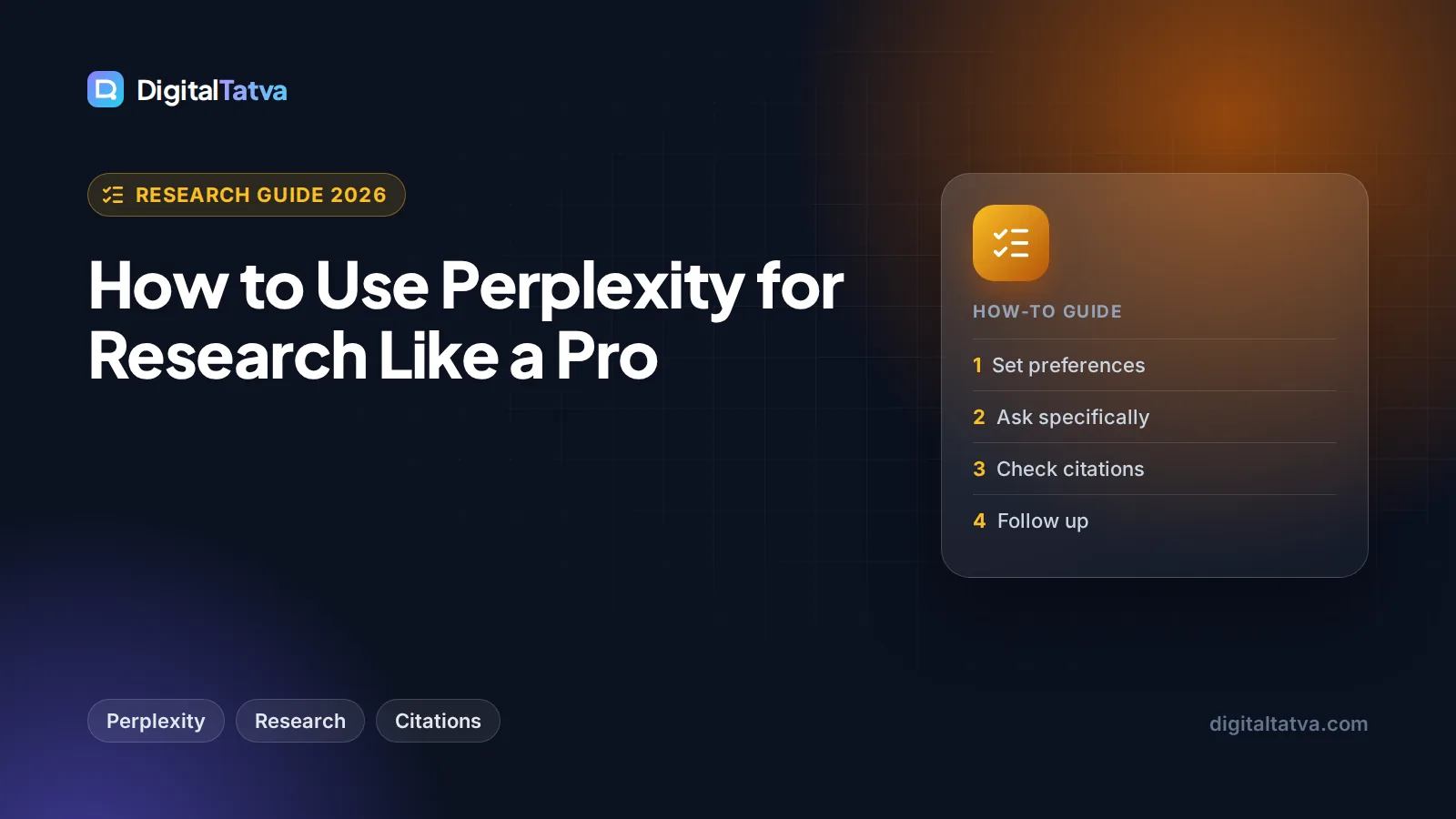
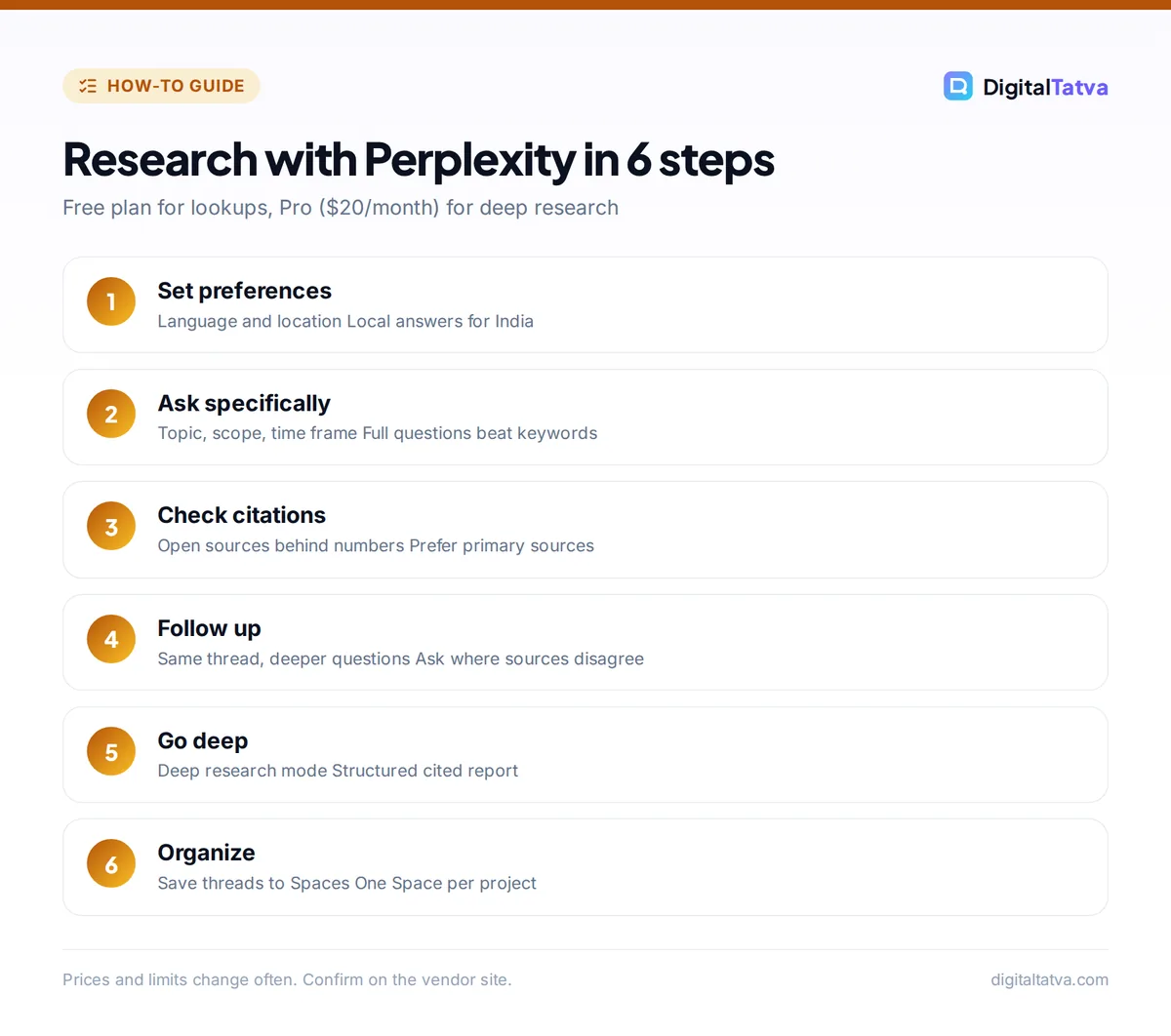
- Sign in and set your preferences. Create an account, then open settings from your profile. Set your language and location so answers about prices, laws and services reflect your country, which matters a lot for Indian users researching GST, UPI or local vendors.
- Ask a specific question. In the main search box, write a full question with context rather than keywords. “Best CRM” becomes “What are the most affordable CRM tools for a 5-person real estate team in India, and what do they cost per user?”
- Read the answer and check the citations. Each claim carries a small numbered citation. Hover or tap to see the source, and open the most important ones in a new tab. Check that the source actually says what the answer claims.
- Ask follow-ups in the same thread. Keep drilling down: “Which of these have a free plan?”, “Show that as a table”, or “What do recent user complaints mention?” Perplexity keeps the earlier context.
- Choose your sources. Look for the option near the search box to focus on particular source types, such as the general web, academic papers or social discussions. Academic focus is useful for students and health or science topics.
- Use deep research for big questions. Switch the mode to deep research when you need a thorough report, such as a market overview or a comparison of ten vendors. It takes longer, reads far more sources, and returns a structured write-up with citations.
- Upload files when needed. Attach a PDF or document and ask Perplexity to summarize it or compare it with what is on the web. Pro increases upload limits.
- Organize your research. Save threads into collections (Perplexity calls its shared workspaces Spaces) so all research for one client, course or project stays together, with its own instructions and files.
Tip: Add “Cite only primary sources such as official websites, government pages or company filings” to important queries. You will get fewer low-quality blogs and more sources you can quote with confidence.
How to write research queries that get pro-level answers
Perplexity’s quality depends heavily on how you ask. Use this structure for serious research: topic, scope, time frame, source preference, output format.
| Weak query | Strong query |
|---|---|
| AI video tools | Compare the monthly price, free plan and commercial rights of the top AI video generators as of 2026. Use official pricing pages. Output as a table. |
| Ecommerce trends India | What changes in Indian D2C ecommerce were reported in 2026 by government sources or major business publications? List each with its source. |
| Is intermittent fasting good | What do systematic reviews published since 2022 say about intermittent fasting and weight loss? Summarize findings and limitations. |
| Competitors of Zoho | Who are Zoho CRM’s main competitors for Indian SMBs, and how does their pricing compare per user? Flag any prices you could not confirm. |
More habits that help:
- Ask for disagreement. “Where do sources disagree on this?” surfaces uncertainty that a smooth summary may hide.
- Ask for what is missing. “What important questions does this answer not cover?”
- Request confidence notes. “Mark any claim supported by only one source.”
- Keep threads focused. Start a new thread when you change topic so old context does not leak in.
For more on structuring prompts across any AI tool, read our prompt engineering guide.
How to fact-check Perplexity answers
Citations make Perplexity easier to verify, but they do not make it always right. The AI can misread a page, mix up figures from two sources, or cite an outdated article. Follow this quick checklist before you use any research in client work or published content:
- Open every source behind a number. Prices, statistics, dates and quotes must be confirmed on the original page.
- Check the date. AI tool prices, laws and product features change fast. Prefer sources from the current year.
- Prefer primary sources. An official pricing page beats a blog post summarizing it.
- Watch for circular sources. Several blogs copying each other are not independent confirmation.
- Re-ask in a different way. If an answer seems surprising, rephrase the question and compare.
Watch out: Never paste a Perplexity answer straight into a report or blog post. Treat it as a well-organized starting point with a reading list attached, not as the final word.
Perplexity plans: Free vs Pro vs Max
| Plan | Price (USD) | What you get | Best for |
|---|---|---|---|
| Free | $0 | Search with citations, basic models, limited daily usage | Quick lookups, casual research |
| Pro | $20/month | Deep research, model picker, 4,000 bonus credits a month, Perplexity Computer, premium data sources | Students, marketers, consultants |
| Max | $200/month | 10,000 monthly credits plus 35,000 bonus credits, frontier models, highest research and upload limits, priority access | Analysts and heavy daily researchers |
| Enterprise | Custom | Team features and admin controls | Companies |
Perplexity’s help center says Pro gives access to models from OpenAI, Anthropic and Google through the model picker, about 10x more citations per answer, more uploads and limited video generation. Third-party sources list Pro annual billing at around $200 per year and an education discount of about $10 per month for verified students, but these were not confirmed on Perplexity’s own pages. In India, Airtel ran a 12-month free Pro offer for its customers in 2025; check the Airtel Thanks app to see whether it is still open before paying.
Our full guide to Perplexity pricing compares every plan, and students should check our roundup of AI student discounts and free plans.
Save money: If you already pay for ChatGPT Plus, Claude Pro or Google AI Pro, you get web search and deep research features there too. Try those first before adding a second $20 subscription. Our list of ways to save money on AI subscriptions has more ideas.
Advanced Perplexity workflows by use case
For students
Use academic source focus to find papers, then ask Perplexity to explain methods in plain language. Move the best papers into Google’s notebook tool for deep study; our guide on how to use NotebookLM for study and research shows the full workflow. Always read and cite the original papers yourself.
For marketers and SEO professionals
Use Perplexity to map questions people ask about a topic, find recent statistics with sources, and scan competitor positioning. Since Perplexity itself is an AI search engine, checking how it describes your brand is part of modern visibility work. Our list of the best AI SEO tools for Google and AI search covers tools that track this at scale, and our guide on writing a blog post with AI that ranks shows how research fits into content production.
For founders and small business owners
Run deep research on vendors, pricing, regulations and market sizing before big decisions. Ask for a comparison table with sources, then verify the top options directly. For more business uses, read our guide to using AI in a small business without a big budget.
Pros
- Citations on every answer make checking easy
- Fast, focused answers to current questions
- Useful free plan and a free AI browser (Comet)
- Deep research produces structured reports
Cons
- Can misquote or mix up sources
- Less suited to long creative writing
- Exact free plan limits are not officially published
- Max at $200/month is expensive for most users
Frequently asked questions
Is Perplexity free to use?
Yes. Perplexity’s free plan includes search with citations, basic models and limited daily usage, which is enough for everyday questions. Third-party sources suggest a small number of Pro searches per day on Free, but Perplexity does not publish exact figures. Its Comet browser is also free. Pro costs $20 per month for deep research, more uploads and a model picker.
Is Perplexity Pro worth it?
Perplexity Pro is worth it if you research several times a week and need deep research reports, premium data sources such as PitchBook and Statista, or the ability to choose between models. Casual users will be fine on Free. If you already pay for ChatGPT Plus or Claude Pro, test their research features before adding another $20 subscription.
Is Perplexity better than Google for research?
For questions that need an explained answer from several sources, Perplexity is usually faster because it reads and summarizes pages for you with citations. Google is still better for finding a specific website, local businesses, shopping and very fresh news. Many researchers use both: Perplexity to get oriented, Google to check and go deeper.
Can I trust Perplexity’s citations?
Citations show where information came from, but the AI can still misread or combine sources incorrectly. Open the source behind every number, date or quote you plan to use, check that it is current, and prefer official or primary sources. Treat Perplexity as a fast research assistant that hands you a reading list, not as a final authority.
How much does Perplexity Pro cost in India?
Perplexity lists Pro at $20 per month, and an official rupee price was not confirmed at the time of writing, so check the amount at checkout. In 2025, Airtel offered 12 months of free Perplexity Pro to its mobile, broadband and DTH customers through the Airtel Thanks app. Confirm whether that offer still accepts new sign-ups before paying.
Next steps: turn Perplexity into your research habit
Start with one real question you need answered this week and apply the topic, scope, time frame, source and format structure. Open the top three citations, ask two follow-ups, and save the thread to a Space. Once you find yourself wanting deeper reports every week, try Pro for a month and judge whether deep research saves you enough time to justify it.
For official details, see Perplexity’s pricing page and the Perplexity Pro help article. Prices and plan limits change often, so confirm current details on Perplexity’s site before you subscribe.
Pricing and features are checked at the time of writing and can change. Some links may be affiliate links, which never affect our verdicts.