Best Free AI Note Takers in 2026: Free Plan Limits Compared
The best free AI note takers in 2026 compared: Otter, Fathom, tl;dv, Fireflies, Read AI and Granola free plan limits, bot-free options and free phone recorders.
On this page
- Key takeaways
- Best free AI note takers compared
- Free tool reviews in brief
- Free AI note taking on your phone or laptop
- What about Zoom, Google Meet and Teams?
- Which free AI note taker should you choose?
- How to get the most from a free plan
- Limits and risks of free AI note takers
- Illustrative example: a freelancer’s free setup
- Free AI note taker checklist
- How Digital Tatva can help
- Frequently asked questions
Last updated: 20 November 2026
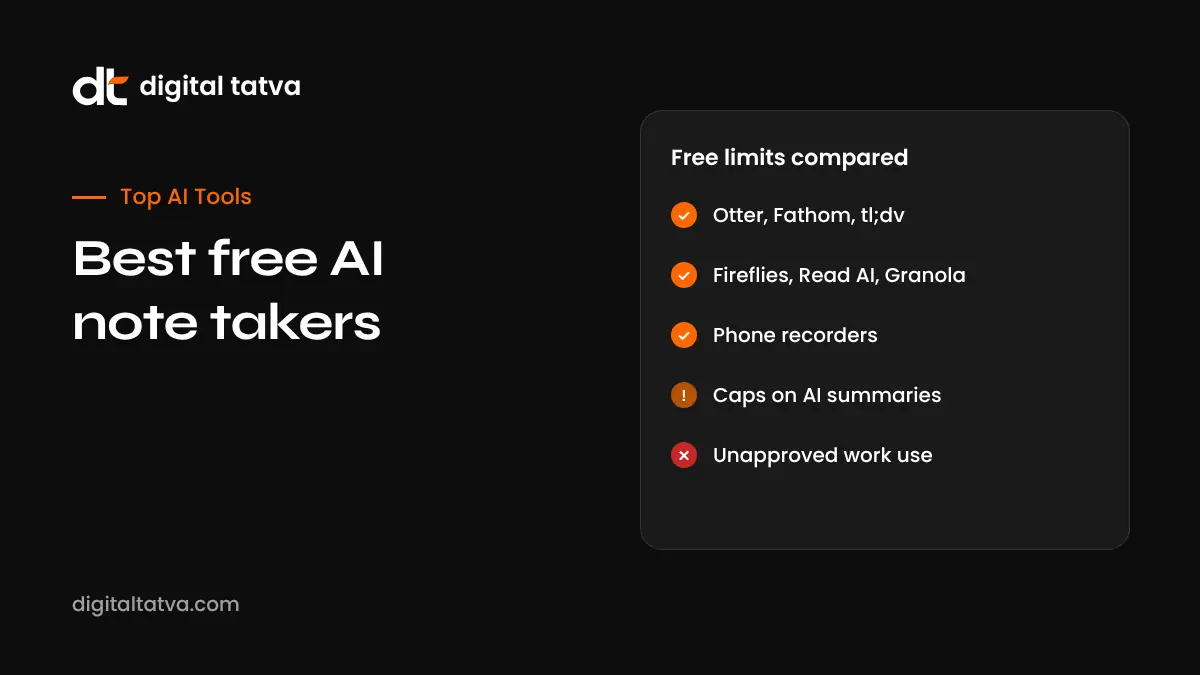
Quick answer: The best free AI note takers in 2026 are Otter (300 transcription minutes a month, 30 minutes per conversation), Fathom (unlimited recordings and transcripts, with advanced AI summaries on the first 5 calls a month), tl;dv (unlimited recordings and transcripts, AI notes on a limited number of meetings), Fireflies (limited meetings, storage and AI credits), Read AI (5 meetings a month up to 1 hour each) and Granola (bot-free notes, last 30 days kept). Phone features such as Apple Intelligence, Samsung Galaxy AI and Google’s Recorder app can also transcribe and summarise for free on supported devices. Built-in tools like Gemini in Google Meet and Copilot in Teams are not free; they need paid plans. Free tiers change often, so check each vendor’s pricing page, and always tell participants before recording.
Key takeaways
- “Free” usually means limits on minutes, meetings, AI summaries or how long notes are kept.
- Fathom and tl;dv are generous on recordings; Otter is generous on minutes but caps meeting length.
- Bot-free options exist if you dislike bots joining calls, but you still must inform participants.
- Phone and laptop features can cover in-person meetings for free.
- For company or client meetings, check data policies before using free personal tools.
Best free AI note takers compared
| Tool | Free plan highlights | Main limits | Joins as a bot? | Platforms |
|---|---|---|---|---|
| Otter | 300 transcription minutes a month, AI summaries | 30 minutes per conversation, only 25 most recent transcripts kept, limited AI features, 3 lifetime file imports | Yes by default; desktop app and an opt-in Meet mode can avoid a bot | Google Meet, Zoom, Teams |
| Fathom | Unlimited recordings, transcripts and storage | Advanced AI summaries on first 5 calls a month; some features such as action items are paid | Yes; bot-free capture in beta on Mac | Google Meet, Zoom, Teams |
| tl;dv | Unlimited recordings and transcripts | AI notes limited to around 10 meetings in total, 3-hour meeting cap, recordings kept for 3 months | Yes; desktop app can record audio without a bot | Google Meet, Zoom, Teams |
| Fireflies | Transcription and summaries for a limited number of meetings | About 400 minutes of storage, 2-hour cap per recording, limited AI credits | Yes; Chrome extension can record Meet without a bot | Google Meet, Zoom, Teams |
| Read AI | AI summaries included | 5 meetings a month, up to 1 hour each, storage cap | No bot on Google Meet; visible assistant on Zoom and Teams | Google Meet, Zoom, Teams |
| Granola | AI notes from your own notes plus captured audio | Notes from the last 30 days only; no recording kept | No | Mac, Windows, iOS, Android |
Free plan details as compiled by Scribbl in October 2026; Scribbl sells a competing note taker, so treat its comparison with that in mind and confirm limits on each vendor’s site before you rely on them.
Free tool reviews in brief
Otter: best for frequent short meetings
Otter’s free plan gives a healthy monthly minute allowance with live transcription and summaries, but each conversation is capped at 30 minutes and only recent transcripts are kept. Good for students, quick calls and testing. Compare it in detail in Otter vs Fireflies.
Fathom: best free option for regular recordings
Fathom records and transcribes unlimited meetings on the free plan, which is unusual. Advanced AI summaries are limited each month, so it suits people who mainly need searchable recordings with occasional summaries.
tl;dv: best for keeping recordings to rewatch
tl;dv offers unlimited recordings and transcripts on the free plan, with a limited number of AI note generations and a retention limit. It is useful for teams that want to clip and share moments from calls.
Fireflies: best for trying search and integrations
Fireflies’ free plan lets you test transcription, search and integrations with tight storage and AI credit limits. It suits light users who may upgrade later.
Read AI: best for Google Meet without a bot
Read AI can capture Google Meet notes without a visible bot, and includes summaries on its free plan, but limits the number and length of meetings.
Granola: best bot-free personal notepad
Granola combines your typed notes with captured audio to produce AI-enhanced notes without joining as a bot. The free plan keeps only recent notes, so export what matters.
Free AI note taking on your phone or laptop
| Option | What it does | Notes |
|---|---|---|
| Apple Intelligence | Recording, transcription and summaries in Notes and Phone on supported devices | Requires compatible iPhone, iPad or Mac and supported languages; see Apple Intelligence features |
| Samsung Galaxy AI | Transcript assist and summaries in the Voice Recorder app | On supported Galaxy devices; see Galaxy AI features |
| Google Recorder | On-device transcription and summaries | Available on Pixel phones |
| Chatbots | Summarise a transcript you already have | Free tiers of ChatGPT, Claude or Gemini can turn a transcript into notes; check data policies |
These are useful for in-person meetings, lectures and interviews. As always, tell people before recording.
What about Zoom, Google Meet and Teams?
- Zoom AI Companion is included with paid Zoom Workplace plans; see Zoom AI Companion.
- Gemini “Take notes for me” in Google Meet needs an eligible Google Workspace plan or a Google AI plan; it is not available on free personal Gmail accounts. See our Google Meet guide.
- Copilot and Intelligent Recap in Microsoft Teams need a Microsoft 365 Copilot licence or Teams Premium. See our Teams Copilot guide.
If your organisation already pays for these, they are often the best choice because data stays within your existing agreements.
Which free AI note taker should you choose?
| You need | Try |
|---|---|
| Many short calls a month | Otter |
| Unlimited recordings with some summaries | Fathom or tl;dv |
| No bot joining calls | Granola, Read AI on Meet, or desktop recording modes |
| In-person meetings and lectures | Phone features such as Apple Intelligence, Galaxy AI or Google Recorder |
| Testing before buying for a team | Fireflies or Otter free plans, then compare paid tiers |
| Company-wide use | A paid plan with admin controls and a data processing agreement |
For paid options and features, see best AI meeting assistants.
How to get the most from a free plan
- Turn off auto-join so the tool only records meetings you choose.
- Save AI summaries for important meetings if your plan limits them.
- Export notes regularly to Google Docs, Notion or your project tool before retention limits delete them.
- Use a chatbot for extra summaries: paste a transcript and ask for decisions and action items, if your policy allows it.
- Combine tools: for example, record with one tool and summarise with another, while keeping data rules in mind.
For prompts and a full workflow, see how to use AI in meetings.
Limits and risks of free AI note takers
- Usage caps: long meetings may be cut off or not summarised.
- Short retention: notes may disappear after a set time.
- Limited admin controls: harder to manage for teams.
- Data use: read terms on how your data is stored and used.
- Accuracy: transcripts struggle with accents, crosstalk and poor audio.
- Consent: free tools that auto-join can record people without proper notice; read AI note taker privacy, consent and etiquette.
Illustrative example: a freelancer’s free setup
This is an illustrative scenario, not a client story.
A freelance consultant has about 15 client calls a month on Zoom and Google Meet. She uses Fathom’s free plan to record and transcribe calls she has permission to record, and uses her limited advanced summaries on discovery calls. For other calls, she pastes the transcript into a chatbot to draft follow-up emails. In-person workshops are recorded on her phone’s built-in recorder with participants’ agreement. Every Friday she exports key notes to Notion so nothing is lost when retention limits apply.
Free AI note taker checklist
- Free plan limits checked on the vendor’s pricing page.
- Auto-join set the way you want.
- Participants informed before recording.
- Export routine for notes you need to keep.
- Company or client approval for business use.
- Paid upgrade path identified if you outgrow the free plan.
How Digital Tatva can help
Digital Tatva helps businesses use AI tools practically and get found in AI search. See our AEO services.
Is your business recommended by AI assistants? Request an AEO audit or try the free AI visibility checker.
Frequently asked questions
What is the best free AI note taker?
It depends on your needs. Otter is good for many short calls, Fathom and tl;dv for unlimited recordings, Read AI and Granola for bot-free notes.
Is there a completely free AI note taker without limits?
Most free plans have limits on minutes, AI summaries, storage or retention. Some offer unlimited recordings but limit AI features.
Is Otter free?
Otter has a free plan with 300 transcription minutes a month and a 30-minute limit per conversation, as reported in late 2026.
Is Fathom free?
Yes. Fathom’s free plan offers unlimited recordings and transcripts, with a monthly limit on advanced AI summaries.
Is Gemini note taking in Google Meet free?
No. It requires an eligible Google Workspace plan or a Google AI plan.
Is Copilot in Teams free?
No. Copilot in Teams meetings requires a Microsoft 365 Copilot licence, and Intelligent Recap requires Teams Premium or Copilot.
Can I use a free AI note taker without a bot joining?
Yes. Some tools, such as Granola and certain desktop or extension modes, capture notes without a visible bot. You should still tell participants.
Can I use free AI note takers for in-person meetings?
Yes. Phone features and apps can record and summarise in-person meetings with participants’ consent.
Are free AI note takers safe for business?
They can be, but free personal plans often lack admin controls and business data agreements. Check with your company before using them for work.
Do free AI note takers support languages other than English?
Many support several languages, but quality and availability vary. Test with your meetings before relying on them.
Product details, prices and features are checked at the time of writing and can change. Sources are linked in the text so you can check them yourself.
How does your brand appear in AI answers?
We test the questions your buyers ask across the major AI assistants and search engines, then show you what to fix first.
Get an AI Visibility Audit