Samsung Galaxy AI Features: Complete Guide for 2026
What Galaxy AI can do on your Samsung phone, which models get it and how to control it.
On this page
- Key takeaways
- Which Galaxy devices get Galaxy AI?
- Galaxy AI features explained
- Galaxy AI features at a glance
- Is Galaxy AI free?
- How to turn on and control Galaxy AI
- Privacy considerations
- Galaxy AI vs Apple Intelligence
- Illustrative example: a tour operator using Galaxy AI
- Galaxy AI checklist for new owners
- What Galaxy AI means for businesses
- How Digital Tatva can help
- Frequently asked questions
Last updated: 17 November 2026
Quick answer: Galaxy AI is Samsung’s set of AI features on Galaxy phones, tablets and some laptops. The most useful are Circle to Search, Live Translate and Interpreter, Chat Assist, Note Assist, Transcript Assist, Generative Edit and Photo Assist, Audio Eraser, Now Brief and Now Nudge, plus Google Gemini as the built-in assistant. Galaxy S26 phones introduced features such as AI call screening and Creative Studio, and Samsung has said many S26 features will reach the Galaxy S25 through One UI 8.5. Samsung said in early 2026 that core Galaxy AI features would stay free, so the old “free until 2025” worry no longer applies to the core set.
Key takeaways
- Galaxy AI works best on flagship S, Z Fold and Z Flip phones; mid-range A series phones get a smaller set.
- Gemini is the default assistant, alongside a more capable Bixby on newer One UI versions.
- Translation features are Galaxy AI’s biggest strength, with many Indian languages supported.
- Some features work on-device; you can restrict processing to the device in settings.
- Feature availability varies by model, region and One UI version.
Which Galaxy devices get Galaxy AI?
Galaxy AI launched with the Galaxy S24 in 2024 and has expanded through One UI updates. The Galaxy S26 series, Galaxy Z Fold and Z Flip models, recent Galaxy S and Tab S series devices, and selected Galaxy A series phones support it, with flagship devices getting the full set. Older models may receive only some features through One UI 8 and One UI 8.5. Check Samsung’s support pages for your exact model.
Galaxy AI features explained
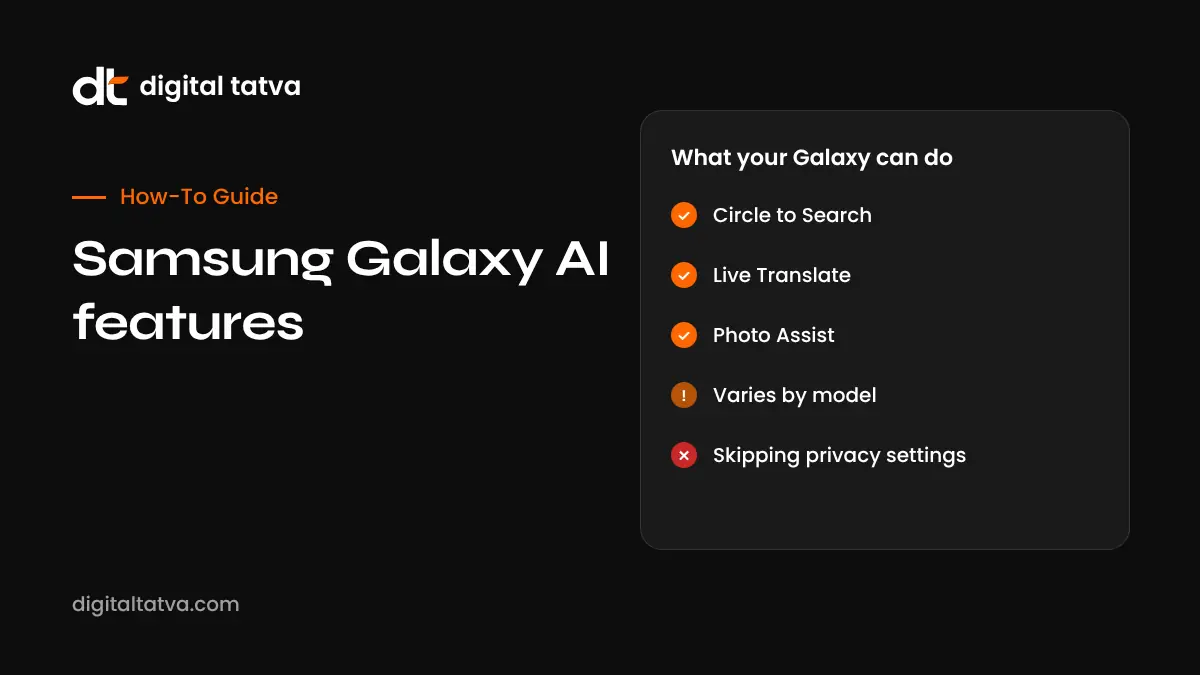
Circle to Search
Long-press the home button or navigation bar and circle anything on screen to search it with Google, including text, products, places and maths problems. Newer versions show AI Overviews and let you ask follow-up questions, and can translate the whole screen.
Live Translate and Interpreter
Live Translate translates phone calls in real time, including through the Samsung Phone app, and now in some third-party calling apps. Interpreter shows a split-screen view for face-to-face conversations. Hindi is supported, and Samsung has added more languages over time. This is genuinely useful for travel and business with customers who speak another language.
Chat Assist and Writing Assist
From the Samsung Keyboard, you can change the tone of a message (professional, casual, polite, social), fix spelling and grammar, and translate as you type in apps like WhatsApp.
Note Assist and Transcript Assist
Samsung Notes can summarise, format and translate notes. Transcript Assist turns voice recordings into text with speaker labels and summaries, which is handy for meetings and lectures.
Browsing Assist
Samsung Internet can summarise and translate web pages.
Photo Assist and Generative Edit
In the Gallery, you can move, resize or erase objects, fill in backgrounds, straighten photos and change elements using text prompts. Photo Assist on newer devices lets you make several edits in a row with prompts and keep a history of versions. Edited images get a visible watermark and metadata noting AI editing.
Audio Eraser
Reduce background noise, wind or music in videos, and on newer One UI versions in other audio sources too.
Sketch to Image and Portrait Studio
Turn rough sketches into images and create stylised portraits from photos.
Creative Studio
Introduced on the Galaxy S26, Creative Studio brings image creation tools such as stickers, wallpapers and invitations together in one place.
Now Brief and Now Nudge
Now Brief shows a personalised summary of your day, such as weather, calendar and reminders. Now Nudge, added with the S26 generation, offers suggestions in context, such as surfacing a relevant photo when someone asks for it in a chat.
AI call screening
Introduced on the S26 and expected for the S25 with One UI 8.5, call screening can answer unknown callers and show you what they want before you pick up.
Gemini and Bixby
Gemini is built in as the main assistant, with Gemini Live for voice and camera conversations and actions across Samsung and Google apps. Samsung has also been upgrading Bixby with smarter, more conversational capabilities on newer One UI versions. Learn more about Gemini in how to use Gemini in Google Workspace.
Galaxy AI features at a glance
| Feature | Where | Best for |
|---|---|---|
| Circle to Search | Anywhere on screen | Quick visual search |
| Live Translate | Phone calls | Calls in another language |
| Interpreter | Quick panel | Face-to-face conversations |
| Chat Assist | Samsung Keyboard | Tone and translation in chats |
| Note Assist | Samsung Notes | Summaries and formatting |
| Transcript Assist | Voice Recorder | Meeting transcripts |
| Photo Assist | Gallery | Editing photos with prompts |
| Audio Eraser | Gallery videos | Removing background noise |
| Now Brief | Lock screen and widgets | Daily summary |
| Call screening | Phone app | Handling unknown callers |
Is Galaxy AI free?
When Galaxy AI launched, Samsung said its features would be free until the end of 2025, which caused uncertainty. In early 2026 Samsung clarified that core Galaxy AI features would remain free. Some future advanced features could still be paid, and Gemini has its own free and paid tiers through Google. Some Galaxy phones have also come with trial offers for Google AI Pro. See free AI pro plans in India for current offers.
How to turn on and control Galaxy AI
- Update your phone to the latest One UI version.
- Open Settings, then Galaxy AI.
- Turn individual features on or off.
- Download language packs for translation features.
- To keep data on the phone, turn on “Process data only on device” in Galaxy AI settings, knowing some features will stop working.
Privacy considerations
Some Galaxy AI features run on the device and others use Samsung or Google cloud processing. On-device mode improves privacy but limits features. Remember that call translation and transcription involve other people’s voices, so tell them when you use these features. For business phones, set a policy on what can be recorded and summarised.
Galaxy AI vs Apple Intelligence
Galaxy AI is stronger on call translation and photo editing tools, while Apple Intelligence leans on privacy and system-wide Writing Tools. Both now have more capable assistants. Read our Apple Intelligence features guide for a full comparison.
Illustrative example: a tour operator using Galaxy AI
This is an illustrative scenario, not a client story.
A small tour operator in Goa uses a Galaxy S25. When a German couple calls about a sunset cruise, he uses Live Translate in the call. On the boat, Interpreter helps with questions. He records a briefing with Transcript Assist to share notes with his crew, and uses Photo Assist to remove a crowded background from a promotional photo before posting it, keeping the AI-edit label. He turns on on-device processing for recordings that include customer details.
Galaxy AI checklist for new owners
- Update to the latest One UI.
- Download language packs for languages you use.
- Set up Gemini and decide whether to use Gemini Live.
- Try Circle to Search on a product or place.
- Test Interpreter before you travel.
- Review privacy settings, including on-device processing.
- Check which features your model supports.
What Galaxy AI means for businesses
Circle to Search and Gemini answer questions about products, places and businesses directly from a screenshot or camera view. Clear product images, consistent names and accurate business listings help those answers point to you. Learn more in how AI search engines work.
How Digital Tatva can help
Digital Tatva helps brands appear accurately when customers search with Circle to Search, Gemini and other AI assistants, through structured content, product data and entity work. See our AEO services.
Is your brand visible in AI search? Request an AEO audit or try the free AI visibility checker.
Frequently asked questions
What is Galaxy AI?
Galaxy AI is Samsung’s suite of AI features for Galaxy devices, covering translation, writing help, notes, photo editing, search and assistants.
Is Galaxy AI free?
Samsung said in early 2026 that core Galaxy AI features would remain free. Some advanced features or Gemini plans may be paid.
Which phones have Galaxy AI?
Galaxy S24 and newer flagship phones, Z Fold and Z Flip models, Tab S tablets and selected A series phones, with full features on flagships.
Does Galaxy AI support Hindi?
Yes. Hindi is supported for translation features, and Samsung has added more languages over time.
Is Gemini part of Galaxy AI?
Gemini is built into Galaxy phones as the main assistant and works with Galaxy AI features, though it is a Google product.
What new Galaxy AI features came with the S26?
Reports highlight AI call screening, Creative Studio, Now Nudge, enhanced Photo Assist and a smarter Bixby, with several coming to the S25 through One UI 8.5.
Can Galaxy AI work offline?
Some features can run on the device with downloaded language packs. Others need an internet connection.
How do I use Circle to Search?
Long-press the home button or navigation handle, then circle, highlight or tap what you want to search.
Are AI-edited photos labelled?
Yes. Galaxy adds a watermark and metadata to photos edited with generative features.
Can I turn Galaxy AI off?
Yes. Go to Settings, then Galaxy AI, and turn off individual features or limit processing to the device.
Product details, prices and features are checked at the time of writing and can change. Sources are linked in the text so you can check them yourself.
How does your brand appear in AI answers?
We test the questions your buyers ask across the major AI assistants and search engines, then show you what to fix first.
Get an AI Visibility Audit