Best AI 3D Model Generators in 2026: Text and Image to 3D
The top AI 3D generators for games, products, AR and 3D printing.
On this page
- Key takeaways
- How AI 3D generators work
- The best AI 3D model generators compared
- 1. Meshy
- 2. Tripo
- 3. Rodin by Hyper3D
- 4. Hunyuan3D
- 5. TRELLIS
- 6. Sloyd
- 7. Spline AI
- 8. CSM
- Which AI 3D generator should you use?
- How to get better AI 3D models
- Limitations of AI 3D generation
- Licensing and commercial use
- Illustrative example: a D2C brand adding 3D product views
- AI 3D checklist
- How Digital Tatva can help
- Frequently asked questions
Last updated: 17 November 2026
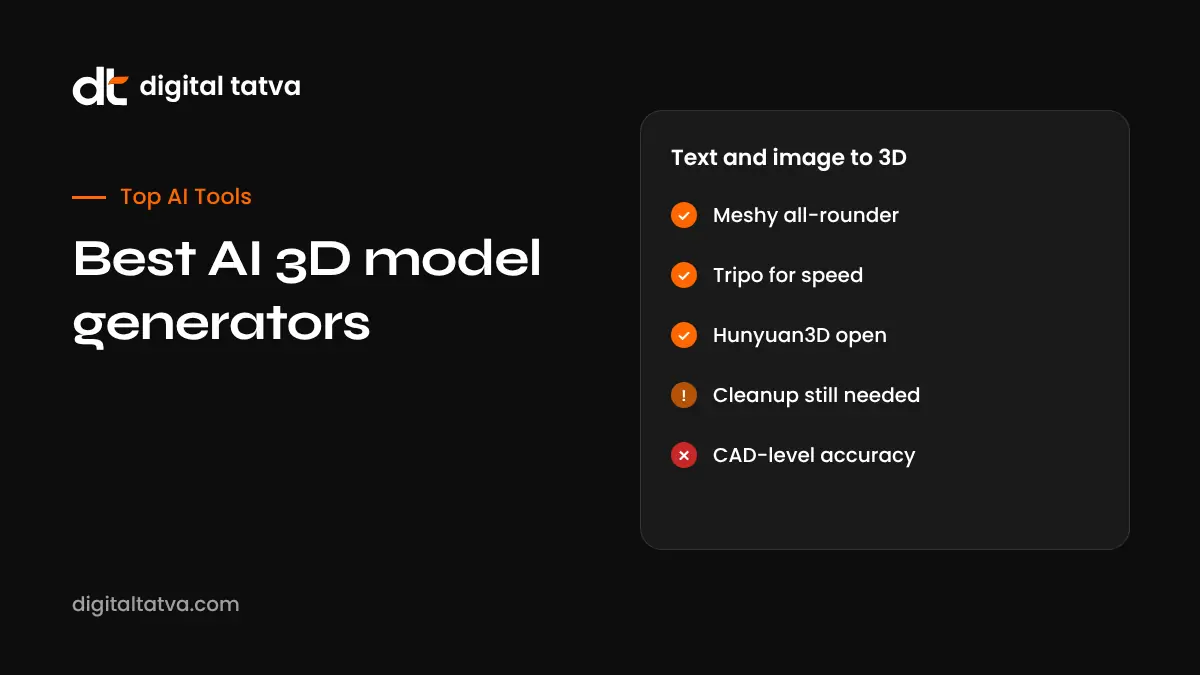
Quick answer: The best AI 3D model generators in 2026 are Meshy for all-round text-to-3D and image-to-3D with good textures; Tripo for fast, clean models; Rodin (Hyper3D) for high-detail assets; Tencent’s Hunyuan3D and Microsoft’s TRELLIS for free, open models you can run yourself; Sloyd for game-ready, low-poly parametric assets; and Spline AI for 3D web design. Per-model costs on leaderboards were roughly $0.29 to $0.40 in mid-2026, and most tools offer free credits to start. AI 3D is great for prototypes, game props, product concepts and 3D printing, but most outputs still need cleanup in Blender for production.
Key takeaways
- Image-to-3D usually gives better results than text-to-3D; start with a clean reference image.
- Check topology, polygon count and texture maps before using models in games or AR.
- Open models like Hunyuan3D and TRELLIS are free but need a capable GPU.
- For 3D printing, check that models are watertight and manifold.
- Review licences and commercial terms on free plans.
How AI 3D generators work
AI 3D tools take a text prompt or one or more images and produce a 3D mesh with textures. Newer models generate geometry and physically based rendering (PBR) materials, so surfaces react realistically to light. Many tools also offer auto-rigging for characters, retopology for cleaner meshes, remeshing to lower polygon counts and export to formats like GLB, FBX, OBJ, USDZ and STL.
The best AI 3D model generators compared
| Tool | Best for | Input | Cost signal (2026) |
|---|---|---|---|
| Meshy | All-round use, PBR textures, rigging | Text, image, multi-image | About $0.40 per model on API leaderboards; free credits and subscriptions |
| Tripo | Fast generation, clean shapes | Text, image, multi-view | About $0.30 per model; free credits |
| Rodin (Hyper3D) | High-detail, high-polycount assets | Text, image | About $0.29 per model; subscriptions |
| Hunyuan3D | Free, open source, self-hosting | Text, image | Free weights; you pay for GPU |
| TRELLIS | Open research model from Microsoft | Image, text | Free to run; GPU needed |
| Sloyd | Game-ready, low-poly, parametric assets | Text, templates | Plans from about $15 per month |
| Spline AI | 3D web design and interactive scenes | Text | Free and paid plans |
| CSM (Common Sense Machines) | Image-to-3D for games and worlds | Image, sketch | Free and paid plans |
Per-model costs are from Sloyd’s August 2026 leaderboard summary, which is published by a competing vendor. Vendor plans change often, so check each site.
1. Meshy
Meshy is one of the most popular AI 3D tools, with text-to-3D, image-to-3D, AI texturing of existing models, remeshing and auto-rigging with animations. Recent versions improved geometry and PBR materials. Plugins for Blender, Unity and Unreal make it easy to bring models into pipelines. Best for: game developers, 3D artists and marketers who want a polished all-rounder.
2. Tripo
Tripo generates clean models quickly, with options for higher-resolution textures, smart low-poly output and rigging. Speed makes it good for iteration. Best for: rapid prototyping and props.
3. Rodin by Hyper3D
Rodin focuses on detailed, production-quality geometry and is known for high polygon counts and sharp detail, with options to control topology. Best for: hero assets and detailed product visualisation.
4. Hunyuan3D
Tencent’s Hunyuan3D models are available openly and have improved quickly, with strong shape and texture quality. You can try them in online demos or run them locally. Check the licence terms for your region and use. Best for: developers and studios wanting free, self-hosted generation.
5. TRELLIS
Microsoft’s TRELLIS models generate 3D assets from images and text, and the open release made it popular with researchers and hobbyists. Best for: experimentation and research.
6. Sloyd
Sloyd combines AI with parametric templates, producing optimised, game-ready meshes with predictable topology. Best for: mobile games and real-time apps needing light assets.
7. Spline AI
Spline is a browser-based 3D design tool for interactive web experiences, with AI features to generate objects and scenes. Best for: designers creating 3D elements for websites.
8. CSM
CSM turns images and sketches into 3D models and focuses on game and world-building workflows. Best for: concept-to-asset pipelines.
Which AI 3D generator should you use?
| Use case | Suggested tools |
|---|---|
| Game props and characters | Meshy, Tripo, Sloyd |
| High-detail product renders | Rodin, Meshy |
| 3D printing | Meshy, Tripo, then repair in Blender or slicer |
| Free and self-hosted | Hunyuan3D, TRELLIS |
| Web and interactive design | Spline |
| E-commerce AR (USDZ, GLB) | Meshy, Tripo with careful cleanup |
How to get better AI 3D models
- Use a clean reference image: one object, plain background, even lighting, three-quarter view.
- Use multi-view input where supported (front, side, back) for accuracy.
- Write specific prompts: material, style, scale and level of detail.
- Generate several versions and pick the best base mesh.
- Remesh or retopologise for games and AR.
- Check textures for seams and baked-in lighting.
- Clean up in Blender: fix holes, normals and scale.
- Export in the right format: GLB for web, USDZ for Apple AR, FBX for engines, STL for printing.
Limitations of AI 3D generation
- Hidden or back sides of objects are guessed and may be wrong.
- Thin parts such as straps, cables and fingers often fail.
- Topology is often messy for animation.
- Textures may include baked shadows.
- Exact dimensions and engineering accuracy are not reliable; use CAD for functional parts.
Licensing and commercial use
Paid plans usually grant commercial rights; free plans may restrict use or make assets public. Open models have their own licences, which can include usage limits by region or company size. Do not generate trademarked characters or copy existing products. Related: our list of the best AI image generators for creating reference images.
Illustrative example: a D2C brand adding 3D product views
This is an illustrative scenario, not a client story.
A home decor brand in Moradabad wants 3D views of 25 brass products for its website. The team photographs each product from four angles on a white sweep, uses Meshy’s multi-image-to-3D, and compares results with Tripo. A freelance 3D artist cleans the best meshes in Blender, fixes reflective textures and exports GLB files for a web viewer and USDZ for iPhone AR. Dimensions shown to shoppers come from real measurements, not the AI model.
AI 3D checklist
- Define the use: game, AR, render, print or web.
- Prepare clean reference images.
- Test two or three tools on the same object.
- Check polygon count, topology and textures.
- Repair and optimise in Blender.
- Confirm commercial rights.
- Use real measurements for product details.
How Digital Tatva can help
Digital Tatva helps brands structure product content, images and data so search engines and AI assistants understand and recommend them. See our AEO services.
Do AI assistants recommend your products? Request an AEO audit or try the free AI visibility checker.
Frequently asked questions
What is the best AI 3D model generator?
Meshy is a strong all-rounder, Tripo is fast, Rodin is detailed, and Hunyuan3D and TRELLIS are free open options.
Is there a free AI 3D model generator?
Yes. Meshy, Tripo and others offer free credits, and Hunyuan3D and TRELLIS are free to run if you have a capable GPU.
Can AI make 3D models from a photo?
Yes. Image-to-3D is supported by most tools and often gives better results than text alone.
Are AI 3D models good for 3D printing?
They can be, but check that meshes are watertight and repair them before printing.
Can I use AI 3D models in games?
Yes, especially for props and prototypes, but optimise topology and textures for performance.
What file formats do AI 3D tools export?
Common formats include GLB, GLTF, FBX, OBJ, USDZ and STL.
Do AI 3D generators create rigged characters?
Some, including Meshy and Tripo, offer auto-rigging and basic animations.
How much does AI 3D generation cost?
Leaderboard prices in mid-2026 were roughly $0.29 to $0.40 per model via APIs, with subscriptions and free tiers also available.
Can I sell AI-generated 3D models?
Usually on paid plans with commercial rights. Check each tool’s terms and avoid copying protected designs.
Is AI 3D accurate enough for engineering?
No. Use CAD tools for parts that need exact dimensions or mechanical function.
Product details, prices and features are checked at the time of writing and can change. Sources are linked in the text so you can check them yourself.
How does your brand appear in AI answers?
We test the questions your buyers ask across the major AI assistants and search engines, then show you what to fix first.
Get an AI Visibility Audit