Gemini 4 Neon Explained: Google’s Coding Model, Pricing and Benchmarks
Everything about Gemini 4 Neon and where it fits in the Gemini 4 family.
On this page
- Key takeaways
- Where Neon fits in the Gemini 4 family
- Gemini 4 Neon features
- Benchmarks (Google-reported)
- Where to use Gemini 4 Neon
- Gemini 4 Neon vs GPT-6.2 vs Claude
- How to evaluate Neon for your team
- Cautions from analysts
- Illustrative example: a SaaS team migrating a codebase
- Gemini 4 Neon checklist
- Choosing reasoning levels
- Prompting tips for coding with Neon
- How Digital Tatva can help
- Frequently asked questions
Last updated: 19 November 2026
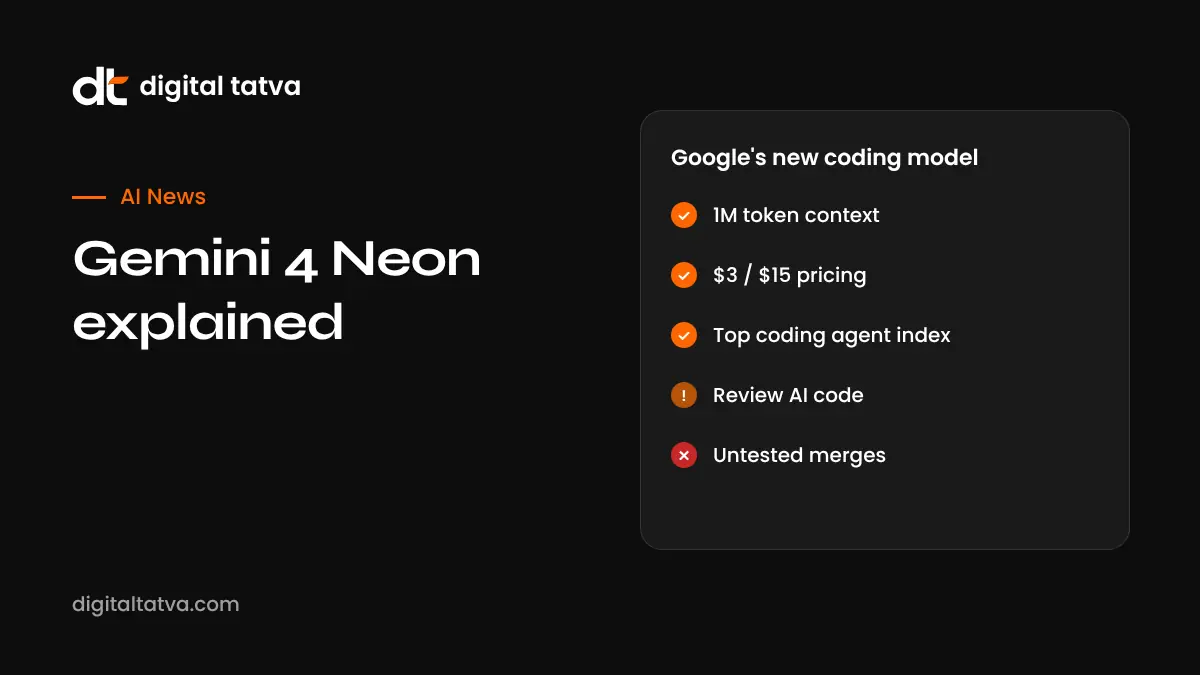
Quick answer: Gemini 4 Neon is Google’s new Gemini 4 model for complex coding and knowledge work, launched in November 2026. It sits between the heavyweight Gemini 4 Carbon and the fast Gemini 4 Hydrogen, offers a 1 million token context window and four reasoning levels, and costs $3 per million input tokens and $15 per million output tokens ($0.15 cached). Google says it ranked first on the Artificial Analysis Coding Agent Index (58.6) and scored 65.2% on Terminal-Bench 4.1, with about 32% lower cost per task than Carbon. It is available through the Gemini API in Google AI Studio and Gemini for Business, and expanding to Antigravity, where it can coordinate multiple Hydrogen subagents in parallel.
Key takeaways
- Neon targets large codebases: multi-file debugging, refactoring and precise edits.
- It is priced below Carbon and positioned as the cost-efficient choice for serious coding.
- Four reasoning levels let developers trade speed and cost for depth.
- Analysts advise judging models by total cost per completed task, not benchmark scores alone.
- Always test AI-generated code with functional and security checks.
Where Neon fits in the Gemini 4 family
| Model | Role | API price per million tokens (input / output) |
|---|---|---|
| Gemini 4 Carbon | Most demanding engineering, dense documents, research | $2 / $10 introductory |
| Gemini 4 Neon | Complex coding and knowledge work at lower cost per task | $3 / $15 |
| Gemini 4 Argon | Everyday coding and knowledge work | See Google pricing |
| Gemini 4 Hydrogen | Fast, efficient tasks and subagents | Reported $1.50 / $7.50 in price listings |
Carbon’s introductory per-token price is lower than Neon’s, but Google says Neon completes tasks more economically because it needs fewer tokens and steps. Pricing from InfoWorld and Google announcements; Hydrogen figures come from reported price list entries. See Gemini 4 Argon and Gemini 4 Carbon vs GPT-6.1 Sol.
Gemini 4 Neon features
- 1 million token context: load large repositories, specifications and logs.
- Four reasoning levels: choose effort per task.
- Multi-file debugging and refactoring: make targeted changes across a codebase.
- Agent orchestration: in Antigravity, Neon can run several Gemini 4 Hydrogen subagents in parallel.
- Prompt caching: cached input at $0.15 per million tokens reduces repeated context costs.
Benchmarks (Google-reported)
| Benchmark | Gemini 4 Neon |
|---|---|
| Artificial Analysis Coding Agent Index | 58.6, ranked first |
| Terminal-Bench 4.1 | 65.2% |
| Cost per task vs Carbon (AA Intelligence Index, high reasoning) | About 32% lower |
| Savings vs leading competitors (Vals Index, Agent Arena) | About 50% to 80%, per Google |
Where to use Gemini 4 Neon
- Google AI Studio: test prompts and get an API key. See how to use Google AI Studio.
- Gemini API: build it into apps and tools.
- Gemini for Business: for teams on Google’s business plans.
- Antigravity: Google’s agentic development environment. See how to use Google Antigravity.
- Third-party tools: coding assistants and gateways often add new Gemini models quickly; see OpenRouter.
Gemini 4 Neon vs GPT-6.2 vs Claude
| Model | Coding strength | Price signal |
|---|---|---|
| Gemini 4 Neon | Top of AA Coding Agent Index at launch | $3 / $15 |
| GPT-6.2 Astra | Strong reviews and visuals; coding index flat | $8 / $40 |
| GPT-6.2 Sol | Good for routine coding | $2 / $10 |
| Claude models | Widely preferred for long agentic coding | Varies by model |
See GPT-6.2 Astra and Sol and best AI coding assistants.
How to evaluate Neon for your team
- Pick 10 real tasks from your backlog: bug fixes, refactors, tests and small features.
- Run each on Neon and your current model with the same instructions.
- Measure total cost per completed task, including retries.
- Check functional tests, security scans and code readability.
- Try different reasoning levels to find the best value.
- Watch for conflicting changes when using multiple subagents.
Cautions from analysts
Analysts quoted by InfoWorld noted that long contexts can push token use above estimates, that AI-generated code can be hard for developers to understand, and that coordinating several agents can create conflicting changes. Treat Neon as a powerful assistant, with human review and tests before merging.
Illustrative example: a SaaS team migrating a codebase
This is an illustrative scenario, not a client story.
A SaaS startup in Ahmedabad needs to migrate an old payments module. The lead developer loads the module and its tests into Neon’s 1 million token context, asks for a migration plan, then lets Neon coordinate Hydrogen subagents in Antigravity to update files in parallel. She reviews each pull request, runs the test suite and a security scan, and asks Neon to explain any change she does not understand. The migration takes days instead of weeks, with two subagent conflicts caught in review.
Gemini 4 Neon checklist
- Get API access in Google AI Studio.
- Benchmark on your own codebase.
- Choose reasoning levels per task type.
- Use caching for repeated context.
- Require tests and code review.
- Track cost per completed task.
Choosing reasoning levels
| Task | Suggested reasoning level |
|---|---|
| Small edits, renames, formatting | Lowest |
| Writing unit tests, simple bug fixes | Low to medium |
| Multi-file refactors | Medium to high |
| Architecture changes, tricky bugs | Highest |
Start low and raise the level only when results fall short. Higher levels use more tokens and time, which affects total cost per task.
Prompting tips for coding with Neon
- Give the goal, constraints and definition of done, such as “all tests pass and no public API changes”.
- Point to relevant files instead of loading everything when possible, to save tokens.
- Ask for a plan first, approve it, then let Neon implement.
- Request a short summary of each change for reviewers.
- Ask Neon to write or update tests alongside code changes.
How Digital Tatva can help
Digital Tatva helps businesses understand which AI models matter for their audience and keeps their brand accurately represented across Gemini, ChatGPT and Claude. See our AEO services.
How does Gemini describe your business? Request an AEO audit or try the free AI visibility checker.
Frequently asked questions
What is Gemini 4 Neon?
Google’s Gemini 4 model for complex coding and knowledge work, positioned between Carbon and Hydrogen.
How much does Gemini 4 Neon cost?
$3 per million input tokens, $15 per million output tokens and $0.15 per million cached input tokens.
What is Gemini 4 Neon’s context window?
Up to 1 million tokens.
Is Gemini 4 Neon good for coding?
Google reports it ranked first on the Artificial Analysis Coding Agent Index at launch with 58.6.
Where can I use Gemini 4 Neon?
In Google AI Studio, the Gemini API, Gemini for Business and, as access expands, Antigravity.
How is Neon different from Gemini 4 Carbon?
Carbon is for the most demanding work; Neon aims for strong coding results at lower cost per task.
Is Gemini 4 Neon better than GPT-6.2?
Neon led coding agent benchmarks at launch and costs less than Astra. Test both on your own tasks.
What are Neon’s reasoning levels?
Neon offers four levels so developers can trade speed and cost for deeper reasoning.
Can Gemini 4 Neon run subagents?
In Antigravity, Neon can orchestrate multiple Gemini 4 Hydrogen subagents in parallel.
Is Gemini 4 Neon free?
It is a paid API model, though Google AI Studio may offer limited testing access.
Product details, prices and features are checked at the time of writing and can change. Sources are linked in the text so you can check them yourself.
How does your brand appear in AI answers?
We test the questions your buyers ask across the major AI assistants and search engines, then show you what to fix first.
Get an AI Visibility Audit