12 Best AI Clipping Tools in 2026: Turn Long Videos Into Shorts
Twelve AI tools that turn podcasts, webinars and streams into short clips, with the best pick for each content type.
On this page
- Key takeaways
- What does an AI clipping tool do?
- Best AI clipping tools compared
- The 12 best AI clipping tools in detail
- Best AI clipping tool by content type
- How AI clipping tools charge
- Features that matter most
- How to get better clips from AI
- Rights and ethics
- Short video and AI visibility
- How Digital Tatva can help
- Frequently asked questions
Last updated: 22 November 2026
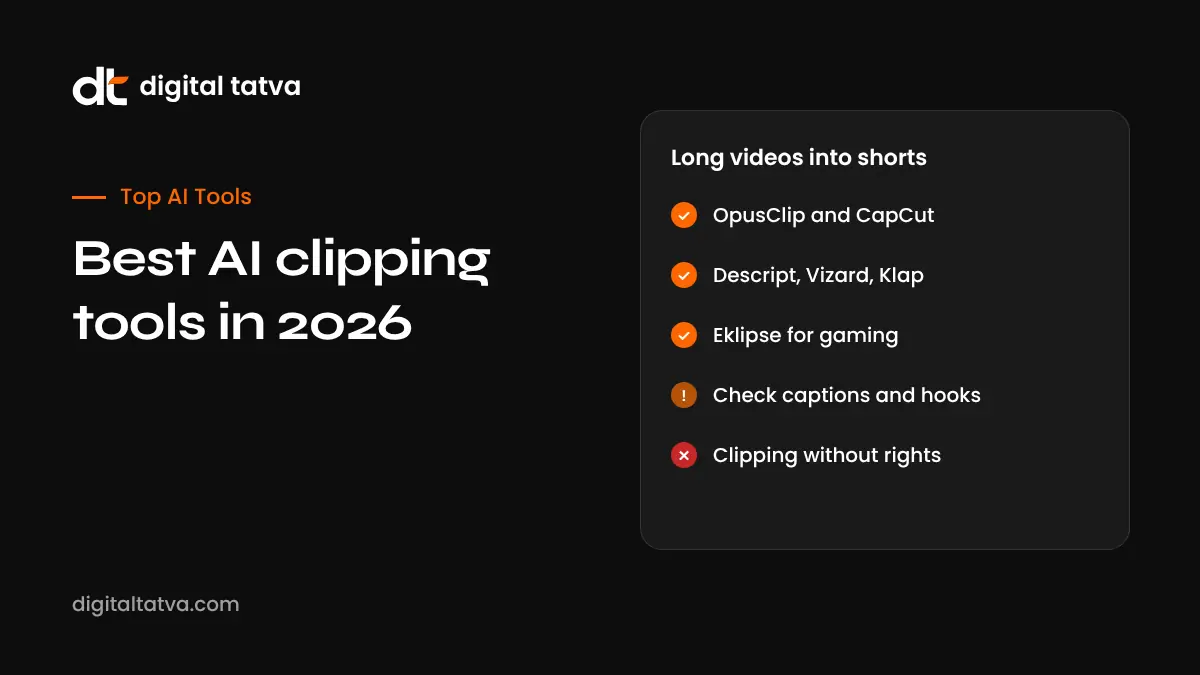
Quick answer: The best AI clipping tools in 2026 are OpusClip (the most popular tool for turning long videos into viral-style shorts), CapCut (free editing with auto captions and long-video-to-shorts features), Descript (edit video by editing the transcript), Vizard (clips plus team workflows), Klap (fast one-click shorts), Submagic (stylish captions and effects), Riverside Magic Clips (best for podcasts recorded in Riverside), VEED (browser editor with clipping), Quso.ai (formerly vidyo.ai, clips plus scheduling), Eklipse and StreamLadder (gaming and live-stream highlights) and Captions (mobile-first editing with AI). Choose based on your source content (podcasts, webinars, streams or talking-head videos), the platforms you post to and how much editing control you want.
Key takeaways
- AI clipping tools find highlights in long videos, reframe them to vertical and add captions automatically.
- Searches for “AI clipping tool” grew about 92% in a year as creators and brands push short-form video.
- AI picks good moments, but a human pass on hooks, captions and context still lifts results.
- Credits are usually measured in minutes of uploaded video, so long podcasts burn through plans quickly.
- Only clip content you own or have permission to use.
What does an AI clipping tool do?
An AI clipping tool takes a long video, such as a podcast, webinar, interview, sermon, lecture or live stream, and turns it into short clips for TikTok, Instagram Reels, YouTube Shorts and LinkedIn. Most tools transcribe the video, find moments with a clear hook or strong statement, cut them into 15 to 90 second clips, reframe them to vertical by tracking the speaker, and add animated captions. Many also score clips for “virality”, add B-roll and schedule posts.
Short-form video keeps growing, and so does demand for these tools: “AI clipping tool” searches rose about 92% year on year in RisingTrends data, while CapCut’s web traffic grew about 24% between June and October 2026.
Best AI clipping tools compared
| # | Tool | Best for | Free option | Standout feature |
|---|---|---|---|---|
| 1 | OpusClip | Podcasts, interviews, YouTube | Yes, limited | Virality scores and auto reframing |
| 2 | CapCut | Creators on a budget | Yes | Full editor plus auto captions |
| 3 | Descript | Precise edits | Yes, limited | Edit video by editing text |
| 4 | Vizard | Teams and agencies | Yes, limited | Collaboration and brand templates |
| 5 | Klap | Speed | Trial | One-click shorts from YouTube links |
| 6 | Submagic | Caption style | Trial | Animated captions, emojis, effects |
| 7 | Riverside Magic Clips | Podcasters using Riverside | With Riverside plans | Clips from high-quality local recordings |
| 8 | VEED | Browser-based editing | Yes, limited | All-in-one online editor |
| 9 | Quso.ai | Clips plus social scheduling | Yes, limited | Publishing and scheduling built in |
| 10 | Eklipse | Gamers and streamers | Yes, limited | Detects game highlights |
| 11 | StreamLadder | Twitch and live clips | Yes, limited | Stream clip layouts and facecam framing |
| 12 | Captions | Mobile creators | Yes, limited | AI editing and eye-contact features on phone |
Plans and credit limits change often; check current pricing on each tool’s site before you commit.
The 12 best AI clipping tools in detail
1. OpusClip
OpusClip is the best-known AI clipping tool, with about 5.7 million web visits in October 2026. Upload a long video or paste a link and it returns a set of ranked clips with captions, vertical reframing and a virality score. It suits podcasts and interviews especially well.
Watch out for: credits by minute of input and clips that sometimes cut mid-thought. Read our OpusClip review.
2. CapCut
CapCut is a free editor used by millions of creators, with auto captions, templates, effects and tools to turn long videos into shorts. It gives you far more manual control than one-click clippers.
Watch out for: some advanced features need a paid plan, and terms vary by country. See how to use CapCut AI.
3. Descript
Descript lets you edit video by editing its transcript, which makes cutting long recordings fast and precise. Its clip features help find highlights, and studio sound cleans up audio.
Watch out for: more of an editor than a one-click clipper. See our Descript review.
4. Vizard
Vizard finds clips, adds captions and supports team workspaces and brand templates, which helps agencies managing several clients.
Watch out for: compare credit limits with your monthly video volume.
5. Klap
Klap focuses on speed: paste a YouTube link and get a batch of vertical shorts with captions in minutes.
Watch out for: less fine control over edits.
6. Submagic
Submagic is known for eye-catching animated captions, emojis, zooms and B-roll that keep viewers watching on short-form platforms.
Watch out for: heavy effects can look generic if overused.
7. Riverside Magic Clips
If you record podcasts in Riverside, Magic Clips turns your high-quality local recordings into shorts without exporting anywhere else.
Watch out for: best only if Riverside is already your recording studio. See AI tools for podcasters.
8. VEED
VEED is an online video editor with clipping, subtitles, translations and templates, all in the browser.
Watch out for: export limits on lower plans.
9. Quso.ai (formerly vidyo.ai)
Quso.ai combines AI clipping with social media scheduling and publishing, so you can go from long video to scheduled posts in one tool.
Watch out for: check which social networks it supports for direct posting.
10. Eklipse
Eklipse detects highlights in gameplay and streams, such as kills, wins and funny moments, and turns them into vertical clips.
Watch out for: works best with supported games. Related: AI tools for GTA 6 content creators.
11. StreamLadder
StreamLadder converts Twitch and stream clips into vertical videos with layouts that combine gameplay and facecam.
Watch out for: less automatic highlight detection than some rivals.
12. Captions
Captions is a mobile-first app for talking-head creators, with AI editing, captions, dubbing and features like eye contact correction.
Watch out for: some features are best on newer phones. For more mobile options see best AI tools for Instagram Reels.
Best AI clipping tool by content type
| Content | Best pick | Alternative |
|---|---|---|
| Video podcasts | OpusClip | Riverside Magic Clips |
| Webinars and talks | Descript | Vizard |
| YouTube long-form | OpusClip | Klap |
| Gaming streams | Eklipse | StreamLadder |
| Talking-head on phone | Captions | CapCut |
| Agencies with many clients | Vizard | Quso.ai |
| Zero budget | CapCut | Free tiers of OpusClip or VEED |
How AI clipping tools charge
Most clipping tools price by the amount of video you upload each month rather than by the number of clips you export. That matters if you produce long podcasts or streams.
| Pricing model | How it works | Good for |
|---|---|---|
| Upload minutes or credits | Each minute of source video uses credits | Occasional long videos |
| Flat monthly plan | Fixed price with a usage cap | Weekly creators with steady volume |
| Seat-based team plans | Price per editor, with shared workspaces | Agencies and in-house teams |
| Free tier with watermark | Limited minutes and branded exports | Testing before buying |
To estimate cost, add up the minutes of long video you publish each month and compare that with each plan’s limit. A weekly one-hour podcast already needs around 4 to 5 hours of upload time a month.
Features that matter most
- Clip selection quality: does it find moments with a clear hook and a complete thought?
- Speaker tracking: does vertical reframing follow the person talking, including with two or more speakers?
- Caption accuracy and styling: can you edit words easily and apply brand fonts and colours?
- Brand templates: logos, intros and outros applied automatically.
- Publishing: direct posting or scheduling to the platforms you use.
- Languages: transcription and captions in the languages your audience speaks.
How to get better clips from AI
- Record for clipping. Ask guests for short, clear answers and strong opening lines.
- Upload clean audio. Good sound improves transcription and clip selection.
- Review the top clips. Trim weak starts so the hook lands in the first two seconds.
- Fix captions. Correct names, brands and numbers the AI got wrong.
- Add context. A short on-screen title helps viewers who missed the full video.
- Test and learn. Post several clips, check retention and repeat what works.
Rights and ethics
- Only clip videos you own or have permission to repurpose.
- Get guest consent for clips and paid promotion.
- Do not cut quotes in a way that changes their meaning.
- Follow platform rules on reused content and disclosures.
Illustrative example: A B2B software company records a monthly 45-minute webinar. It runs each recording through an AI clipping tool, picks the six best clips, fixes product names in the captions and schedules them on LinkedIn and YouTube Shorts over the month. One webinar now feeds a month of short-form content. This is an illustrative scenario, not a client story.
Checklist: AI clipping workflow
- Source video rights and guest consent confirmed.
- Clipping tool chosen for your content type.
- Captions checked for names and numbers.
- Hooks trimmed to land in the first seconds.
- Posting schedule set across platforms.
- Retention and engagement reviewed monthly.
For a wider repurposing workflow, see best AI content repurposing tools and how to make YouTube Shorts with AI.
Short video and AI visibility
Video transcripts, titles and descriptions on YouTube are a source AI assistants read and cite. Clear, factual clips about your expertise can help AI understand and recommend your brand. See YouTube for AEO.
How Digital Tatva can help
Digital Tatva helps brands turn content into AI visibility, making sure assistants like ChatGPT, Gemini and Perplexity can find and cite your expertise. See our AEO services.
Is your video content helping AI recommend you? Request an AEO audit or try the free AI visibility checker.
Frequently asked questions
What is the best AI clipping tool?
OpusClip is the most popular for turning long videos into shorts. CapCut is the best free option, and Descript is best for precise editing.
Is there a free AI clipping tool?
CapCut is free for most features, and OpusClip, VEED, Vizard and others offer limited free tiers.
What is the best AI clipping tool for podcasts?
OpusClip for most podcasts, or Riverside Magic Clips if you record in Riverside.
What is the best AI clipping tool for gaming?
Eklipse for automatic highlight detection and StreamLadder for stream-style vertical layouts.
Can AI clipping tools add captions?
Yes. Almost all of them generate captions automatically, often with animated styles. Always check names and numbers.
Do AI clipping tools work for LinkedIn?
Yes. Export square or vertical clips with captions, since many people watch without sound.
How long should AI clips be?
Most perform best between 20 and 60 seconds, with a strong hook in the first few seconds.
Is OpusClip worth paying for?
If you clip long videos every week, a paid plan usually saves hours. Test the free tier first. See our OpusClip review.
Can I clip other people’s videos?
Only with permission or where the licence clearly allows it. Reposting others’ content without rights can lead to takedowns and penalties.
Do AI clips perform as well as human-edited clips?
AI gets you most of the way quickly. A short human review of hooks, captions and context usually improves performance.
Product details, prices and features are checked at the time of writing and can change. Sources are linked in the text so you can check them yourself.
How does your brand appear in AI answers?
We test the questions your buyers ask across the major AI assistants and search engines, then show you what to fix first.
Get an AI Visibility Audit