Microsoft Clarity Agent Analytics: Track What AI Agents Do on Your Site
How to use Microsoft Clarity's new agent analytics, simulations, Brand Agents and Ask Clarity to understand AI agent visits.
On this page
- Key takeaways
- Why AI agent traffic is worth measuring
- What Clarity’s agent analytics shows
- Simulation assessments: test your site with an agent
- Brand Agents: an AI shopping assistant for your site
- Ask Clarity: questions in plain language
- Clarity features at a glance
- How to set up Clarity agent analytics
- How Clarity fits with GA4 and Search Console
- What to do with the data
- An illustrative example: a travel agency website
- Agent-friendly design principles
- How Digital Tatva can help
- Frequently asked questions
Last updated: 16 November 2026
Quick answer: Microsoft Clarity’s agent analytics shows which AI agents visit your website and what they do there, such as searching, submitting forms, logging in, booking appointments or reaching checkout. It currently recognises agents from Google, OpenAI and Anthropic. Alongside it, Clarity added simulation assessments that test whether agents can complete key tasks on your site, Brand Agents that act as an AI shopping assistant and can list eligible Shopify and WooCommerce products in Copilot and Bing, and Ask Clarity, a plain-language analytics assistant in closed beta. Clarity is free, so it is one of the easiest ways to start measuring AI agent traffic.
Key takeaways
- Microsoft announced the new Clarity features on 4 November 2026; the agent activity dashboard became generally available on 29 October for projects receiving agent traffic.
- Agent analytics tracks actions such as searches, form submissions, logins, downloads, bookings and checkout.
- Only agents from Google, OpenAI and Anthropic are supported. It is not a general bot or AI crawler detector.
- Simulation assessments test whether agents can complete tasks like shopping or travel bookings on your site.
- Brand Agents and Ask Clarity have narrower availability and privacy requirements you should review before switching them on.
Why AI agent traffic is worth measuring
AI assistants no longer just read websites to write answers. Increasingly, they act on websites for users: comparing products, filling in forms, booking appointments and, with tools like ChatGPT Wallet, even paying. These visits look nothing like normal human sessions, and most analytics tools either ignore them or lump them in with bots.
Microsoft says Clarity recorded 5.23 million agentic sessions across 230,511 projects between 13 August and 9 September 2026, with weekly agent sessions nearly doubling in three weeks to almost 2 million. Those are Microsoft’s figures, but they suggest agent traffic is growing quickly from a small base.
What Clarity’s agent analytics shows
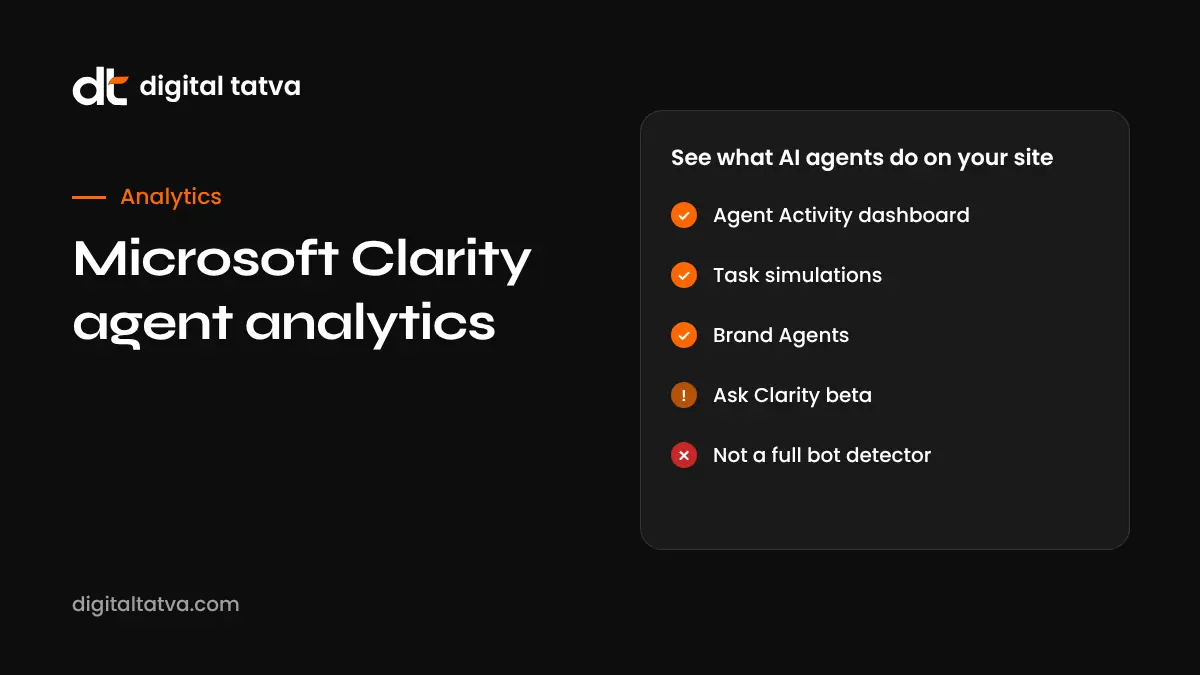
The Agent Activity dashboard in Clarity shows which AI agents visit your site and how that traffic changes over time. It highlights the actions agents take, including:
- Searches on your site
- Form submissions
- Logins
- Downloads
- Appointment bookings
- Checkout activity
Clarity identifies agents operated by Google, OpenAI and Anthropic. It is not designed to detect every bot or AI crawler. For crawler management, you still need server logs and robots.txt rules. See robots.txt for AI crawlers.
Important limitations
- An agent classification does not prove the agent completed a task on its own.
- Clarity cannot separate agent activity from a human taking over within the same session.
- Coverage is limited to the supported agent operators.
Simulation assessments: test your site with an agent
Simulation assessments let you check whether AI agents can complete important tasks on your website. Each simulation reports whether the task was completed, how long it took, how many interactions it needed and where the experience could improve. Microsoft started with commerce and travel scenarios and plans more journey types later.
This is useful because many sites block or confuse agents without realising it: pop-ups that cannot be dismissed, forms with unlabelled fields, CAPTCHAs, forced account creation or bot protection that blocks legitimate agents. Our guide to the agent-ready website lists common blockers.
Brand Agents: an AI shopping assistant for your site
Brand Agents is an AI assistant that sits on a merchant’s website and helps shoppers. Microsoft says it is grounded in your live catalogue, shipping and return policies and brand voice.
- Discovery beyond your site: for eligible Shopify and WooCommerce merchants, products can appear in Copilot, Bing and MSN, with purchases completed on the merchant’s own site.
- Local services: Brand Agents extends to local businesses, such as booking a plumber, with integrations including Square, Jobber, HubSpot, Calendly, Housecall Pro and Salesforce.
- WordPress: Microsoft lists a path where you install Clarity, choose “Clarity with Brand Agents”, publish and connect a supported CRM, though not every site or CRM may qualify.
- Availability: Microsoft’s documentation describes a beta limited to Shopify and WooCommerce websites, not mobile apps.
Privacy and terms to review first
- Accepting the Brand Agents terms means consenting to publish your catalogue to Microsoft Merchant Center so products are discoverable in Bing and Copilot.
- Merchants must add a required statement to their privacy policy.
- Chat text and events may be recorded and used by the site and Microsoft.
- Legal and privacy review is sensible before turning it on, especially for businesses subject to GDPR or India’s data protection rules.
Brand Agents can also add JavaScript and floating chat widgets to your pages. Check page speed after enabling it, as with any third-party script.
Ask Clarity: questions in plain language
Ask Clarity lets you ask questions about how people use your site in plain language, with answers linking to session recordings. It currently covers behavioural analytics such as recordings, heatmaps, funnels and events. Microsoft says AI visibility and advertising data are planned but not yet available. Ask Clarity is in a closed beta for retailers, with a waitlist.
Clarity features at a glance
| Feature | What it does | Availability |
|---|---|---|
| Agent Activity dashboard | Shows AI agent visits and actions | Generally available since 29 Oct 2026 for projects with agent traffic |
| Simulation assessments | Tests whether agents can complete tasks | Starting with commerce and travel |
| Brand Agents | On-site AI shopping assistant; product discovery in Copilot and Bing | Beta for Shopify and WooCommerce; local services integrations |
| Ask Clarity | Plain-language analytics questions | Closed beta for retailers, waitlist |
How to set up Clarity agent analytics
- Create a free Clarity project at clarity.microsoft.com and add the tracking code, or use the official Clarity plugin for WordPress.
- Wait for data. The Agent Activity dashboard appears for projects that receive agent traffic.
- Review agent visits by operator and action type.
- Compare with conversions. Check whether agent sessions reach forms, bookings or checkout, and where they stop.
- Run a simulation for your most important task if available for your site type.
- Fix blockers such as pop-ups, unclear forms or bot rules that stop legitimate agents.
- Decide on Brand Agents only after a privacy review and a page speed check.
How Clarity fits with GA4 and Search Console
Clarity does not replace your other tools. Each answers a different question.
| Tool | Question it answers |
|---|---|
| Google Search Console | How do people find me in Google Search and AI features? |
| GA4 | How many visits and conversions come from AI assistants like ChatGPT and Perplexity? |
| Microsoft Clarity | What do AI agents and humans actually do on my pages? |
| Server logs | Which crawlers and bots request my pages? |
| AI visibility tracking | Do AI assistants mention and recommend me? |
See our guides on tracking AI traffic in GA4 and the Search Console AI performance report. Google also published a help page this month explaining how to identify Google Search traffic in analytics and server logs.
What to do with the data
- If agents stop at forms: simplify fields, label them clearly and remove unnecessary steps.
- If agents never reach checkout: check bot protection and pop-ups; consider Web Bot Auth support. See Web Bot Auth explained.
- If agents search your site but leave: improve product data and on-site search results.
- If agent traffic is near zero: focus first on being recommended by AI assistants, which comes before agents visiting you.
An illustrative example: a travel agency website
This is an illustrative scenario to show how the data might be used, not a client story.
Imagine a holiday package company that installs Clarity and, after a few weeks, sees agent sessions from OpenAI and Google in the Agent Activity dashboard. Most agent sessions reach package pages and use the site search, but very few reach the enquiry form. Watching recordings, the team notices a full-screen newsletter pop-up that appears after ten seconds and has no clearly labelled close button. The enquiry form also uses a custom date picker that is hard to operate without a mouse.
The team removes the pop-up on package pages, replaces the date picker with standard date fields and labels every form field clearly. A travel simulation in Clarity then completes the enquiry task where it had failed before. Human visitors benefit too: the same changes make the form easier on mobile. This is a common pattern. Fixes that help agents often improve the experience for people as well.
Agent-friendly design principles
- Use standard HTML form elements with clear labels.
- Avoid pop-ups that block content, or make them easy to close.
- Offer guest checkout and avoid forced account creation where possible.
- Show prices, availability and policies in plain text, not only in images.
- Keep URLs and navigation predictable.
- Do not block verified agents on product, booking and checkout pages.
How Digital Tatva can help
Digital Tatva helps businesses get recommended by AI assistants and prepares their sites for AI agent visits. We set up measurement across Clarity, GA4 and Search Console, test agent journeys, remove technical blockers and report on AI visibility alongside real enquiries. See our technical AEO service and full AEO services.
Do AI agents get stuck on your website? Request an AEO audit or start with the free AI visibility checker.
Frequently asked questions
What is Microsoft Clarity agent analytics?
It is a Clarity dashboard that shows which AI agents visit your website and what they do, such as searches, form submissions, logins, downloads, bookings and checkout activity.
Which AI agents does Clarity track?
Agents operated by Google, OpenAI and Anthropic. It is not a general detector for all bots or AI crawlers.
Is Microsoft Clarity free?
Yes, Clarity is a free analytics tool. Some new features, such as Ask Clarity, are in limited betas.
What are Clarity simulation assessments?
They test whether AI agents can complete important tasks on your site and report completion, time taken, number of interactions and where to improve. Microsoft started with commerce and travel.
What are Clarity Brand Agents?
An AI shopping assistant for your website grounded in your catalogue and policies. Eligible Shopify and WooCommerce products can also appear in Copilot, Bing and MSN.
Does Brand Agents work on WordPress?
Microsoft lists a WordPress path through the Clarity plugin and a supported CRM, but its documentation describes the beta as limited to Shopify and WooCommerce, so eligibility varies.
Are there privacy requirements for Brand Agents?
Yes. You consent to publish your catalogue to Microsoft Merchant Center and must add a required privacy statement. Chat text and events may be recorded. Review with legal or privacy advisers.
What is Ask Clarity?
A plain-language assistant for analytics questions that links answers to session recordings. It is in closed beta for retailers with a waitlist.
Can Clarity tell if an agent bought something without a human?
Not reliably. Clarity cannot separate agent activity from a human taking over within the same session.
Should I use Clarity instead of GA4?
No. Use both. GA4 measures traffic and conversions, while Clarity shows behaviour and agent activity on your pages.
How many agent sessions does Clarity see?
Microsoft reported 5.23 million agentic sessions across 230,511 projects between 13 August and 9 September 2026, with weekly sessions nearly doubling in three weeks.
Does Clarity slow my website?
Clarity adds a tracking script, and Brand Agents can add chat widgets. Check page speed after enabling features and remove what you do not use.
Product details, prices and features are checked at the time of writing and can change. Sources are linked in the text so you can check them yourself.
How does your brand appear in AI answers?
We test the questions your buyers ask across the major AI assistants and search engines, then show you what to fix first.
Get an AI Visibility Audit