Gemini and Google Wallet: How AI Budgeting Works and Is It Safe?
How to use Gemini with Google Wallet for budgeting, and how to stay safe.
On this page
- Key takeaways
- What Gemini can do with Google Wallet
- How to connect Google Wallet to Gemini
- Privacy and security
- Read-only AI vs AI agents that pay
- Is it available in India?
- How to use AI for budgeting safely (any country)
- Limitations
- What it means for businesses
- Illustrative example: cutting subscription waste
- Checklist
- A simple monthly money routine with AI
- Questions to ask before connecting any finance app to AI
- How Digital Tatva can help
- Frequently asked questions
Last updated: 19 November 2026
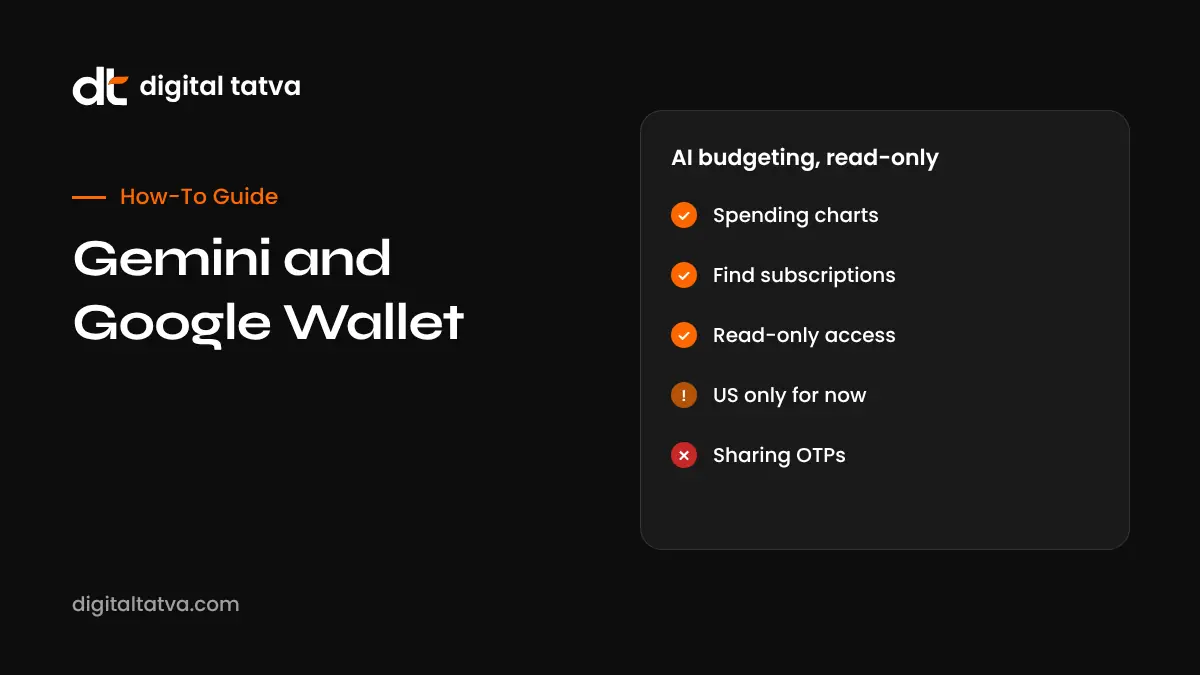
Quick answer: Since 13 November 2026, Gemini users in the US can connect Google Wallet to the Gemini app and ask personal finance questions, such as where their money went last quarter, which subscriptions increased in price, or how much to budget for the holidays. For deeper insights, you can link bank accounts and credit cards to Wallet through Plaid. Gemini creates charts for spending, cash flow and budgets right in the chat. Access is read-only: Google says Gemini “cannot move, manage, or invest your money”, and you can disconnect at any time. The feature is US-only for now, so Indian users can use the ideas with other tools while waiting for wider rollout.
Key takeaways
- Wallet joins Gmail, Photos, YouTube and Search as a source for Gemini’s Personal Intelligence.
- You tag @Google Wallet in a prompt to ask finance questions.
- Rolling out on web, Android and iOS for US users.
- Read-only access contrasts with agent tools that can make payments.
- Banks are warning that customers may be liable for third-party AI agents with account access, so read-only designs matter.
What Gemini can do with Google Wallet
| Task | Example prompt |
|---|---|
| Visualise spending | @Google Wallet show my spending by category last quarter and help me save $1,000 in three months |
| Find forgotten subscriptions | @Google Wallet which subscriptions am I still paying for, and did any go up in price this year? |
| Holiday budget | @Google Wallet how much did I spend on gifts and travel last year? Suggest a holiday budget |
| Cash flow | @Google Wallet chart my income and spending for the past six months |
| Goals | Help me plan to save for a laptop by March based on my spending |
Examples based on Google’s announcement.
How to connect Google Wallet to Gemini
- Open the Gemini app on web, Android or iOS.
- Go to Personal Intelligence settings, then Connected Apps.
- Turn on Google Wallet.
- Optionally, in Google Wallet, link bank accounts and credit cards through Plaid for deeper insights.
- In Gemini, type @Google Wallet followed by your question.
- Review Memory Summary in Profile, Personal Intelligence, to see and edit saved goals.
Privacy and security
- Read-only: Gemini can read information but cannot move, manage or invest money.
- Opt-in: nothing connects unless you turn it on.
- Disconnect anytime: switch off the connection in settings.
- Plaid: a widely used service that connects bank accounts to apps; review what you share.
- Open questions: Google’s announcement did not detail retention or training for financial data, so review Gemini Apps Activity settings.
For guidance on AI and sensitive data, see AI data privacy.
Read-only AI vs AI agents that pay
| Tool | Access | Risk level |
|---|---|---|
| Gemini with Google Wallet | Read-only spending insights | Lower; cannot move money |
| ChatGPT Wallet | Agents make purchases with tokenised cards and approval | Higher; approvals and limits matter |
| Third-party agents with bank logins | Full account access | Highest; banks may hold customers liable |
Read ChatGPT Wallet explained and banks and AI agent liability.
Is it available in India?
Not yet. The integration is rolling out to US users. In India, you can still use Gemini or other AI assistants for budgeting by uploading a bank statement export with sensitive numbers removed, or by asking for a budget template. Never share card numbers, PINs, OTPs or net banking passwords with any chatbot.
How to use AI for budgeting safely (any country)
- Export transactions as a spreadsheet and delete account numbers.
- Ask AI to categorise spending and highlight recurring charges.
- Ask for a simple 50/30/20 or custom budget.
- Verify totals yourself; AI can misread or double count.
- Set reminders for subscription renewals.
- Do not let AI make investment decisions; it is not a licensed adviser.
For spreadsheet help, see Gemini in Google Sheets.
Limitations
- Category labels can be wrong for local merchants.
- Cash and UPI spending outside linked accounts will be missing.
- Insights are only as complete as the accounts you link.
- AI suggestions are general, not personal financial advice.
What it means for businesses
When AI assistants analyse spending and flag subscription price rises, subscription businesses face more scrutiny. Clear pricing pages, honest renewal reminders and easy cancellation build trust that shows up in AI answers too. Financial brands should make sure AI assistants describe their products and fees accurately.
Illustrative example: cutting subscription waste
This is an illustrative scenario, not a client story.
A US-based software developer connects Wallet to Gemini and asks which subscriptions rose in price this year. Gemini flags a streaming service that increased and two apps he forgot about. He cancels three subscriptions and sets a monthly reminder to review recurring charges. He keeps the connection read-only and does not use any agent with payment access.
Checklist
- Check availability in your country.
- Connect only the accounts you need.
- Review privacy and activity settings.
- Verify AI totals against statements.
- Never share OTPs, PINs or passwords.
- Disconnect when you no longer need it.
A simple monthly money routine with AI
- Day 1: ask for last month’s spending by category and compare with your budget.
- Day 2: ask which recurring charges changed and cancel anything you no longer use.
- Mid-month: check whether you are on track for savings goals.
- Before big purchases: ask how a purchase fits your budget for the next three months.
- Quarterly: review trends and adjust category limits.
Keep the routine short. The value comes from consistent review, not complex dashboards. Whether you use Gemini with Wallet, a spreadsheet with AI help or your bank’s own tools, the same habits apply.
Questions to ask before connecting any finance app to AI
- Is access read-only, or can the tool move money?
- Which accounts and how much history will it see?
- How long is data kept, and is it used for training?
- How do I disconnect and delete data?
- Does my bank allow this connection under its terms?
How Digital Tatva can help
Digital Tatva helps financial and subscription brands make sure AI assistants describe their products, pricing and policies accurately. See our AEO services.
How does Gemini describe your brand? Request an AEO audit or try the free AI visibility checker.
Frequently asked questions
Can Gemini see my Google Wallet?
Yes, if you connect Google Wallet in Gemini’s Personal Intelligence settings. It is opt-in and read-only.
Can Gemini move my money?
No. Google says Gemini cannot move, manage or invest your money.
How do I connect Google Wallet to Gemini?
Open Personal Intelligence settings, choose Connected Apps and turn on Google Wallet, then type @Google Wallet in prompts.
What is Plaid?
A service that securely connects bank and card accounts to apps. You can use it to link accounts to Google Wallet.
Is Gemini’s Wallet feature available in India?
Not yet. It is rolling out to US users first.
Is it free?
Google’s announcement did not mention a price; it is rolling out to Gemini app users in the US.
Can Gemini find unused subscriptions?
Yes, it can identify recurring charges and flag price increases in linked accounts.
Is it safe to connect bank accounts to AI?
Read-only connections are lower risk than agents with payment access. Review permissions and disconnect when not needed.
Can I disconnect Google Wallet from Gemini?
Yes, at any time in settings.
Is Gemini giving financial advice?
No. Its suggestions are general and not a substitute for a qualified financial adviser.
Product details, prices and features are checked at the time of writing and can change. Sources are linked in the text so you can check them yourself.
How does your brand appear in AI answers?
We test the questions your buyers ask across the major AI assistants and search engines, then show you what to fix first.
Get an AI Visibility Audit