Manage Your Google Business Profile in Gemini: Features, Limits and Local AEO Tips
You can now update your Google Business Profile, reply to reviews and check insights by chatting with Gemini, and Google is bringing the tools to Workspace accounts. Here is how it works, its limits and how to use it to strengthen local AI visibility.
On this page
- Key takeaways
- What you can do with Gemini
- Requirements
- How to set it up
- The Workspace rollout
- Limits to know
- Other Business Profile changes this month
- Why this matters for local AEO
- A weekly 15-minute Gemini routine for local businesses
- Writing good review replies with AI
- Using insights to improve your website
- What about agencies and multi-location brands?
- Prompts that work well with the Business Profile app
- A monthly Business Profile health check
- Common mistakes
- How Digital Tatva can help
- Frequently asked questions
Last updated: 9 November 2026
Quick answer: Google now lets business owners manage their Google Business Profile by chatting with Gemini at gemini.google.com. After you connect your verified profile, you can ask Gemini to update hours, special hours, contact details, links, attributes, photos and menus; draft or delete review replies; summarise recent reviews; create Update, Offer and Event posts; and check insights such as views, clicks, direction requests and the search terms customers use. You must own or manage exactly one verified profile and use the web app with Keep Activity turned on. On 5 November 2026 Google said the tools are rolling out to Google Workspace accounts, though its help page still said work accounts were not supported. For local AEO, the value is speed: an accurate, active profile is one of the inputs Google’s AI uses for local answers.
Key takeaways
- Gemini can make most everyday Business Profile changes through plain-language requests.
- It only works for owners or managers of a single verified profile, through the Gemini web app.
- Agencies managing several client profiles cannot use one login for all of them.
- Workspace support was announced on 5 November 2026, with some conflicting guidance at rollout.
- Always review what Gemini proposes before you confirm, especially review replies.
What you can do with Gemini
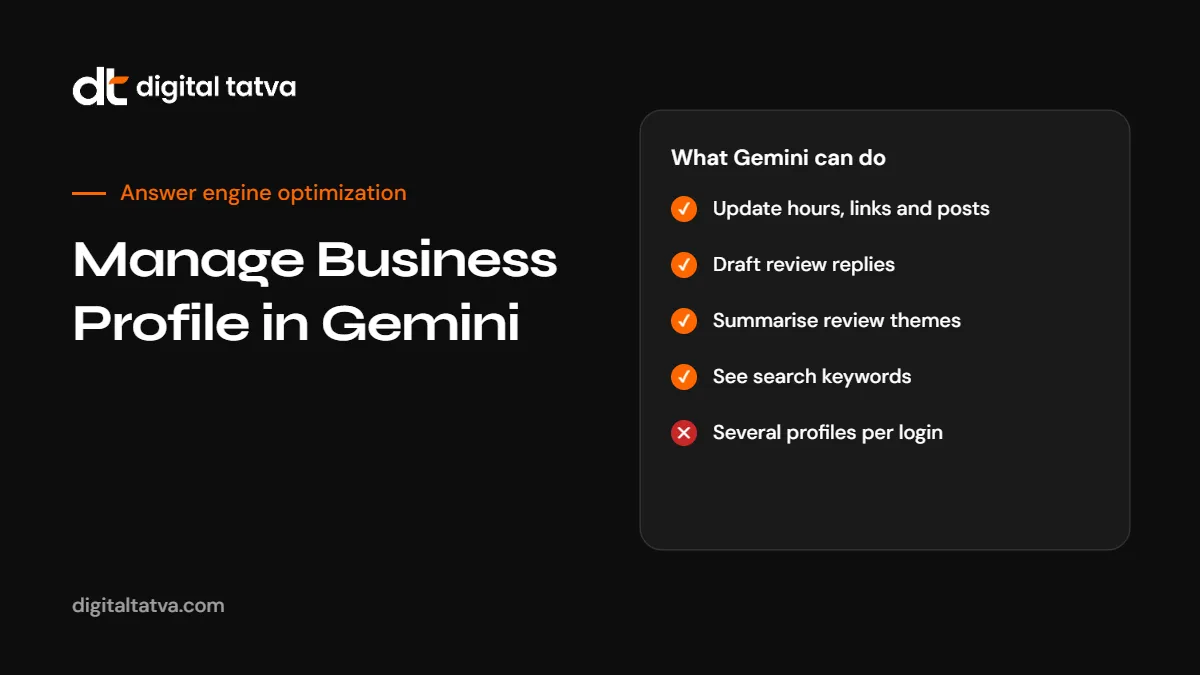
| Area | What Gemini can do | Example request |
|---|---|---|
| Profile details | Change regular and special hours, contact info, website and social links, action links, attributes | “Set special hours of 9 to 9 for Diwali week.” |
| Media | Add photos and videos, update menus for food businesses | “Add these three photos of our new outlet to my profile.” |
| Reviews | Show ratings and reviews, draft or delete replies | “Draft polite replies to this week’s reviews.” |
| Review analysis | Summarise recent reviews and themes | “What are customers complaining about this month?” |
| Posts | Create, schedule, publish or delete Update, Offer and Event posts | “Create an offer post for 10% off weekday lunches.” |
| Insights | Impressions, website clicks, direction requests, bookings and search keywords | “Which searches found my business last month?” |
| Business notebook | Proactive suggestions, suggested prompts and recent business chats | Opened from the Notebooks section of the sidebar |
Requirements
- You must be an owner or manager of exactly one verified Business Profile.
- You must be 18 or older.
- You must use the Gemini web app at gemini.google.com. The feature is not described for the mobile app.
- Keep Activity must be turned on in Gemini.
- Sign in with the Google account linked to your profile.
How to set it up
- Go to gemini.google.com and sign in with the account linked to your Business Profile.
- Ask about your profile, for example “Show my Business Profile hours”. If Gemini does not use the Business Profile app, add “@Google Business Profile” to your prompt.
- Connect the app when prompted and follow the on-screen steps.
- Optionally create a business notebook when offered, and confirm your website address.
- Manage or disconnect the connection from Connected Apps settings at gemini.google.com/apps.
The Workspace rollout
On 5 November 2026, Google’s Small Business Bulletin said Gemini’s Business Profile tools are rolling out to Google Workspace accounts, so owners can link a verified profile using a work email rather than a personal Gmail account. A Workspace admin must first enable Gemini app access in the Admin console.
At the same time, Google’s help page still said the feature was not available for work or school accounts “for now”. If you use Workspace and do not see the option yet, it is likely still rolling out. Check with your admin, and keep an eye on the help page.
Limits to know
- One profile only. Owners or managers with access to more than one verified profile cannot use it. Multi-location businesses and agencies are excluded for now.
- Web app only. Use gemini.google.com.
- Keep Activity required. If you turn it off, Gemini cannot connect to your profile.
- Regional differences. Google’s current help says it is available wherever the Gemini web app is supported, but an earlier version excluded the EEA and UK. Check your region.
- AI can make mistakes. Review every change and every drafted reply before confirming.
Other Business Profile changes this month
- Message button: listings with chat now show a “Message” button next to “Call” on Google Maps for Android and iOS. Chat can link to WhatsApp or text. If you enable it, answer messages promptly; an unread inbox now sits in a prominent spot.
- Generate hours: owners can describe their schedule in plain language and Google fills in the hours for review, in select regions and languages.
Why this matters for local AEO
When someone asks Google AI Mode, AI Overviews or Gemini “best physiotherapist near Satellite open on Sunday”, Google draws on Maps and Business Profile data, reviews and websites. Google’s own AI optimization guide says keeping Business Profile current helps local businesses in its AI features. An accurate, active profile helps in three ways:
- Accuracy. Correct hours, services and locations mean AI answers do not send customers to a closed door.
- Relevance. Clear categories, services and attributes help AI match you to specific questions.
- Trust. Recent reviews with thoughtful replies signal an active, reputable business.
Gemini makes the upkeep faster, which makes it more likely to actually happen. See AEO for local business and Gemini SEO.
A weekly 15-minute Gemini routine for local businesses
- Check hours: “Do I have any special hours coming up? Add hours for the next public holiday.”
- Reviews: “Summarise this week’s reviews and draft replies.” Edit each reply to sound like you and to address specifics.
- Post: “Create an update post about [new service, offer or event].” Add a real photo.
- Insights: “Which search terms found my business this month?” Use them to improve your services list and website pages.
- Accuracy: “Show my business description and services.” Fix anything outdated.
Writing good review replies with AI
Gemini’s draft replies are a starting point. Good replies:
- Thank the customer by name if they used one.
- Mention something specific from their review.
- For complaints, acknowledge the issue, avoid arguing in public and offer a direct contact.
- Never include private customer details.
- Sound like your business, not like a template.
Never post fake reviews or ask Gemini to write reviews for your own business. That breaks Google’s policies and can get your profile restricted. See review sites for AEO and review management software.
Using insights to improve your website
The search keywords Gemini shows you are real questions customers asked before finding you. Use them:
- Add services customers search for but your profile and site do not mention clearly.
- Create website pages that answer the most common searches, such as costs and timings.
- Use the same service names on your site and profile for consistency.
See answer-first content and Google Knowledge Panel for business.
What about agencies and multi-location brands?
The one-profile limit means agencies and businesses with several locations cannot use Gemini this way yet. Keep using the Business Profile dashboard, bulk management or third-party tools. Watch Google’s help page for changes to the limit.
Prompts that work well with the Business Profile app
| Goal | Prompt |
|---|---|
| Holiday hours | “@Google Business Profile set special hours for 25 December: closed. For 31 December: 10am to 4pm.” |
| Weekly post | “Create an update post announcing our new weekend yoga batch starting Saturday 8am. Keep it under 80 words and add a call button to book.” |
| Review summary | “Summarise our last 30 reviews: top three things customers praise and top three complaints.” |
| Reply drafts | “Draft replies to unanswered reviews from this month. Thank happy customers by name, and for negative reviews apologise briefly and give our phone number.” |
| Insights | “How many direction requests and website clicks did we get last month compared with the month before?” |
| Keyword ideas | “Which searches found us most often, and which of our services are not mentioned in our profile?” |
A monthly Business Profile health check
- Name, address and phone match your website and directories exactly.
- Primary category is the most accurate one for your main service.
- Services list covers what customers search for, using their words.
- Description states what you do, for whom and where, in plain language.
- Hours and special hours are set for the coming month.
- Photos include recent images of your place, team and work.
- Posts have been published at least once in the last two weeks.
- Reviews all have replies, and you have asked recent happy customers for reviews.
- Messaging is either answered promptly or switched off.
- Website link goes to the most relevant page, not just the homepage, where appropriate.
Common mistakes
- Letting AI-written posts sound generic. Add a real detail, offer or photo every time.
- Replying to every review with the same template. Customers and AI systems notice.
- Changing your business name to add keywords. This breaks Google’s guidelines and can get your profile suspended.
- Ignoring the Message button. An unanswered inbox in a prominent spot looks worse than no button.
- Forgetting the website. Profile updates should match what your site says.
How Digital Tatva can help
Digital Tatva helps local businesses become the answer when people ask AI for a nearby service. Our answer engine optimization work covers Business Profile accuracy, review strategy, service pages and tracking how Google AI, Gemini, ChatGPT and Perplexity describe your business. We never promise placement.
See how AI describes your business locally. Request an AI visibility audit.
Frequently asked questions
Can I manage my Google Business Profile in Gemini?
Yes. After connecting a verified profile in the Gemini web app, you can update details, manage reviews and posts and check insights by chatting.
Does it work with Google Workspace accounts?
Google announced a Workspace rollout on 5 November 2026, but its help page still said work accounts were not supported at that time. Check with your admin.
Can I manage several Business Profiles in Gemini?
No. It only works for owners or managers of exactly one verified profile.
Does it work in the Gemini mobile app?
Google’s help describes the Gemini web app at gemini.google.com.
Can Gemini reply to reviews automatically?
Gemini drafts replies, and you review them before publishing. Always personalise replies.
Does an active Business Profile help AI visibility?
Google says current Business Profile data helps local businesses in its AI features, and accurate profiles reduce wrong AI answers.
Why is the option not showing for me?
Common reasons: more than one profile on the account, Keep Activity off, a work account still in rollout, or a region where it is not available yet.
Can Digital Tatva manage our Business Profile for AI visibility?
Yes. Business Profile optimisation is part of our local AEO work.
Product details, prices and features are checked at the time of writing and can change. Sources are linked in the text so you can check them yourself.
How does your brand appear in AI answers?
We test the questions your buyers ask across the major AI assistants and search engines, then show you what to fix first.
Get an AI Visibility Audit