How to Get a Google Knowledge Panel for Your Business (and Why AI Cares)
A knowledge panel shows that Google understands your brand as an entity. How panels are created, how to claim and correct yours, and how that work improves what AI assistants say about you.
On this page
- Key takeaways
- What a knowledge panel is
- Why it matters for AI visibility
- How to make a knowledge panel more likely
- A sample Organization markup
- How to claim and update a panel
- How long it can take
- Common reasons a panel does not appear
- What to do while you wait
- A brand fact sheet template
- Fixing entity confusion
- After a rebrand or domain change
- Founder and leadership entities
- Knowledge panel checklist
- Frequently asked questions
- Sources
Last updated: 31 October 2026
Quick answer: You cannot request a Google knowledge panel directly. Google creates one when it is confident about an entity, based on consistent facts across the web. To earn one, describe your business the same way everywhere, add Organization structured data with sameAs links, keep official profiles complete and earn coverage on trusted, independent sites. If a panel already exists, claim it through Google’s verification process so you can suggest corrections.
A knowledge panel is one of the clearest signs that Google understands your brand as a distinct entity: a company with a name, a website, founders, a location and a set of official profiles. The same understanding shapes how AI assistants describe you. When Google, Bing, Wikidata and your own website agree on who you are, ChatGPT, Gemini and Perplexity are far less likely to confuse you with someone else or repeat outdated facts.
This guide explains what knowledge panels are, how they differ from Google Business Profiles, the seven steps that make a panel more likely, how to claim and correct one, how long it can take and what to do while you wait.
Key takeaways
- Knowledge panels are generated automatically from Google’s Knowledge Graph and cannot be bought.
- Consistency of name, description and links matters more than any single trick.
- You can claim an existing panel by verifying with an official account linked to it.
- A Google Business Profile is a different thing, managed by the business for local search.
- The same entity signals help AI assistants describe you accurately.
What a knowledge panel is
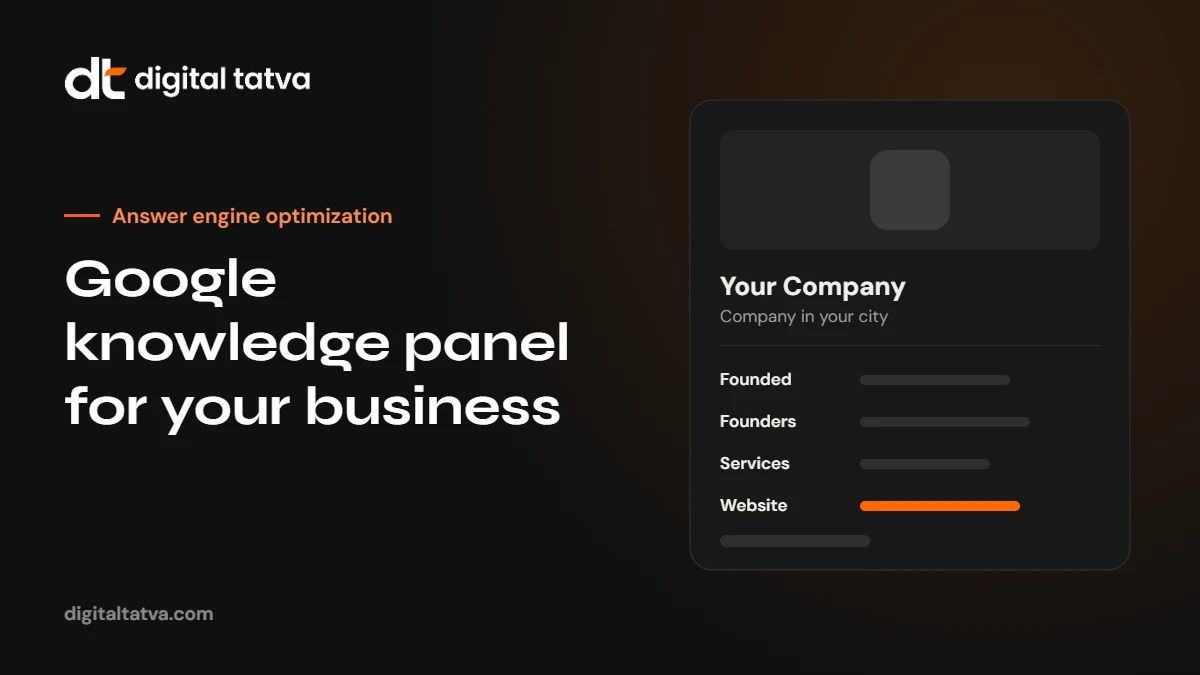
A knowledge panel is the information box that appears in Google results for well-known entities such as companies, people, organisations, places and products. It draws on Google’s Knowledge Graph, a large database of entities and the facts that connect them. A company panel may show a logo, a short description, founding date, founders, headquarters, social profiles and related searches.
Knowledge panel vs Google Business Profile
| Knowledge panel | Google Business Profile | |
|---|---|---|
| Source | Google’s Knowledge Graph | Information managed by the business |
| Who creates it | Google, automatically | The business owner |
| Typical content | Description, founders, founding date, profiles | Address, hours, phone, reviews, photos |
| Best for | Brand and entity searches | Local and “near me” searches |
| How to edit | Claim, then suggest changes | Edit directly after verification |
Local businesses usually need both: a complete Business Profile for local searches and consistent entity signals for brand and AI answers.
Why it matters for AI visibility
AI assistants reason about entities and the relationships between them. If Google and other trusted sources agree on who you are, what you do and where you operate, assistants are more likely to describe you correctly and connect you to the right questions. Entity confusion is one of the most common problems in AI visibility audits: two companies with similar names merged into one, an old address repeated, a former founder listed. Our guide to entity SEO for AEO explains the wider picture.
How to make a knowledge panel more likely
- Write one canonical description. Two or three sentences covering what you are, what you do, who you serve and where. Use exactly the same wording, or close to it, on your About page, LinkedIn, directories, press kit and social bios.
- Add Organization structured data. On your home or About page, include name, logo, URL, description, founding date, founders, address, contact details and sameAs links to every official profile.
- Complete official profiles. LinkedIn company page, Crunchbase, X, Facebook, Instagram, YouTube and the main directories in your industry, all matching your canonical description and linking back to your website.
- Keep Google Business Profile accurate if you serve customers at a location, with the same name, address and phone as your website.
- Strengthen About and team pages. Clear facts, founders with their own bios and profiles, history and key milestones. See author pages.
- Earn independent coverage. News articles, interviews, podcast appearances, industry awards and association listings that mention your brand with consistent facts. Independent sources carry more weight than your own profiles.
- Consider Wikidata carefully. A Wikidata item can help, but only if your organisation meets notability rules and can be supported by reliable sources. Read Wikidata for AEO before creating one.
A sample Organization markup
{
  "@context": "https://schema.org",
  "@type": "Organization",
  "name": "Your Company",
  "url": "https://yourcompany.com",
  "logo": "https://yourcompany.com/logo.png",
  "description": "Your Company is a [what you are] in [city] that helps [who] with [what].",
  "foundingDate": "YYYY",
  "founder": {"@type": "Person", "name": "Founder Name"},
  "address": {"@type": "PostalAddress", "addressLocality": "City", "addressCountry": "IN"},
  "sameAs": [
    "https://www.linkedin.com/company/yourcompany",
    "https://www.youtube.com/@yourcompany"
  ]
}
Replace every placeholder with real facts, and make sure they match what is visible on the page.
How to claim and update a panel
If a panel already appears when you search for your brand, look for the option in the panel to claim it. Google asks you to verify that you represent the entity, usually by signing in to an official account that is linked to it, such as your website’s Search Console property or an official YouTube or social profile. Once verified, you can suggest changes to facts, descriptions and featured images. Google reviews suggestions and may not accept every change, so keep evidence for each fact on your website and profiles.
How long it can take
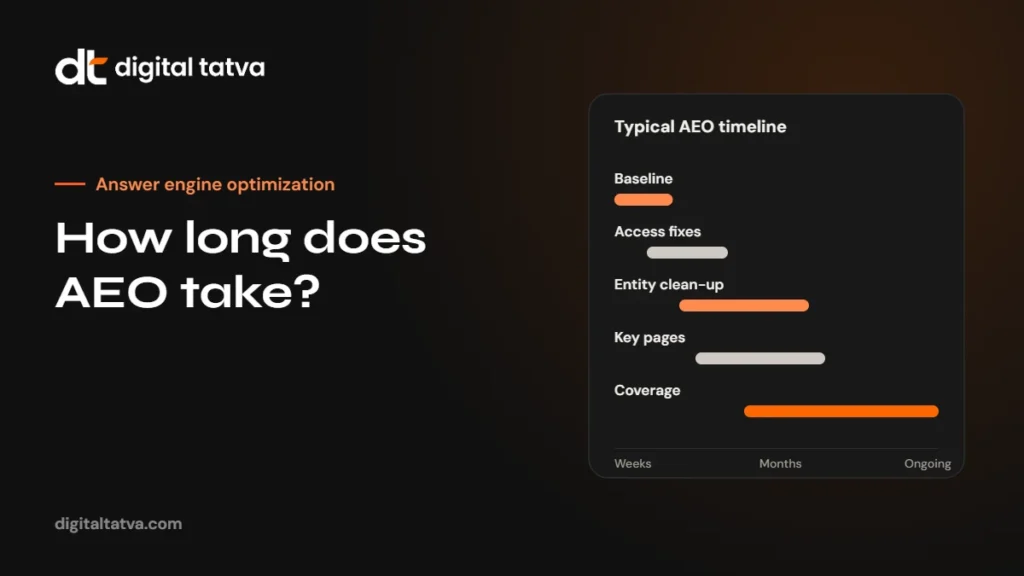
There is no fixed timeline. Brands with consistent signals and independent coverage sometimes see a panel within a few months. Newer or smaller brands may take much longer, and some never get a full panel. That is fine: the work still improves how AI assistants and search engines describe you, which is the real goal.
Common reasons a panel does not appear
- Different names or descriptions across your site and profiles.
- Very little independent coverage of the brand.
- Confusion with another entity of the same or similar name.
- Missing, outdated or inaccurate structured data.
- A new brand name after a rebrand, with old references still dominant.
What to do while you wait
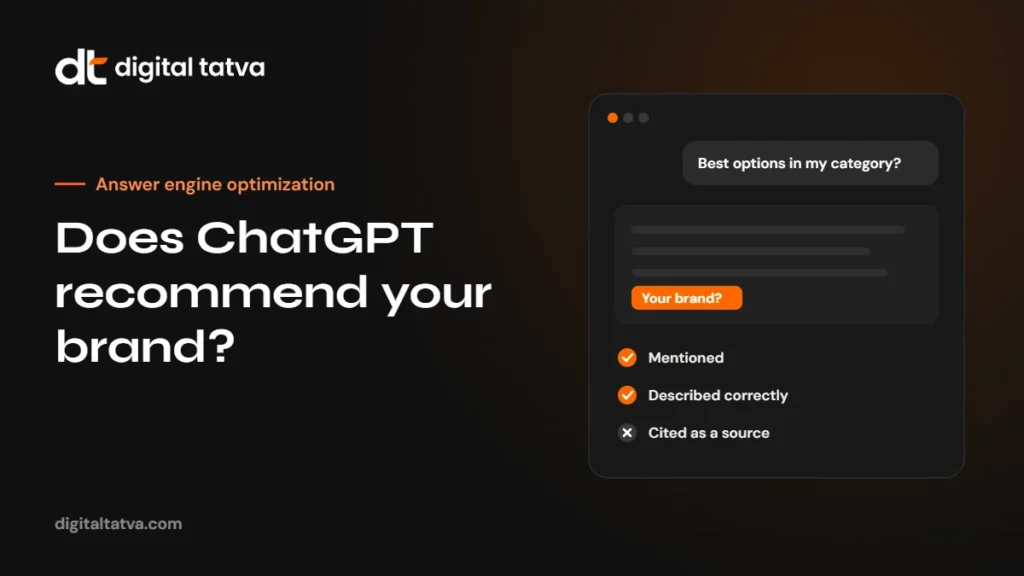
- Test brand prompts in ChatGPT, Gemini and Perplexity monthly and note what they get wrong. See how to check what ChatGPT says about you.
- Fix every incorrect listing you find, starting with the ones engines cite.
- Publish clear, factual pages about your company, team and services.
- Keep earning genuine coverage in your industry.
This entity work is the core of our Entity SEO service.
A brand fact sheet template
Before you change any profile, write one internal document that every listing, profile and page should match. Keep it short and update it whenever something changes:
| Field | What to write |
|---|---|
| Official name | Exactly as you want it shown, plus any legal name |
| Short description | One sentence: what you are, for whom, where |
| Long description | Two to three sentences with main services and differentiators |
| Category | The type of business, in plain words |
| Founded | Year, and city |
| Founders and leaders | Names, roles and profile links |
| Locations | Addresses in one consistent format |
| Contact | Main phone and email |
| Official profiles | Every profile URL you control |
| Things to avoid | Old names, discontinued services, former addresses |
Fixing entity confusion
If search engines or AI assistants mix you up with another organisation, you need to make the difference unmistakable:
- Be specific everywhere. Add your city, category and founding year to descriptions, so “Your Company” becomes “Your Company, an [industry] firm in Ahmedabad founded in [year]”.
- Use sameAs links. Link your website to your official profiles in Organization markup, and link each profile back to your website.
- Correct third-party errors. Ask directories and publishers that merged the two entities to fix their pages.
- Publish a clear About page. State plainly who you are and, if needed, that you are not connected to the similarly named organisation.
After a rebrand or domain change
- Redirect every old URL to the matching new URL with permanent redirects.
- Update every profile, listing and directory to the new name and domain.
- Mention the former name on your About page (“formerly known as”) so engines connect the two.
- Update Organization markup, including the new logo.
- Expect older answers to persist for a while, especially from model training data.
Founder and leadership entities
For many small and mid-size companies, the founder is as well known as the brand. Consistent personal entities strengthen the company entity. Give key people a profile page on your website, consistent LinkedIn profiles that link to the company, author bylines on articles they write and Person markup that links to the Organization. Interviews, talks and articles that name both the person and the company help engines connect them.
Knowledge panel checklist
- Brand fact sheet written and agreed.
- One canonical description used on site and profiles.
- Organization markup with sameAs links, validated.
- LinkedIn, social and directory profiles complete and consistent.
- Google Business Profile accurate, if you serve customers locally.
- About, team and founder pages with clear facts.
- Independent coverage that mentions the brand accurately.
- Monthly brand prompt tests in AI assistants.
Do AI assistants describe your brand correctly? Request an AI visibility audit.
Frequently asked questions
Can I pay Google for a knowledge panel?
No. Knowledge panels are generated automatically and cannot be bought. Be wary of services that promise one.
How long does it take to get a knowledge panel?
There is no fixed timeline. It depends on how consistent and well covered your entity is. Some brands see one within months of cleaning up their signals; others take longer.
Is a Google Business Profile the same as a knowledge panel?
They look similar but are different. A Business Profile is managed by the business for local search. A knowledge panel comes from the Knowledge Graph.
Do I need a Wikipedia page for a knowledge panel?
No. Wikipedia can help, but many organisations have panels without one. Consistent facts and independent coverage matter most.
Can I remove wrong information from my panel?
After claiming the panel you can suggest corrections. Fix the underlying sources too, or the error may return.
Does a knowledge panel help in ChatGPT?
Indirectly. The same consistent facts that earn a panel help AI assistants identify and describe your brand.
Sources
- Get verified on Google (knowledge panels), Google Help
- Organization structured data, Google Search Central
Product details, prices and features are checked at the time of writing and can change. Sources are linked in the text so you can check them yourself.
How does your brand appear in AI answers?
We test the questions your buyers ask across the major AI assistants and search engines, then show you what to fix first.
Get an AI Visibility Audit