AI for Kids: A Parent’s Guide to Safe and Smart Use (2026)
How families can use AI safely, with age rules, controls and family rules.
On this page
- Key takeaways
- Why AI matters for children now
- Age rules for popular AI tools
- ChatGPT parental controls explained
- Gemini for children
- Good ways for children to use AI
- Prompts that encourage learning, not copying
- Risks parents should know
- Family AI rules to agree together
- Children’s data and Indian law
- Illustrative example: a family setting up AI rules
- Parent checklist
- For schools and edtech businesses
- How Digital Tatva can help
- Frequently asked questions
Last updated: 17 November 2026
Quick answer: AI can help children learn, create and ask questions, but it needs parent involvement. Most general chatbots, including ChatGPT and Gemini, require users to be at least 13 (or the local age of consent), and teens should use them with parental controls. ChatGPT added parental controls in 2025 that let parents link accounts, set quiet hours and turn off features like memory, voice and image generation. Google lets parents enable Gemini for supervised children through Family Link in supported regions. For younger children, choose tools built for kids such as Khanmigo or Scratch, use AI together, keep personal details private, teach them to check facts, and set clear family rules about homework and screen time.
Key takeaways
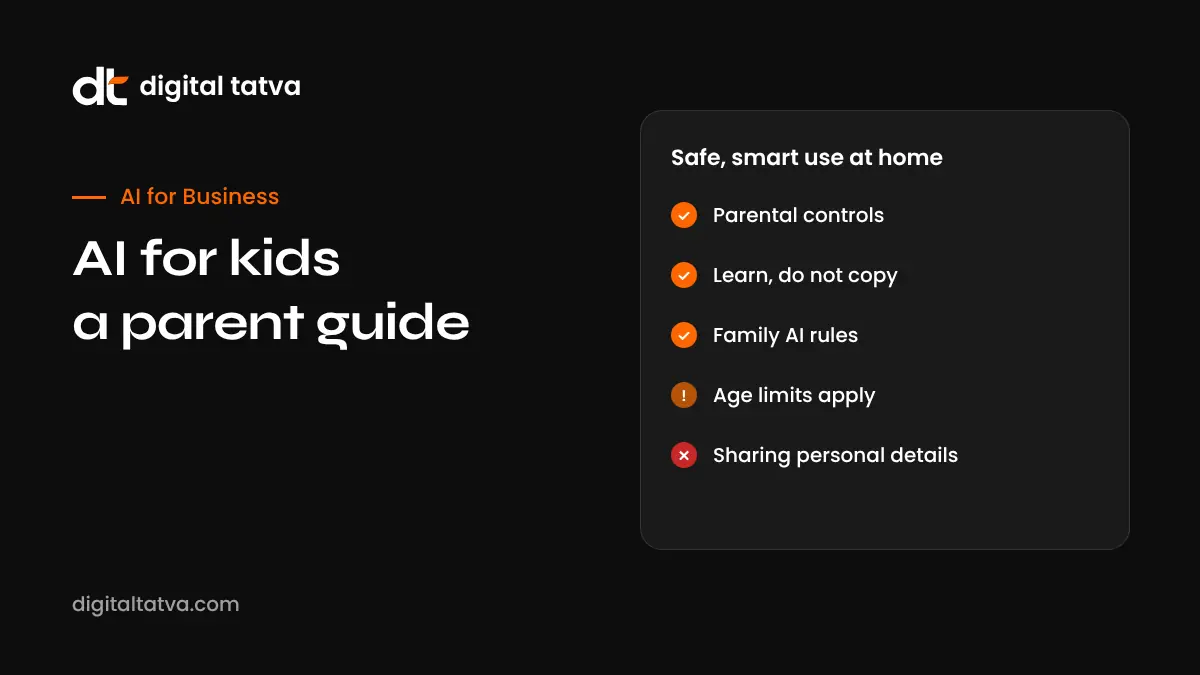
- Check each tool’s minimum age; many general chatbots are 13 plus.
- Use built-in parental controls, but remember they are not perfect.
- Teach children that AI can be wrong and is not a friend or a therapist.
- Use AI to explain and practise, not to do homework for them.
- In India, the DPDP rules require verifiable parental consent for processing children’s personal data.
Why AI matters for children now
Children meet AI everywhere: in search results, voice assistants, games, school platforms and phone keyboards. Many schools in India and abroad are introducing AI literacy. Rather than banning AI entirely, most experts recommend teaching children to use it safely, honestly and critically. Our guide to the best AI tools for students covers options for older learners.
Age rules for popular AI tools
| Tool | Minimum age and controls |
|---|---|
| ChatGPT | 13 plus with parental consent for under 18s; parental controls for linked teen accounts; age prediction to apply teen protections |
| Google Gemini | 13 plus in most regions; parents can allow Gemini Apps for supervised children through Family Link where available |
| Microsoft Copilot | Follows Microsoft account age rules; family safety settings apply |
| Meta AI (WhatsApp, Instagram) | Teen accounts have added restrictions and parental supervision features |
| Character.AI | Stopped open-ended chat for under-18 users in late 2025 |
| Khanmigo | Designed for students, with teacher and parent oversight |
Policies change often, so check each company’s current help pages.
ChatGPT parental controls explained
OpenAI introduced parental controls in September 2025. A parent and teen (13 to 17) can link accounts. Parents can then:
- Set quiet hours when ChatGPT cannot be used.
- Turn off memory so conversations are not remembered.
- Turn off voice mode and image generation.
- Choose whether conversations are used to improve models.
- Receive alerts if the system detects signs of serious risk, while not seeing the full chat history.
Linked teen accounts also get stricter content protections. These controls help, but a determined teen can create another account, so conversation and trust matter more than settings alone.
Gemini for children
Parents in supported regions can let children with supervised Google accounts use Gemini through Family Link. Google says it adds extra protections for younger users and does not use their conversations to train its models. Parents cannot read Gemini conversations through Family Link, so talk regularly about what children ask. Gemini Apps for supervised accounts are not available in every country.
Good ways for children to use AI
| Age group | Good uses | How to supervise |
|---|---|---|
| Under 8 | Story ideas, drawing prompts, simple questions with a parent | Use together on a parent’s device |
| 8 to 12 | Kid-focused learning tools, coding with Scratch, curiosity questions | Shared space, child-specific tools |
| 13 to 15 | Explaining concepts, practice quizzes, study plans, creative projects | Parental controls and regular check-ins |
| 16 to 17 | Research help with source checking, writing feedback, career exploration | Clear rules, more independence |
Prompts that encourage learning, not copying
- “Explain photosynthesis like I am 12, then ask me three questions to check I understood.”
- “Give me a practice quiz on fractions with hints, but do not show answers until I try.”
- “I wrote this paragraph. What could make it clearer? Do not rewrite it for me.”
- “Help me make a study timetable for my exams in two weeks.”
- “What are three different opinions on this topic, and what evidence supports each?”
Risks parents should know
- Wrong answers: AI can state false information confidently.
- Homework shortcuts: copying AI answers harms learning and breaks school rules.
- Emotional attachment: some children treat chatbots as friends; AI is not a replacement for real relationships or professional help.
- Inappropriate content: filters are not perfect.
- Privacy: children may share names, schools, photos or locations.
- Deepfakes and bullying: AI image tools can be misused to create harmful images of classmates.
- Scams: AI-generated voices and messages can impersonate people.
If your child is struggling emotionally, talk with them and reach out to a trusted professional. AI tools are not designed to provide that support.
Family AI rules to agree together
- Use AI only in shared spaces for younger children.
- Never share full name, address, school, phone number or photos.
- Check important facts with books, teachers or trusted websites.
- Say when you used AI for schoolwork, following school rules.
- Tell a parent if anything feels strange, scary or uncomfortable.
- Never create or share AI images of real people without permission.
- Keep screen time balanced with offline activities.
Children’s data and Indian law
India’s Digital Personal Data Protection Act and the DPDP Rules notified in 2025 require verifiable parental consent before processing personal data of children under 18, and restrict tracking and targeted advertising to children, with obligations phasing in. Schools and edtech apps should explain how they handle children’s data. India’s 2026 IT rules on synthetic content also require faster removal of harmful deepfakes. See AI rules in India explained.
Illustrative example: a family setting up AI rules
This is an illustrative scenario, not a client story.
A family in Chennai has a 9-year-old and a 14-year-old. The younger child uses a kid-focused learning app and asks AI questions only with a parent present. The teenager uses ChatGPT for maths explanations through a linked account with quiet hours from 10 pm to 7 am and image generation turned off. They agree that AI can explain and quiz, but essays are written by the student. Once a week at dinner, they share one surprising thing AI got right and one thing it got wrong.
Parent checklist
- Check age rules for every AI app your child uses.
- Set up parental controls and supervised accounts.
- Choose child-focused tools for under 13s.
- Agree family rules and write them down.
- Talk about AI mistakes, privacy and deepfakes.
- Know your child’s school AI policy.
- Revisit settings every few months.
For schools and edtech businesses
Parents now ask AI assistants which schools, coaching centres and apps are safe and effective. Publishing clear AI and data policies, honest outcomes and accurate information helps families and AI systems describe you correctly. Read E-E-A-T for AI search.
How Digital Tatva can help
Digital Tatva helps schools and edtech brands present accurate, trustworthy information that AI assistants can cite. See our AEO services.
How do AI assistants describe your school or app? Request an AEO audit or try the free AI visibility checker.
Frequently asked questions
Is ChatGPT safe for kids?
ChatGPT requires users to be 13 or older, with parental consent for under 18s. Parental controls help, but supervision and conversation are still important.
What age can kids use ChatGPT?
13 and above, with parental consent for teens under 18, according to OpenAI’s terms.
How do I set up ChatGPT parental controls?
Send an invite from your account to your teen’s account in ChatGPT settings, then choose controls such as quiet hours and feature limits.
Can children use Google Gemini?
In supported regions, parents can enable Gemini for supervised children through Family Link. Otherwise the minimum age is usually 13.
What are good AI tools for kids?
Child-focused tools such as Khanmigo, Scratch and supervised learning apps are better for younger children than general chatbots.
Should kids use AI for homework?
AI can explain concepts and create practice questions, but children should do their own work and follow school rules.
Can AI chatbots harm children’s mental health?
Risks include emotional dependence and inappropriate content. Keep conversations open and seek professional help if a child is struggling.
How do I protect my child’s privacy with AI?
Teach them not to share personal details or photos, review app settings and turn off features like memory where possible.
What does Indian law say about children’s data?
The DPDP framework requires verifiable parental consent for processing data of children under 18 and limits tracking and targeted ads.
How can I teach my child about deepfakes?
Explain that images and voices can be faked, show examples, and agree never to create or share fake images of real people.
Product details, prices and features are checked at the time of writing and can change. Sources are linked in the text so you can check them yourself.
How does your brand appear in AI answers?
We test the questions your buyers ask across the major AI assistants and search engines, then show you what to fix first.
Get an AI Visibility Audit