Speechify Review 2026: Pricing, Features and Is Premium Worth It?
A detailed review of Speechify for students, professionals and accessibility.
On this page
- Key takeaways
- What is Speechify?
- Speechify pricing
- Key features
- Who should use Speechify?
- Free alternatives
- Speechify vs ElevenLabs
- Pros and cons
- Tips for getting the most from Speechify
- Speechify for different users
- Listening vs reading: what research suggests
- Illustrative example: a UPSC aspirant
- Checklist
- Verdict
- How Digital Tatva can help
- Frequently asked questions
Last updated: 19 November 2026
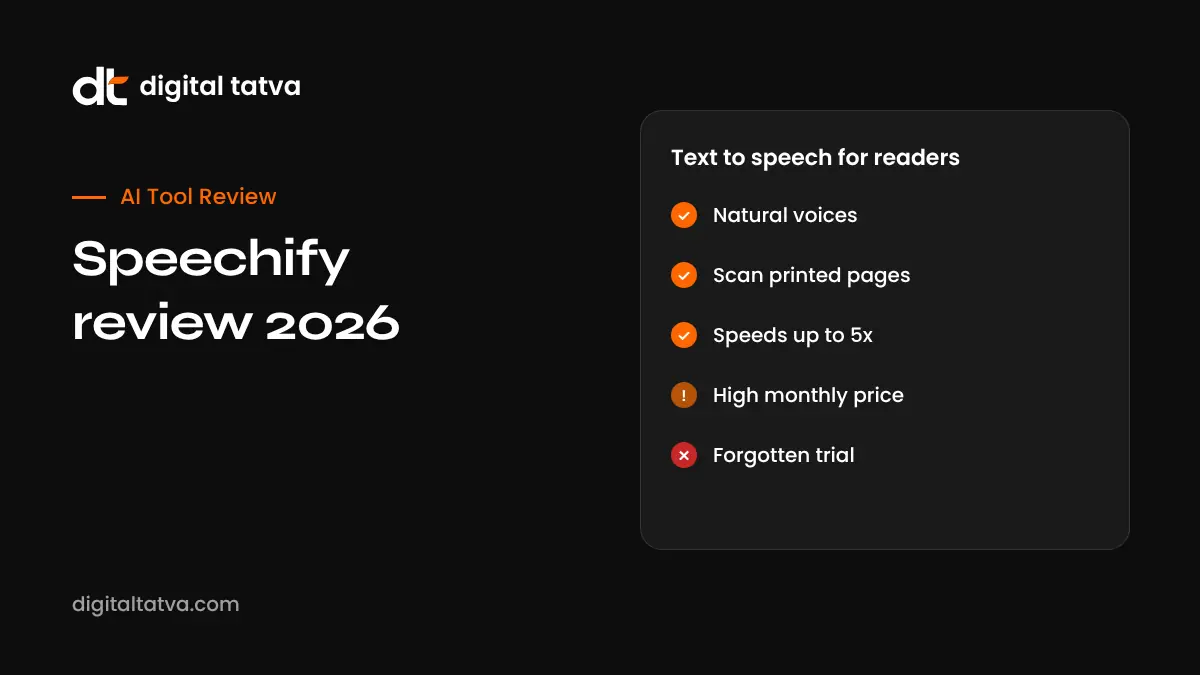
Quick answer: Speechify is a text-to-speech app that reads documents, web pages, emails, PDFs and photos of printed text aloud in natural AI voices. It is especially popular with students, busy professionals and people with dyslexia or ADHD. The free plan has around 10 basic voices and a speed cap of about 1.5x. Premium costs about $29 per month or roughly $139 per year and adds premium voices, speeds up to 5x, scanning, AI summaries and sync across devices. It is worth it if you read a lot and prefer listening; casual users can rely on free built-in read-aloud tools. Watch for free trials that convert to paid plans.
Key takeaways
- Premium voices sound natural enough for long listening sessions.
- Camera scanning turns printed books and notes into audio.
- AI summaries help decide whether to listen to a full document.
- Annual billing is about 60% cheaper than monthly.
- Read cancellation terms carefully before starting a trial.
What is Speechify?
Speechify was founded by Cliff Weitzman, who has dyslexia, to make reading easier by listening. It works on iPhone, Android, Mac, Windows, Chrome and as a web app. You can listen to almost any text: a textbook PDF, a news article, Google Docs, emails or a photo of a printed page.
Speechify pricing
| Plan | Price | What you get |
|---|---|---|
| Free | $0 | About 10 basic voices, speed up to about 1.5x, limited formats |
| Premium monthly | About $29 per month | Premium voices, speeds up to 5x, scanning, AI summaries, sync, more languages |
| Premium annual | About $139 per year | Same as monthly at a large discount |
| Studio and business | Separate pricing | Voiceovers, dubbing and team features |
Pricing from RoboRhythms’ 2026 review. Prices in India and app stores may differ.
Key features
Natural AI voices
Premium voices sound human, with good pacing and pronunciation. Speechify offers a range of accents, including Indian English voices, and celebrity-style voices in some regions.
Adjustable speed
Listen from slow speeds up to 5x. Most users settle around 2x to 2.5x after practice, which can roughly double reading throughput.
Scan and listen
Take a photo of a printed page and Speechify reads it aloud. Useful for textbooks and printed notes.
AI summaries and chat
Summarise long documents and ask questions about them, helping you decide what to read in full.
Browser extension
Listen to web pages, Google Docs and emails directly in Chrome.
Sync across devices
Start listening on your laptop and continue on your phone.
Who should use Speechify?
- Students with heavy reading loads, including competitive exam preparation.
- People with dyslexia, ADHD or visual strain.
- Commuters who want to “read” while travelling.
- Professionals handling long reports and emails.
- Language learners improving listening skills.
Free alternatives
| Tool | Notes |
|---|---|
| Microsoft Edge Read Aloud | Free, natural voices for web pages and PDFs |
| iPhone Spoken Content | Free Speak Screen feature |
| Android Select to Speak | Free read aloud |
| Google Docs and Chrome accessibility tools | Basic text-to-speech |
| NaturalReader | Free and paid tiers |
See free text-to-speech tools.
Speechify vs ElevenLabs
Speechify is built for listening to your own reading material. ElevenLabs is built for creating voiceovers, audiobooks and voice clones for content. Many people use Speechify for consumption and ElevenLabs for production. See our ElevenLabs review and best AI voice generators.
Pros and cons
| Pros | Cons |
|---|---|
| Natural premium voices | Expensive monthly price |
| Works on almost any text | Free plan too limited to judge premium |
| Camera scanning | Free alternatives cover basics |
| Cross-device sync | Complaints about trial billing |
| Helpful for accessibility needs | Very high speeds take practice |
Tips for getting the most from Speechify
- Start at 1.25x and increase speed gradually each week.
- Use highlighting while listening to improve retention.
- Summarise long documents first, then listen to key sections.
- Organise your library by subject or project.
- Set a reminder before any trial ends.
Speechify for different users
| User | Best way to use Speechify |
|---|---|
| School and college students | Listen to textbook PDFs and notes during revision |
| Competitive exam aspirants | Convert editorials and current affairs into audio for commutes |
| Professionals | Listen to long reports and emails between meetings |
| People with dyslexia or ADHD | Follow highlighted text while listening for better focus |
| Language learners | Listen at slower speeds to improve pronunciation and comprehension |
| Writers | Hear drafts read aloud to catch awkward sentences |
Listening vs reading: what research suggests
Listening can be as effective as reading for many kinds of material, especially narrative and general information, and it helps people who struggle with decoding text. For complex or technical content, many learners retain more when they also see the text, take notes or revisit key sections. A practical approach is to use audio for first exposure and revision, and active reading for difficult topics. Speechify’s highlighting feature, which shows words as they are read, supports this combined approach.
Illustrative example: a UPSC aspirant
This is an illustrative scenario, not a client story.
A civil services aspirant in Delhi has hundreds of pages of notes and newspaper editorials to read daily. She uses Speechify’s annual plan to listen to editorials during her commute at 2x speed and scans printed coaching notes into audio. She still reads complex topics with a pen in hand for active learning, and uses audio mainly for revision.
Checklist
- Try free built-in read-aloud tools first.
- Test Speechify free with your real material.
- Choose annual billing if you commit.
- Set a trial end reminder.
- Combine listening with active study methods.
Verdict
Speechify is one of the best text-to-speech apps for heavy readers and people with reading difficulties. Its premium voices and scanning are excellent, but the price is high for casual use. Try free alternatives first, and choose the annual plan if it becomes part of your daily routine.
How Digital Tatva can help
Digital Tatva helps edtech and content brands become visible when users ask AI assistants for tools and learning resources. See our AEO services.
Do AI assistants recommend your app? Request an AEO audit or try the free AI visibility checker.
Frequently asked questions
Is Speechify free?
Yes, there is a free plan with basic voices and speeds up to about 1.5x.
How much does Speechify Premium cost?
About $29 per month or about $139 per year, according to 2026 reviews.
Is Speechify worth it?
It is worth it for heavy readers and people with reading difficulties. Casual users can use free tools.
Does Speechify have Indian voices?
Speechify offers various English accents, including Indian English voices, plus other languages.
Can Speechify read PDFs?
Yes, along with web pages, Docs, emails and scanned printed text.
Is Speechify good for dyslexia?
Yes, it was created by a founder with dyslexia and is widely used for accessibility.
What is the maximum Speechify speed?
Up to 5x on Premium, though most users prefer 2x to 2.5x.
How do I cancel Speechify?
Cancel through the platform you subscribed on, such as the App Store, Google Play or Speechify’s website.
Is Speechify better than ElevenLabs?
Speechify is for listening to your reading; ElevenLabs is for creating voice content.
Does Speechify work offline?
Some content can be downloaded for offline listening on mobile, depending on plan.
Product details, prices and features are checked at the time of writing and can change. Sources are linked in the text so you can check them yourself.
How does your brand appear in AI answers?
We test the questions your buyers ask across the major AI assistants and search engines, then show you what to fix first.
Get an AI Visibility Audit