Grammarly Review 2026: Is the AI Writing Assistant Worth Paying For?
Our Grammarly review for 2026: what Free and Pro include, new AI agents, the Superhuman change, real pricing, pros and cons, and who should actually pay for Pro.

On this page
Grammarly is still the easiest way to clean up everything you write, everywhere you write it, and the free plan is good enough for most people. Grammarly Pro, listed at $12 per member per month on annual billing, is worth paying for if you write professionally every day and want full-sentence rewrites, tone adjustment, plagiarism checks and 2,000 AI prompts a month. If you mainly want AI to draft content, a general assistant like Claude or ChatGPT is the better buy.
In this Grammarly review we cover what has changed in 2026 (including the move under the Superhuman brand), the features that matter, pricing, pros and cons, who should pay, and the best alternatives.
Key takeaways
- Grammarly Free gives basic spelling and grammar corrections, tone detection and 100 AI prompts a month.
- Pro is listed at $12 per member per month on annual billing (about $144 a year) and adds 2,000 AI prompts, rewrites, tone adjustment, plagiarism and AI text detection, plus a style guide and brand tone. There is a 7-day free trial.
- The old Premium plan has been merged into Pro, and Grammarly is now part of Superhuman.
- New AI agents include an AI Detector, Humanizer, Citation Finder, AI Grader and Reader Reactions.
- Grammarly is an editor first. For drafting long content, pair it with a general AI assistant rather than relying on it alone.
Our verdict
7.5/10
Our rating: 7.5 out of 10. Grammarly remains the best everywhere-editor for clear, correct writing, and the free plan is genuinely useful. Pro earns its price for daily professional writers and teams that need consistent style, but it is weaker value for people who already pay for a general AI assistant.
What is Grammarly in 2026?
Grammarly started as a grammar checker and has grown into an AI writing assistant that works across your apps. It checks spelling, grammar, clarity and tone as you type, and it now includes an AI chat, rewriting tools and a set of specialized agents. The company behind it is now called Superhuman, and the Grammarly homepage states that “Grammarly is now a part of Superhuman”. For businesses, Grammarly is also sold as part of Superhuman Go, which pairs writing support with productivity agents.
Grammarly works in its own Docs editor, desktop apps for Windows and Mac, browser extensions for Chrome, Safari, Firefox and Edge, Microsoft Office, Google Docs, and mobile apps for iPhone, iPad and Android. That coverage is still its biggest advantage: suggestions appear in email, chat, documents and web forms without copying text into a separate tool.
Key features worth knowing
Core corrections and clarity
The free plan catches spelling, grammar and punctuation errors and shows how your tone comes across. Pro goes further with full-sentence and paragraph rewrites for clarity and flow, English fluency suggestions for non-native speakers, inclusive language checks and citation consistency. For many writers in India and other non-native English markets, the fluency suggestions alone justify Pro.
AI prompts and chat
Grammarly’s generative AI lets you ask for rewrites, summaries, replies and drafts. Free includes 100 AI prompts a month; Pro raises that to 2,000 per member per month; Enterprise is unlimited. A prompt is one request, so 100 is enough for occasional use but runs out quickly if you rely on it to draft emails all day.
Agents: AI detection, humanizer, citations and grading
Grammarly now lists several agents and tools:
- AI Detector agent: flags text that looks AI-generated and areas to revise.
- Humanizer agent: adds personality to flat writing.
- Citation Finder and Citation Generator: help find and format sources, useful for students and researchers.
- AI Grader: gives feedback on assignments before you submit.
- Reader Reactions: predicts how a reader might respond to your text.
- Plagiarism Checker, Paraphrasing Tool and Translator.
Watch out: AI detection tools, including Grammarly’s, give probabilities, not proof. Do not use a detector score alone to judge a student’s or freelancer’s work.
Style guides and brand tones
Pro includes 1 style guide and 1 brand tone, so a small business can enforce its terminology and voice. Enterprise allows unlimited style guides and brand tones, which matters for agencies writing for many clients or companies with several brands.
Grammarly pricing in 2026
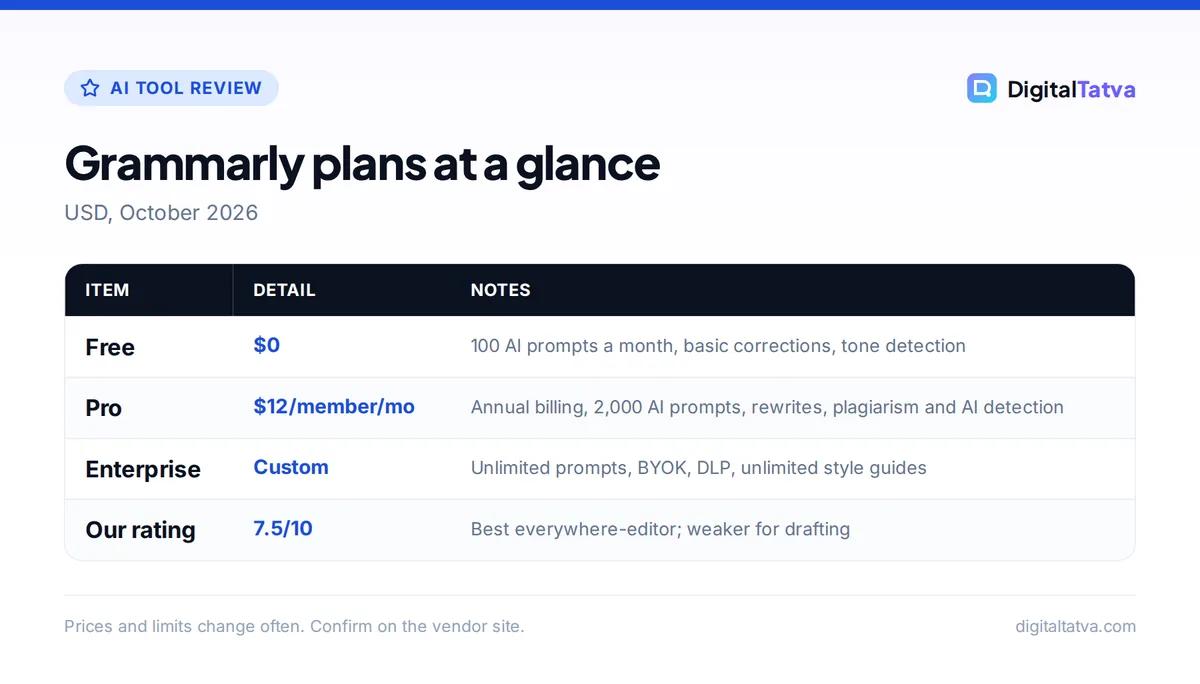
| Plan | Price | AI prompts | Highlights |
|---|---|---|---|
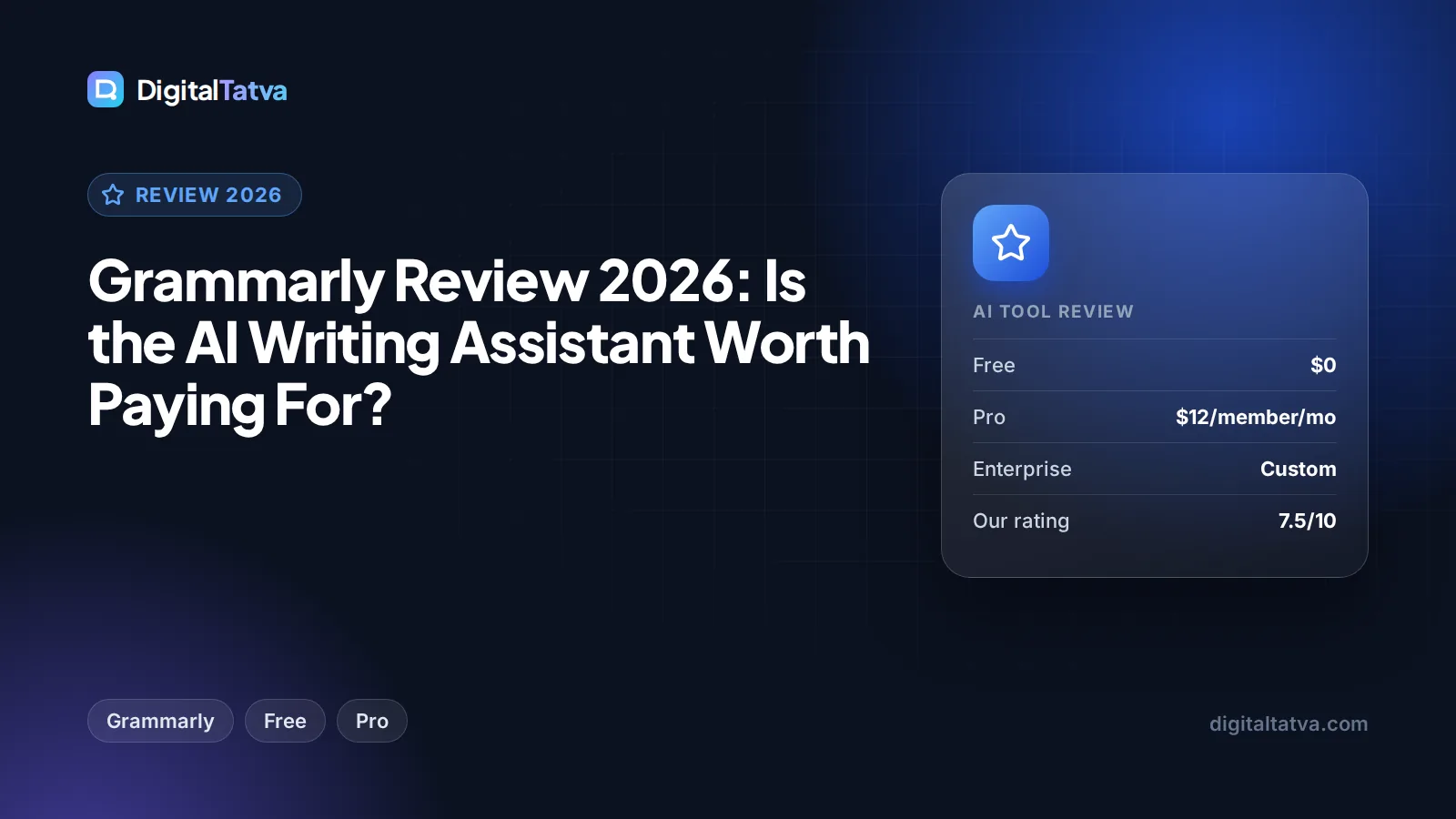
| Free | $0 | 100/month | Spelling and grammar, tone detection |
| Pro | $12/member/month on annual billing ($144/year); monthly billing reported at about $30 | 2,000/member/month | Rewrites, tone adjustment, fluency, plagiarism and AI detection, 1 style guide, 1 brand tone, 7-day trial |
| Enterprise | Custom (through Superhuman Go) | Unlimited | Proactive AI, BYOK encryption, custom roles, data loss prevention, unlimited style guides and brand tones |
The $12 figure is shown on the official Grammarly plans page. The monthly-billing price comes from third-party 2026 sources, so check the billing toggle at checkout. A Superhuman business bundle that combines Grammarly Pro with Superhuman Mail and Coda has been reported at around $33 per user per month annually, but we could not confirm that on an official page.
Save money: If you decide Pro is worth it, annual billing is far cheaper than paying month to month. Start with the 7-day trial, use it on real work, and only then commit. Our guide to annual vs monthly AI plans explains when a yearly commitment pays off.
Is there a Grammarly discount for students or India?
Grammarly offers education discounts for institutions, and third-party sources report a student discount through SheerID, but we could not verify the terms on an official page. Grammarly does not show separate INR pricing on its plans page. Indian users pay in USD, so expect card forex fees and GST. For verified student deals across AI tools, see our roundup of AI student discounts and free plans.
Getting the most out of Grammarly
A few settings make a big difference. Add product names, client names and industry terms to your personal dictionary, or put them in the shared style guide on Pro, so Grammarly stops flagging them. Use AI prompts for targeted jobs, such as shortening a paragraph or making an email more direct, rather than full drafts. Finally, treat suggestions as options, not orders: accept the clear fixes, and read the rewrite suggestions critically so your own voice survives.
Pros and cons
Pros
- Works almost everywhere: browsers, desktop, Office, Google Docs and mobile
- Free plan is genuinely useful for everyday corrections
- Excellent fluency and clarity help for non-native English writers
- Style guide and brand tone keep teams consistent
- Plagiarism and AI detection in one place on Pro
Cons
- Monthly billing is much more expensive than annual
- Generative drafting is weaker than dedicated assistants like Claude or ChatGPT
- Pro limits you to 1 style guide and 1 brand tone
- Suggestions can flatten a distinctive voice if you accept them all
- No published INR pricing or verified student discount
Who should pay for Grammarly Pro (and who should skip it)
Pay for Pro if you
- Write emails, proposals, reports or client content for several hours a day.
- Are a non-native English speaker who wants fluency and clarity rewrites as you type.
- Run a small team that needs one shared style guide and brand tone.
- Need plagiarism checks on client or academic work.
Stay on Free if you
- Mostly need typo and grammar fixes.
- Already pay for Claude Pro or ChatGPT Plus and use it for rewrites and drafts.
- Write occasionally and can live with 100 AI prompts a month.
Many people overpay by stacking subscriptions. Our list of AI subscriptions actually worth paying for and our 12 ways to save on AI subscriptions help you trim the stack.
Grammarly vs the alternatives
| Tool | Best for | Price |
|---|---|---|
| Grammarly Pro | Real-time editing everywhere | $12/member/mo annual |
| Claude Pro | Long drafts, deep editing, documents | $20/mo or $17/mo annual |
| ChatGPT Plus | Versatile drafting, research, images | $20/mo |
| Microsoft 365 Personal | Copilot inside Word and Outlook | $9.99/mo or $99.99/yr |
| Jasper Pro | Marketing teams with brand voices | $59/seat/mo annual, $69 monthly |
Claude and ChatGPT are better writers, but they do not sit inside every text box the way Grammarly does. A popular setup is a general assistant for drafting plus Grammarly Free for polish. Compare the options in our breakdowns of Claude pricing and ChatGPT pricing. If you live in Word and Outlook, Microsoft’s bundles may cover you; see Microsoft Copilot pricing. Marketing teams should read Jasper vs Copy.ai, and for a full shortlist see the best AI writing tools.
Frequently asked questions
Is Grammarly Pro worth it in 2026?
For daily professional writers, yes. Pro adds full-sentence rewrites, tone adjustment, fluency help, plagiarism and AI detection, 2,000 AI prompts a month and a shared style guide, at $12 per member per month on annual billing. If you write occasionally or already pay for Claude or ChatGPT, the free plan is usually enough.
Is there a free version of Grammarly?
Yes. Grammarly Free costs nothing and includes basic spelling and grammar corrections, tone detection and 100 AI prompts a month. It works in browsers, desktop apps, Office, Google Docs and mobile. It does not include plagiarism checks, AI detection, rewrites, style guides or brand tones, which are Pro features.
How much does Grammarly cost in India?
Grammarly does not publish separate rupee pricing on its plans page. Pro is listed at $12 per member per month on annual billing, about $144 a year, charged in USD. Indian users should expect card forex fees and GST on top. Monthly billing costs considerably more, so annual billing is the cheaper route if you commit.
What happened to Grammarly Premium?
Grammarly Premium has been merged into the Pro plan. Pro now includes the former Premium features plus generative AI prompts, plagiarism and AI text detection, a style guide and a brand tone. The company behind Grammarly is now Superhuman, and business customers can buy Grammarly as part of Superhuman Go.
Is Grammarly better than ChatGPT for writing?
They do different jobs. ChatGPT is better at drafting, brainstorming and rewriting whole pieces. Grammarly is better at real-time correction and polish inside every app you type in, without copying text back and forth. Many writers use ChatGPT or Claude to draft and Grammarly to edit, which covers both needs well.
Final verdict: is Grammarly worth paying for?
Grammarly is the best tool for making everyday writing clear and correct wherever you type, and its free plan deserves a place on almost every computer. Pro is a good buy for professionals who write all day, non-native English speakers and small teams that want one style guide, especially on annual billing. If your main goal is AI drafting, put your budget into Claude or ChatGPT first and add Grammarly Free for polish, then follow our workflow for writing blog posts with AI. Grammarly’s prices and plan details change, so confirm the current offer on the Grammarly plans page before you subscribe.
Pricing and features are checked at the time of writing and can change. Some links may be affiliate links, which never affect our verdicts.